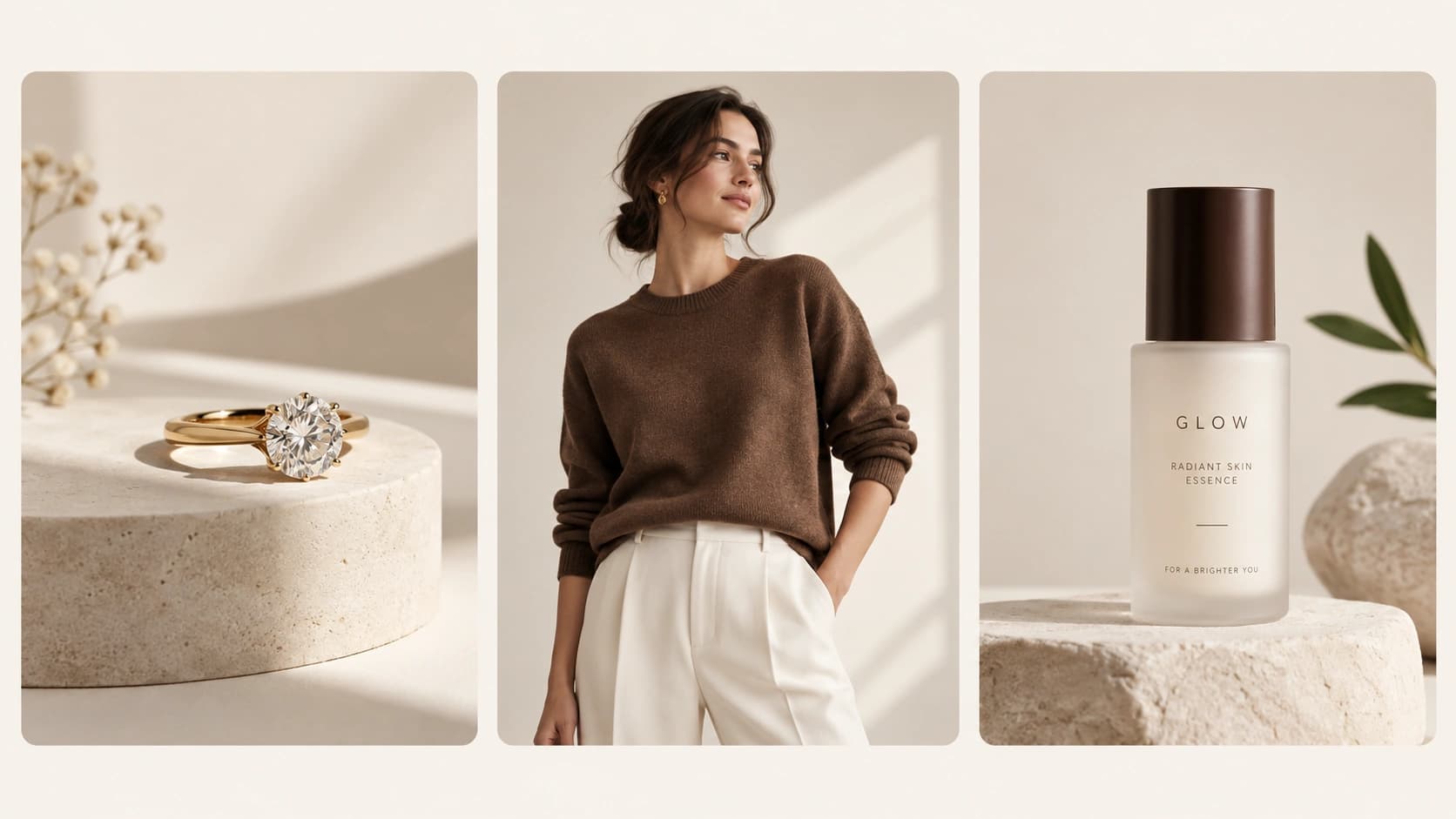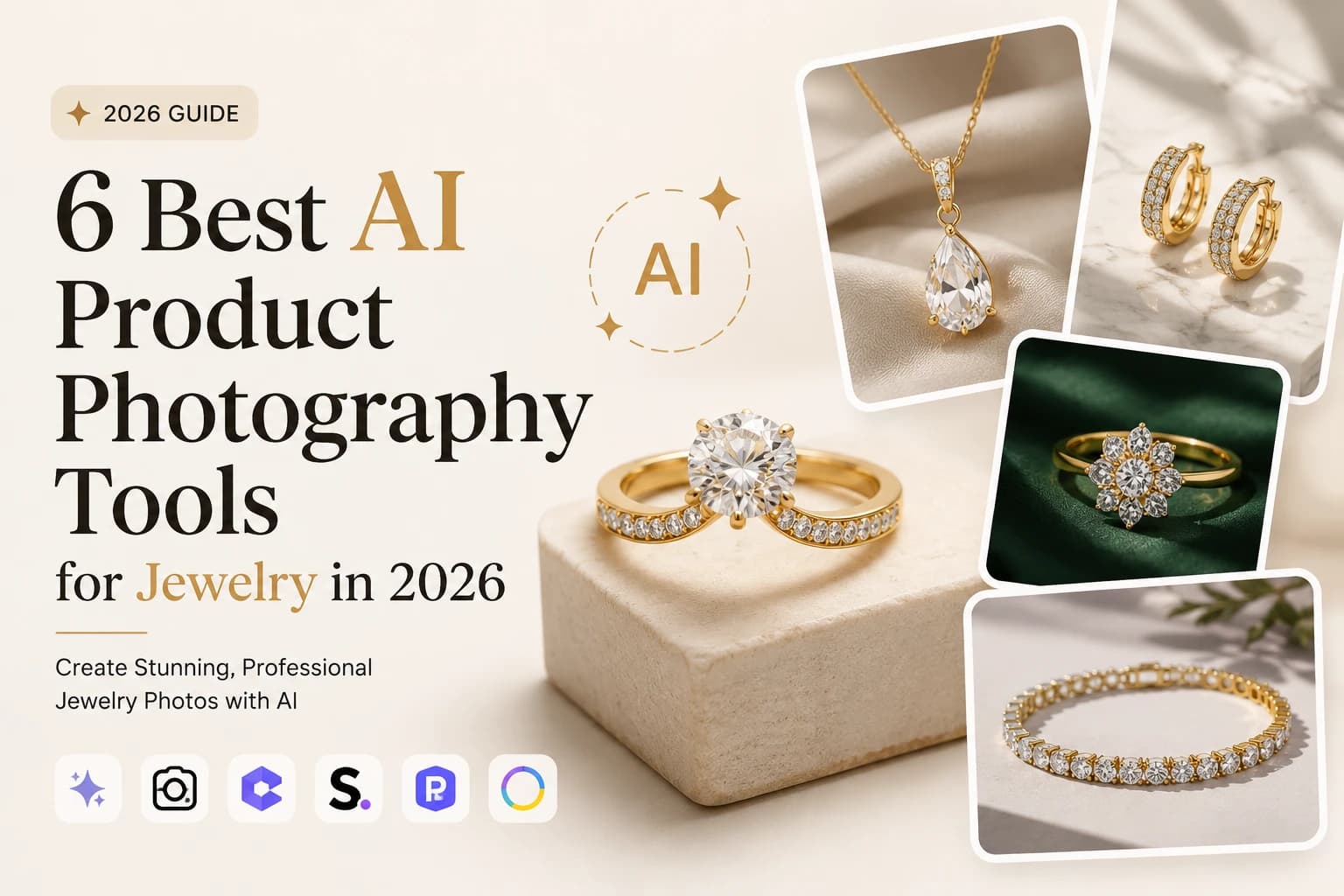
Jewelry photography is one of the hardest types of product photography. Reflective metals, gemstones, tiny details, and different surface textures can make even a good photo look flat or inaccurate.
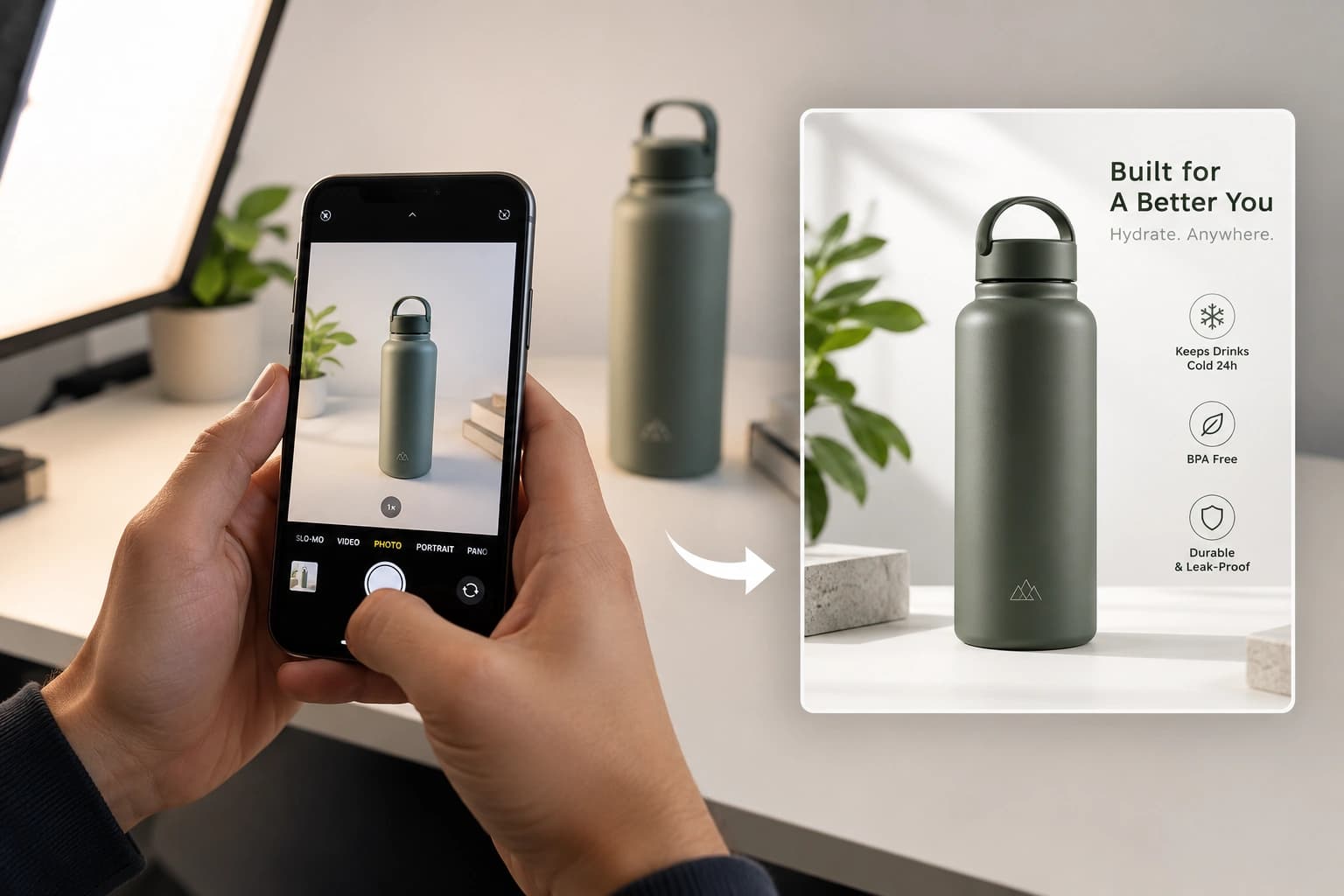
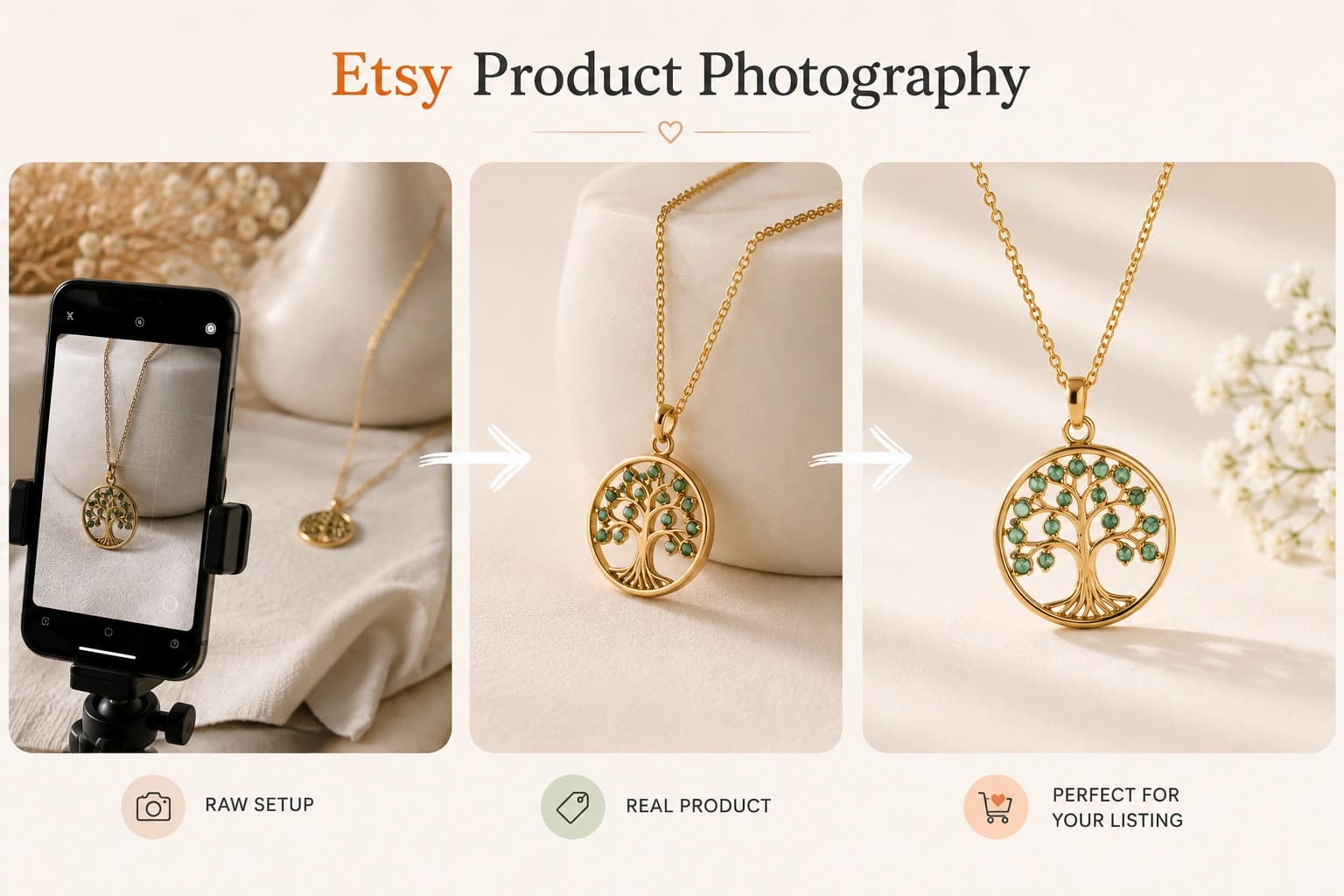
The good news is that AI product photography tools for jewelry can now turn a simple phone photo into polished product, lifestyle, studio, and on-model images.
But not every AI tool is equally good for jewelry. Some are better for background removal, some for creative scenes, and others are designed specifically for jewelry photography.
Overview of the 6 Best AI Product Photography Tools for Jewelry
| Tool | Best for | What stands out |
|---|---|---|
| Monoshoot | Jewelry ecommerce photography | Jewelry-specific product types, scenes, models, skin tones, styling and aspect ratios |
| Photta | Fashion photography | AI fashion models, poses and fashion-focused workflows |
| Photoroom | Editing and background removal | Background removal, AI backgrounds, shadows and batch editing |
| Claid.ai | Ecommerce bulk image production | AI product scenes and scalable image workflows |
| Pebblely | Quick lifestyle visuals | Fast AI-generated product backgrounds and marketing scenes |
| Flair AI | Creative campaigns | AI-generated scenes, layouts and models |
Best overall for jewelry: Monoshoot
Best for fashion & clothing content: Photta
Best for quick editing: Photoroom
1. Monoshoot – Best AI Product Photography Tool for Jewelry
Best for: Jewelry brands, ecommerce sellers, DTC brands, Etsy stores, Shopify stores, and marketers who want multiple types of jewelry photography from a single product image.
Monoshoot is more than an AI background generator. It works more like a dedicated AI jewelry photography studio, where you choose how you want the product photographed.
You can select different jewelry product types such as necklaces, rings, earrings, bracelets, watches, and custom products, then choose from different photography styles and presentation formats.
For jewelry, those options matter because the same necklace may need several different images depending on where it will be used.
What you can create with Monoshoot
Monoshoot provides multiple scene and styling options, including:
- On Model – Close-up
- On Model – With Face
- Studio
- Lifestyle Portrait
- Flat Lay
- Premium Box
- Display Stand
- Outdoor / Nature
You can also control important model characteristics such as gender, ethnicity, and skin tone, making on-model jewelry photography more relevant to different brands and target audiences.
That means a jewelry seller can take one raw necklace photo and create several different types of commercial imagery instead of arranging separate shoots for studio photography, lifestyle photography and model photography.
Monoshoot also supports multiple aspect ratios, making it easier to create visuals for different ecommerce, advertising and social-media placements. Its broader workflow is designed around turning raw product photos into commercially usable visuals while keeping the original product intact.
Why Monoshoot stands out
1. Jewelry-specific workflow
Instead of using the same generic workflow for every product, Monoshoot has a dedicated Jewellery & Accessories studio. The platform is designed around the characteristics of jewelry, including metal, stones, shine, clasps and scale.
2. Multiple photography styles from one source image
You aren’t limited to one clean product image. You can create studio, flat-lay, display, lifestyle and on-model variations depending on what your store or campaign needs.
3. On-model customization
The ability to choose model gender, ethnicity and skin tone gives brands more control over how their jewelry is presented.
4. Product-first approach
The goal isn’t simply to generate an attractive scene. Monoshoot is designed to preserve the product while changing the environment, lighting, composition and presentation.
5. Useful for different marketing channels
A single jewelry product can be turned into different visual formats for product pages, ecommerce catalogs, social posts, advertisements and other marketing creatives.
6. Built specifically around ecommerce product photography
Monoshoot combines the image-generation workflow with product-specific controls rather than functioning purely as a general-purpose AI image generator.
Best for
Choose Monoshoot when you want to create multiple professional jewelry photography styles from simple product photos without arranging a separate photographer, studio, models and props for every variation.
Monoshoot’s biggest advantage: it combines product fidelity with control over product type, scene, model and presentation, making it particularly useful for jewelry brands that need more than a simple background replacement.
2. Photta – Best for Fashion and On-Model Photography
Best for: Fashion brands, apparel sellers and businesses that want AI-generated fashion photography and virtual models.
Photta is better understood as a fashion photography platform rather than a jewelry-first photography tool.
Its core workflow focuses on AI fashion models, virtual try-on, ghost mannequins, poses and apparel photography. Jewelry is supported, but it sits within a broader fashion-focused platform.
For jewelry brands, Photta can still be useful when the primary goal is showing jewelry on AI-generated people or creating fashion-oriented campaign imagery.
Its workflow lets users upload a product, choose a model, select a pose, set the scene and generate the final image. Photta also has a Jewelry Studio for rings, necklaces and bracelets on AI-generated hand and body models.
Why choose Photta
- Strong fashion and model-focused workflow
- AI-generated fashion models
- Virtual try-on capabilities
- Pose selection and fashion styling
- Ghost mannequin and apparel workflows
- Jewelry support for on-model imagery
Best for
Fashion brands first, jewelry brands second – particularly when the main requirement is model-based or fashion-oriented photography.
The Main Difference Between Monoshoot and Photta
If you’re comparing the two specifically for a jewelry business, the distinction is fairly simple:
Monoshoot is jewelry/ecommerce photography-first.
It gives you control over jewelry product type, scene style, model characteristics and presentation formats.
Photta is fashion photography-first.
Its strength is AI models, virtual try-on, poses and fashion imagery, with jewelry supported as one of its product categories.
So for a jewelry brand that needs studio, flat-lay, premium-box, display-stand, outdoor and on-model jewelry imagery, Monoshoot is the more natural fit.
For a fashion brand that also sells jewelry and primarily wants AI models, virtual try-on and fashion campaign imagery, Photta makes more sense.
Updated Final Verdict
There isn’t one AI photography tool that is best for every jewelry business.
For jewelry-focused ecommerce photography, Monoshoot is the strongest choice when you want multiple photography styles, model customization and control over how the jewelry is presented – while keeping the product itself at the center of the image.
For fashion and model-driven content, Photta is a strong option because its platform is fundamentally designed around AI fashion photography, virtual try-on and model workflows.
For fast editing and background work, Photoroom is a practical choice.
For automated ecommerce bulk image production, Claid.ai is worth considering.
For quick lifestyle backgrounds, Pebblely is useful.
And for creative campaign compositions, Flair AI is a good alternative.
The bottom line
If your business sells jewelry, don’t judge an AI photography tool only by how attractive its generated backgrounds look.
Look at whether it gives you control over the jewelry itself, photography style, model presentation, scene, skin tone, composition and final aspect ratio.
That’s where a jewelry-focused workflow can save much more time than a generic AI image generator.
Related Jewelry Photography Guides
For better results before you generate your images, see our Master AI Jewelry Product Photography Guide (2026) for source-photo, lighting, styling, and image-SEO tips.
You can also read Why Most AI Product Photography Fails Product Fidelity to understand why some AI tools change product details and how to reduce those errors.
FAQs
What is the best AI product photography tool for jewelry?
The best tool depends on your use case. Monoshoot is a strong all-round option for ecommerce jewelry brands, while Photta is particularly suited to fashion-specific studio photography.
Can AI create jewelry product photos from a phone picture?
Yes. Several AI product photography platforms allow you to start with a simple product photo and generate polished ecommerce or lifestyle images.
Is AI product photography good for jewelry?
Yes, but product accuracy is critical. Jewelry buyers often inspect small details such as stone placement, metal finish, engravings, and proportions, so every generated image should be reviewed before publishing.
Can I use AI jewelry photos on Shopify and Etsy?
AI-generated images can be useful for ecommerce listings and marketing, but always verify that the final image accurately represents the real jewelry and follows the requirements of the platform you’re selling on.