Flawless AI studio results start with a clean raw photo.
Monoshoot is built to preserve your authentic gemstones, fabric drape, and product packaging. Follow this 60-second guide to capture raw photos that give you 100% studio-grade outputs every time.
Never Pre-Cut Backgrounds
Upload raw camera roll photos. Background removers destroy lighting & edge depth.
Soft Window Light > Flash
Diffused natural daylight reveals sparkling facets and luster without harsh white glare.
2× Zoom, Tap to Focus
Step back 1 foot and switch to 2× telephoto to eliminate wide-angle fish-eye distortion.
Same product. See what makes AI succeed vs fail.
Select your product category below to see common input mistakes side-by-side with optimal raw photos.
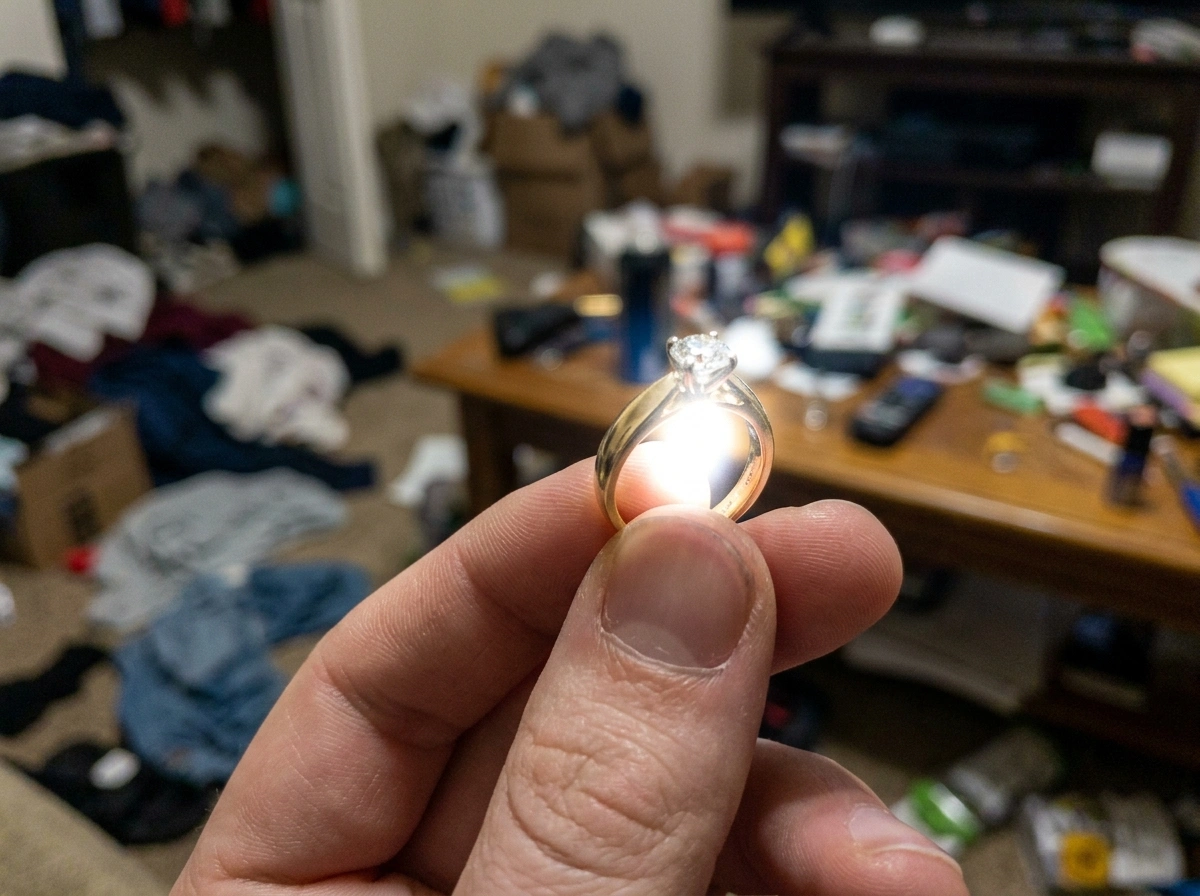
Common Bad Input
Held with fingers covering the band, shot with harsh direct phone flash, creating white glare spots and blurry gemstone facets.
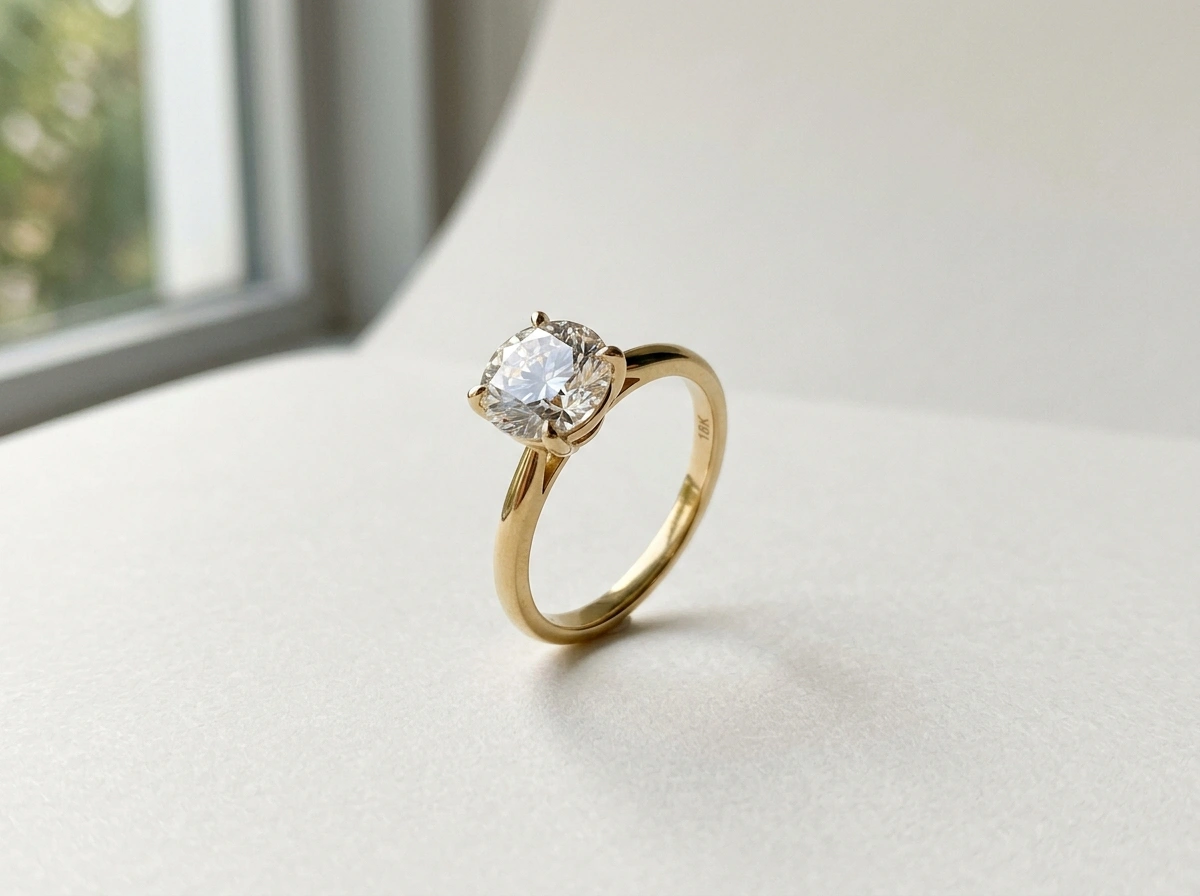
Optimal Raw Photo
Propped upright at 45° on plain matte paper next to soft window daylight. Sharp focus on diamond facets, zero hands, unedited.
How to Position Jewellery & High-Reflectance Pieces
Shoot from the angle that matches your intended final scene composition.
Rings & Solitaires
01Necklaces & Pendants
02Earrings (Studs & Drops)
03Bracelets & Watches
04Rings & Solitaires
Prop ring upright using a tiny pinch of white putty or blu-tack. Captures both the center stone crown and the band depth in a single shot.
Never use digital pinch-zoom! Step back 1 foot and switch your phone camera to 2× or 3× optical lens. Tap directly on the gemstone facet to lock focus.
Clear Custom Prompts = Better Results
When using a custom prompt, write your instructions clearly and use proper grammar and complete sentences. Describe exactly what you want Monoshoot to create rather than leaving the intent open to interpretation.
A good prompt should clearly explain:
What you want
Describe the exact result you’re looking for, including the subject, style, composition, lighting, background, colors, clothing, pose, or any other important details.
What you don’t want
Be specific about the elements you want changed or avoided. Instead of saying “I don’t like this” or “Why does it look like that?”, clearly explain what should be different.
What it should look like instead
Don’t only point out a problem. Tell Monoshoot exactly how you want that element to appear.
For example:
“I don’t like the background. Make it better.”
“Replace the background with a clean, minimal studio setting with a soft light-gray backdrop. Use natural-looking lighting.”
The more clear, specific, and direct your prompt is, the easier it is for Monoshoot to understand your intent and produce the result you’re looking for.
The DIY smartphone studio formula.
You don't need expensive DSLR cameras or professional softboxes. All you need is your phone and everyday items.
Find Soft Daylight
30s setupPlace a table or board next to a window with bright, indirect daylight. Avoid direct scorching sun rays or harsh yellow indoor bulbs.
Use Clean White Paper
Clean baseLay a clean sheet of white A4 paper or plain matte board as your surface. Use a tiny pinch of white putty/blu-tack to prop rings upright.
Step Back & Use 2× Zoom
Tap & shootStand 1 to 2 feet away. Switch your phone camera to 2× or 3× Optical Telephoto lens. Tap the main gemstone or brand logo to lock focus, then snap!
Pre-Upload Quality Scorecard
Tick each item before uploading to ensure maximum studio-grade quality.
Frequently asked questions about inputs
Ready to transform your product photos?
Take your clean raw photo now and create commerce-ready studio campaigns in seconds.