01🏆 #1 Reviewer PickPublished by Monoshoot
Monoshoot
Our pick for a preset-led jewelry workflow
~25 sreported time
✓ What worked well
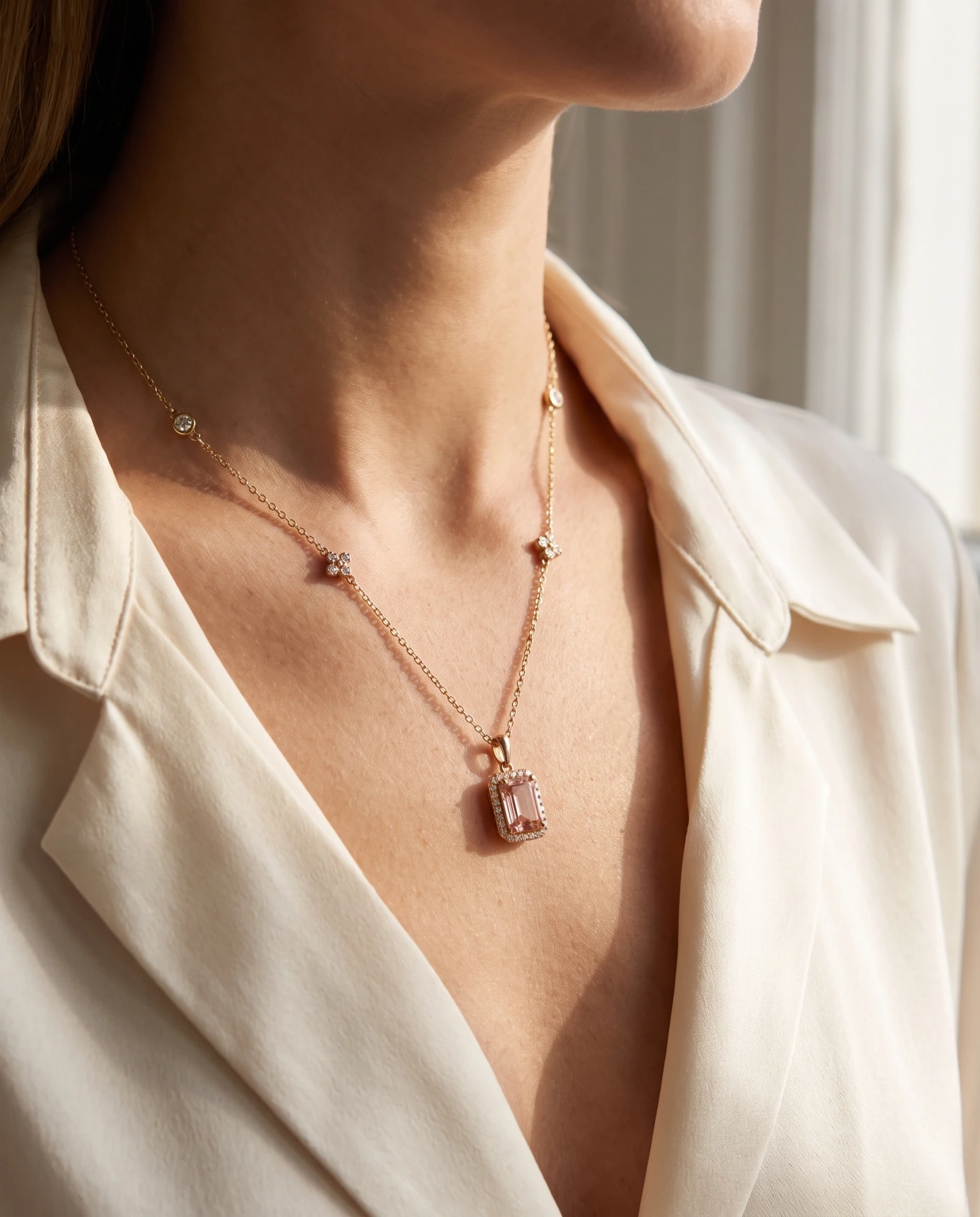
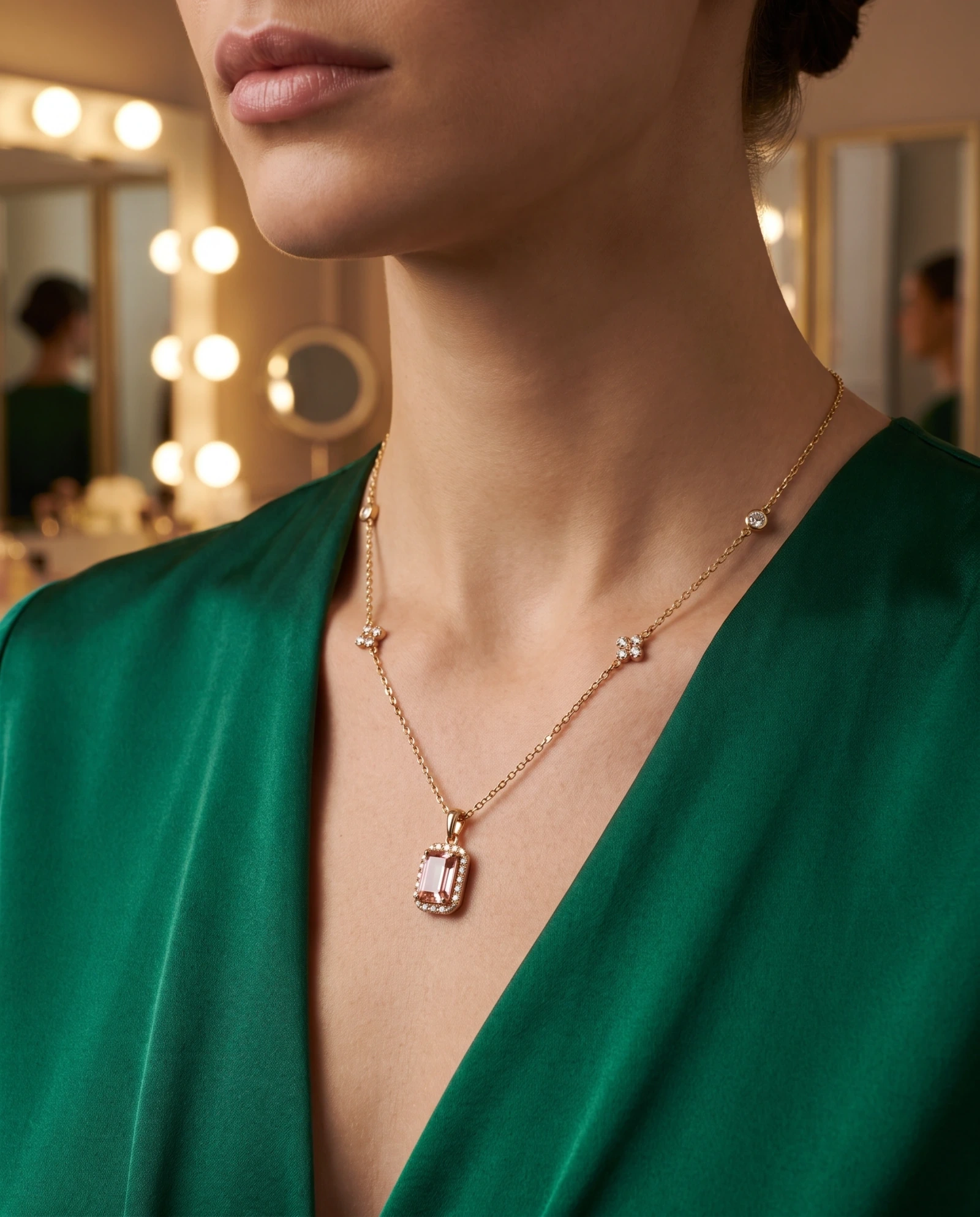
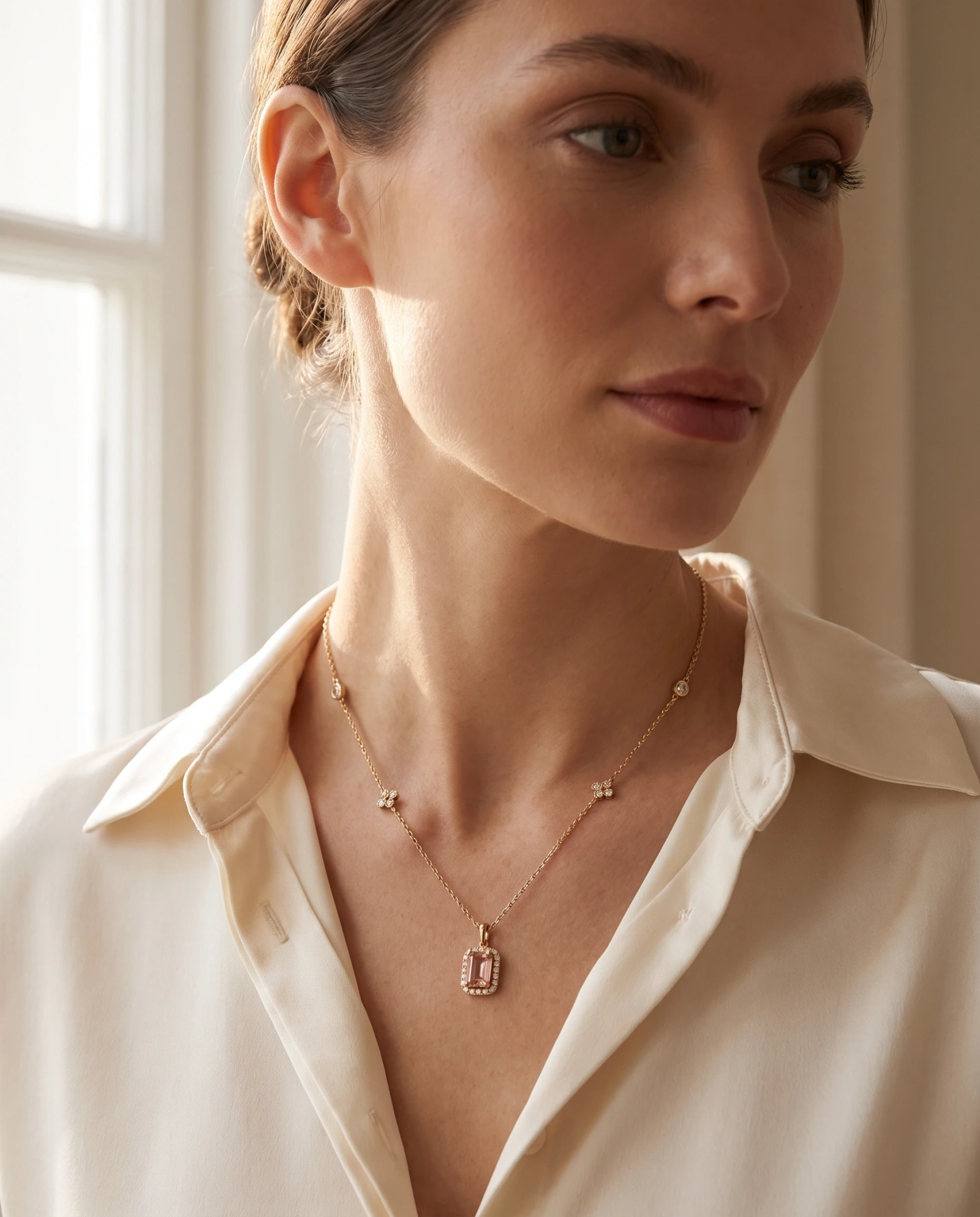
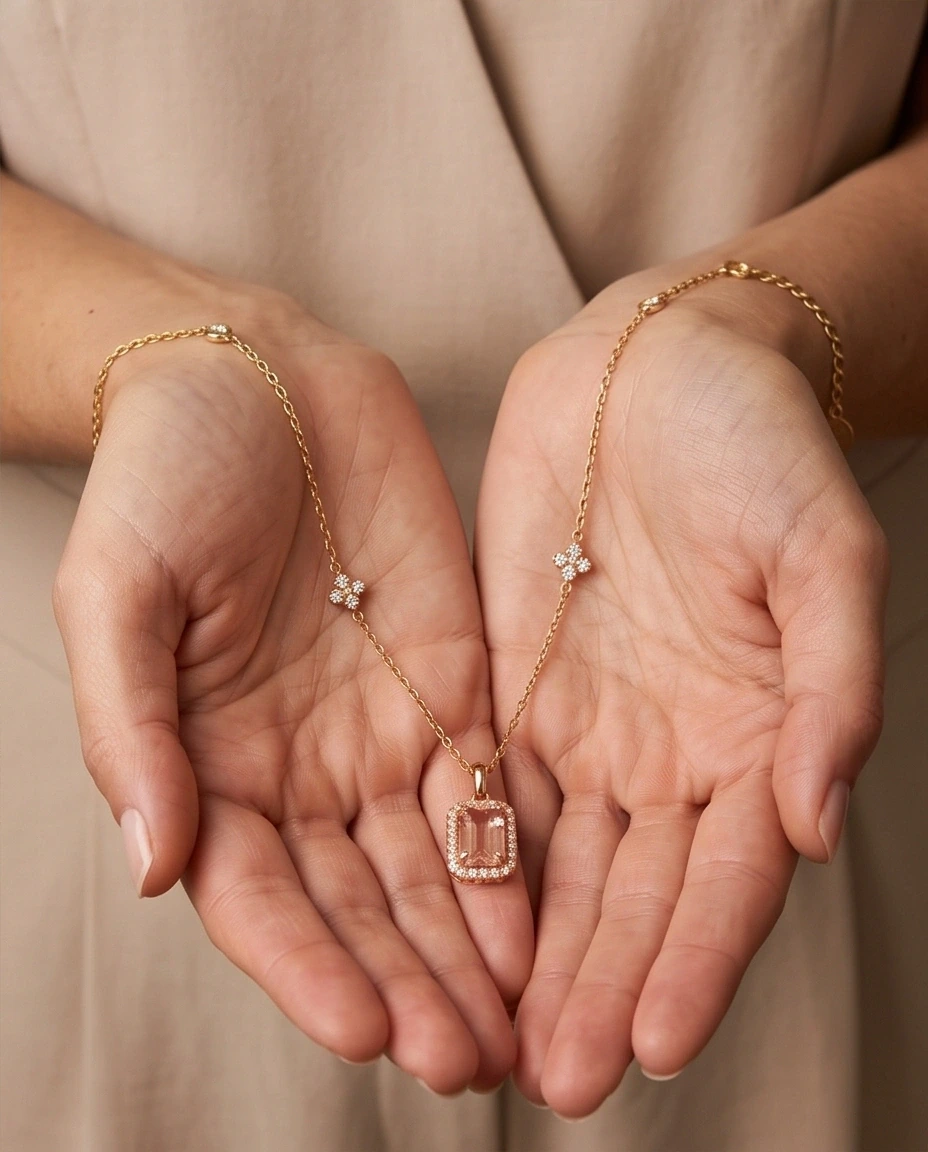
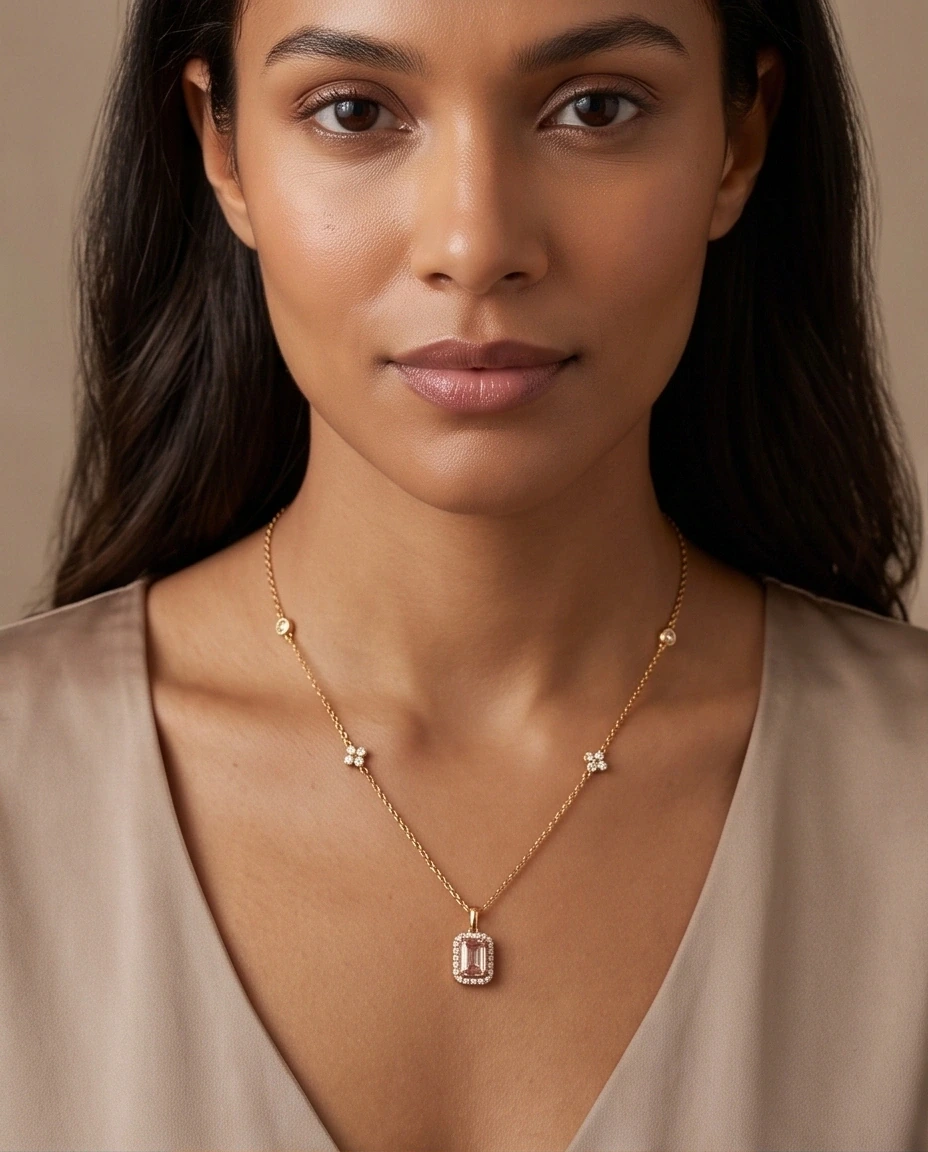
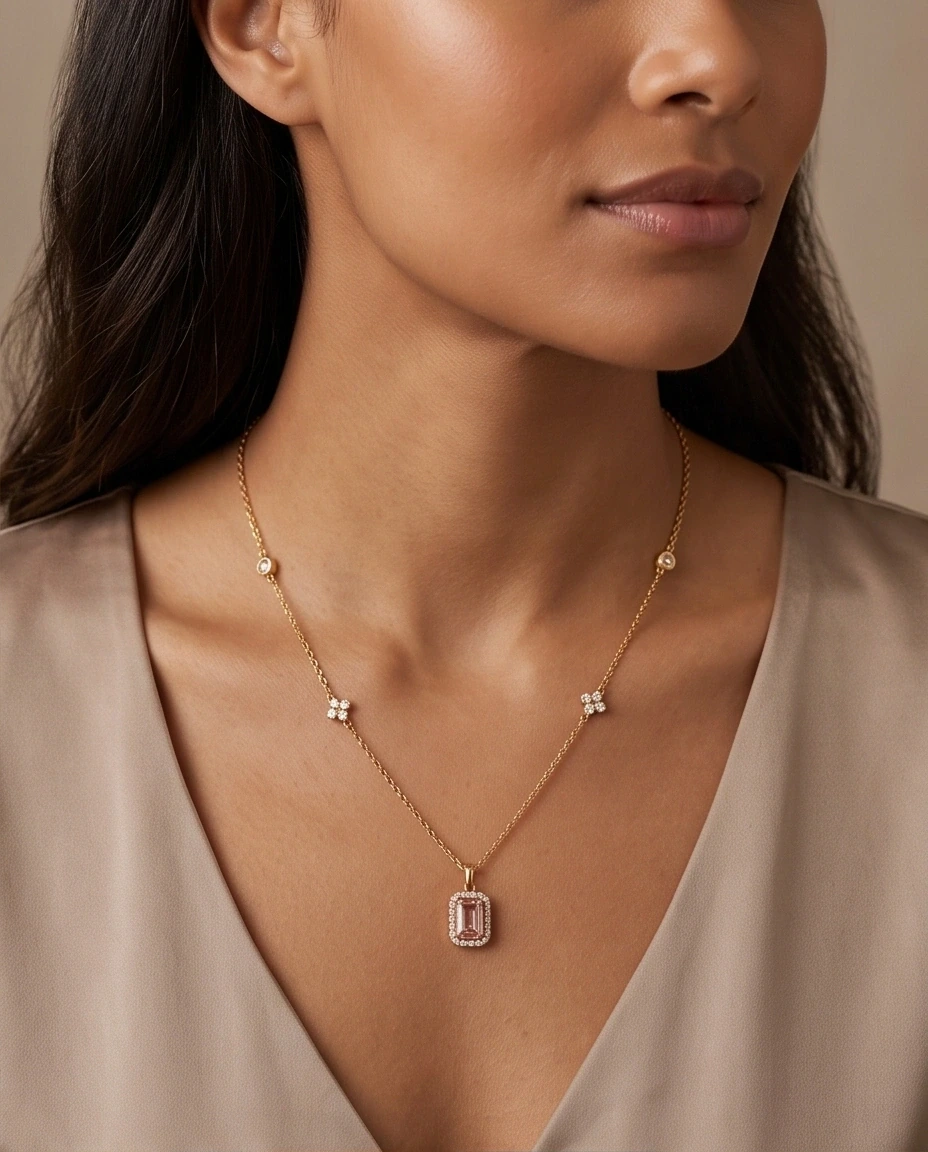
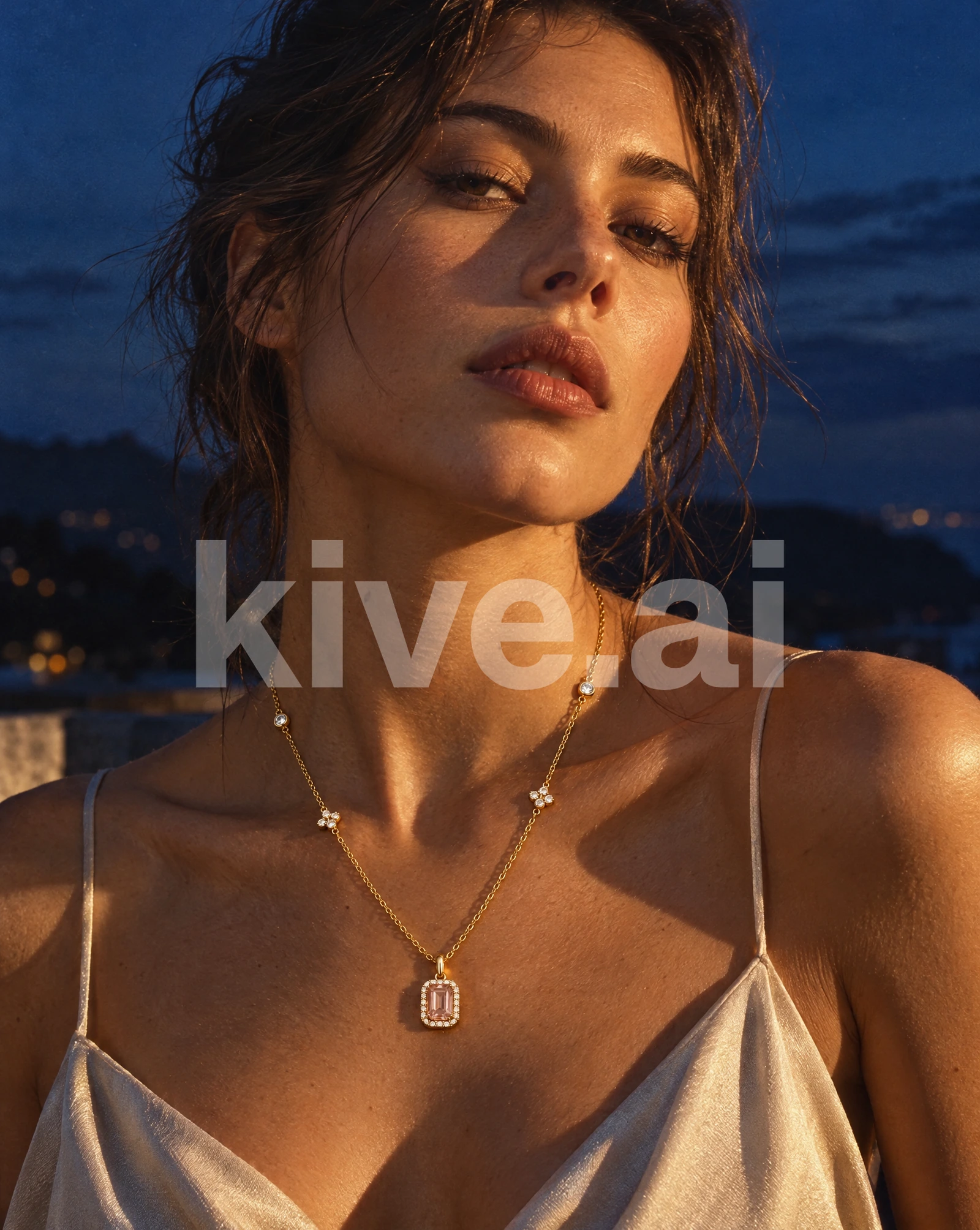
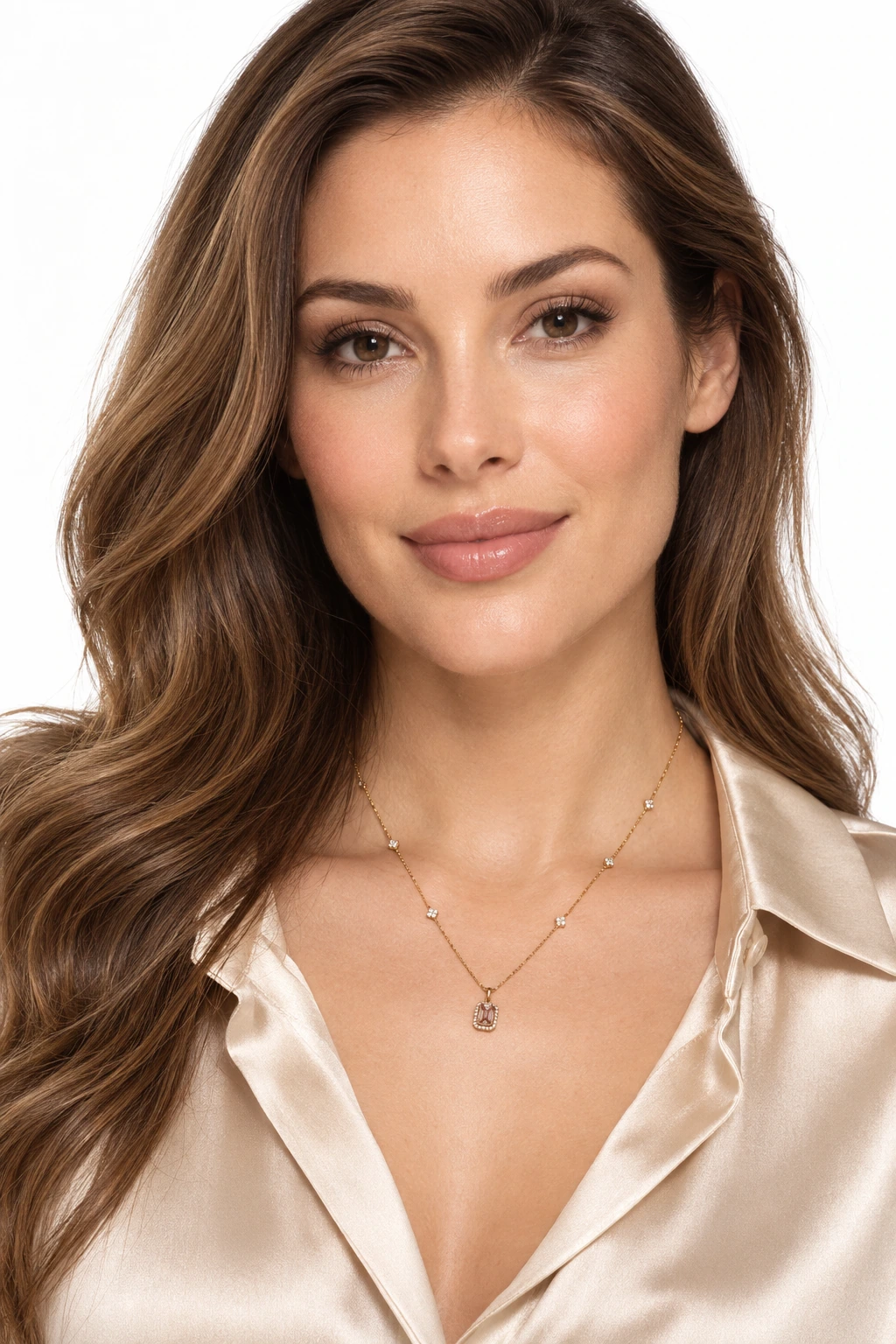
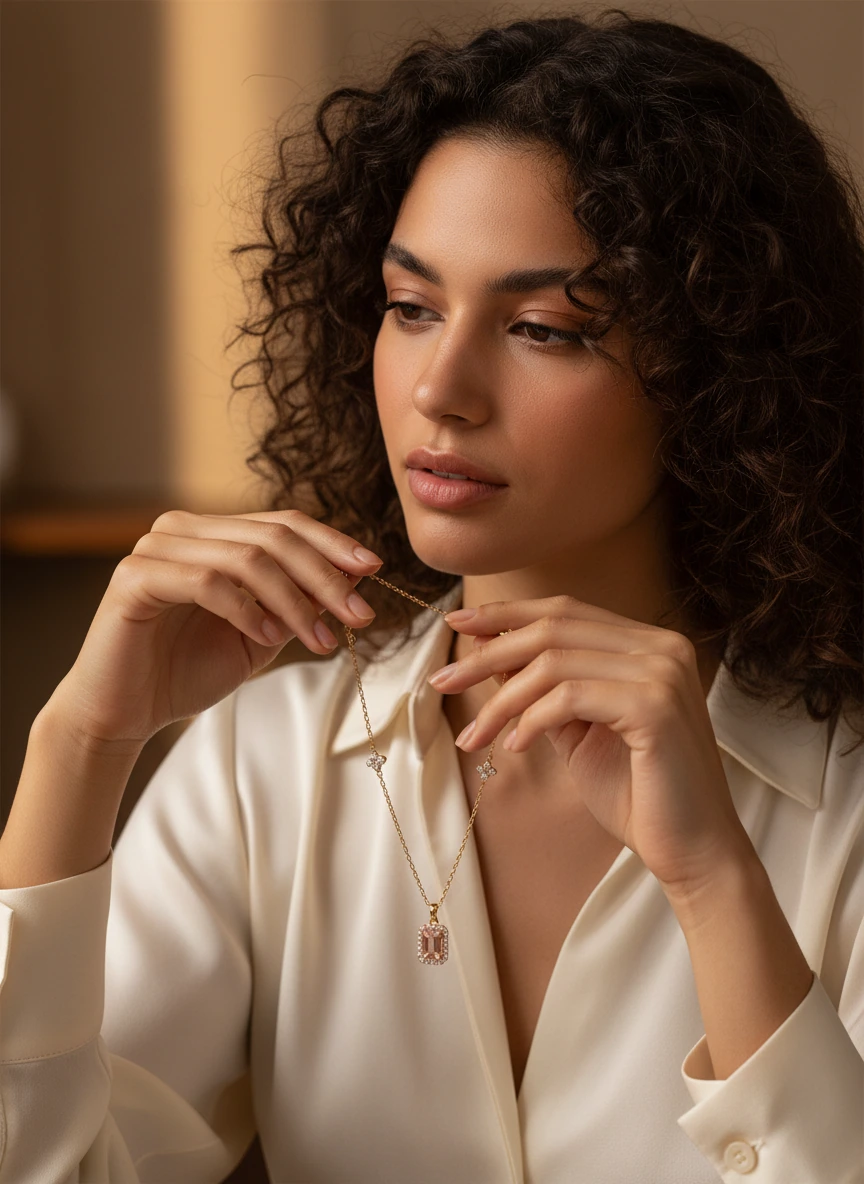
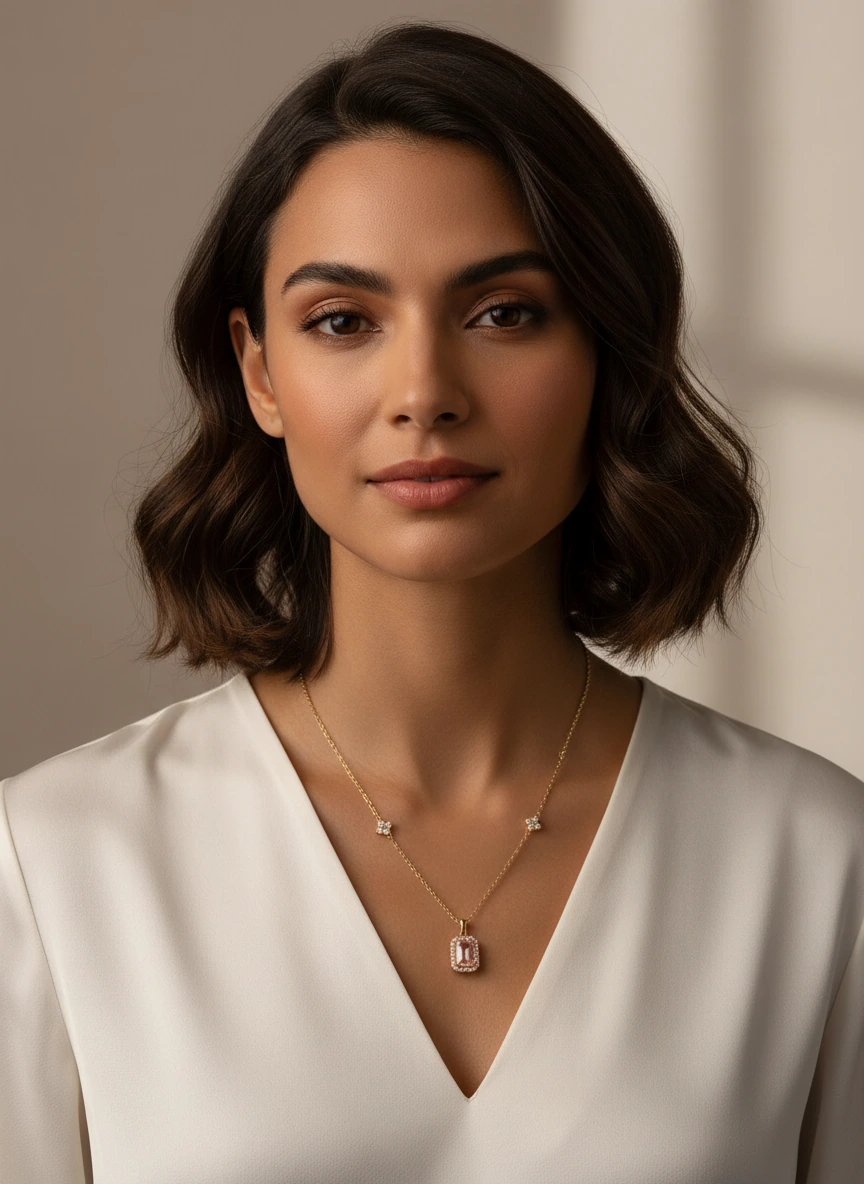
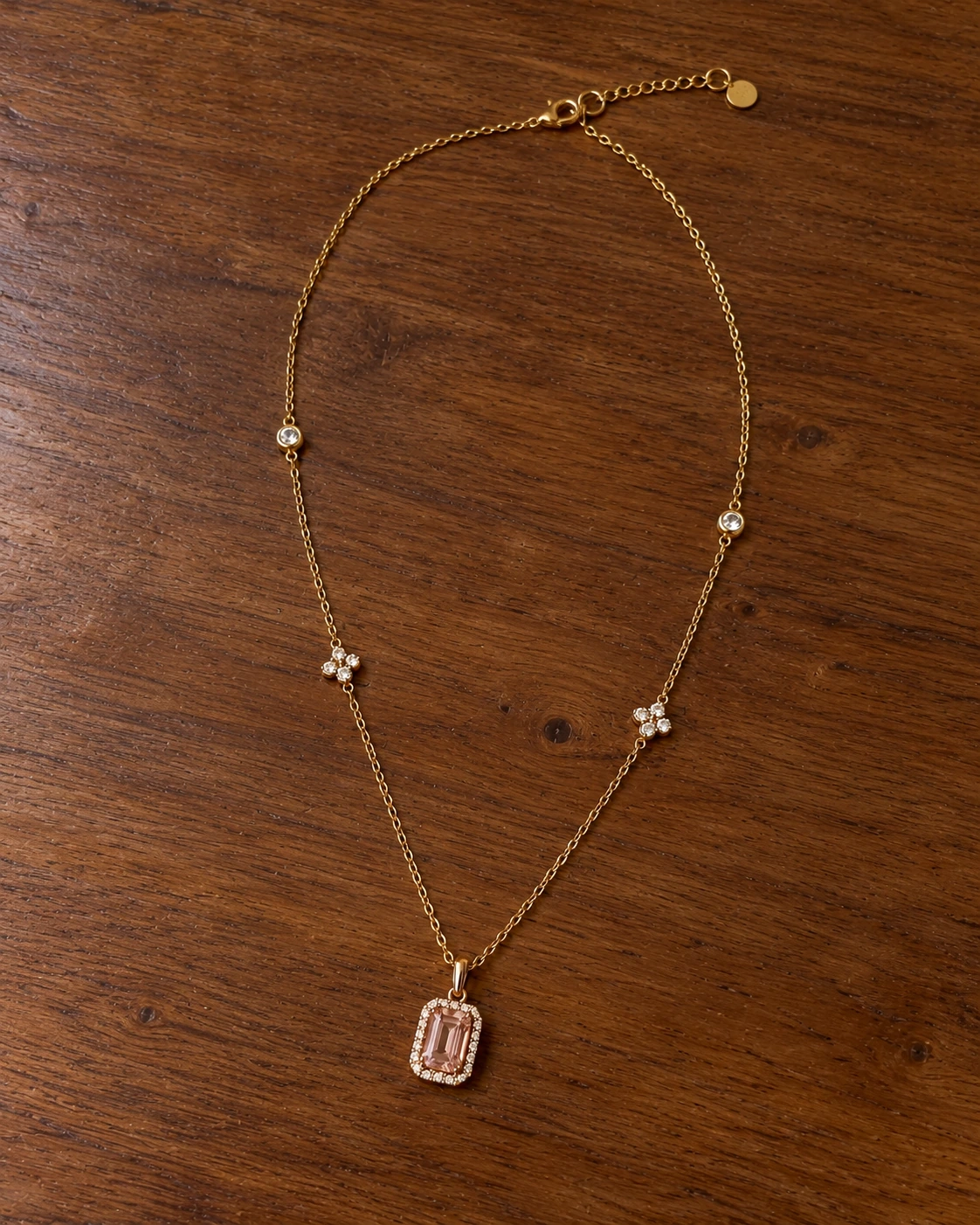
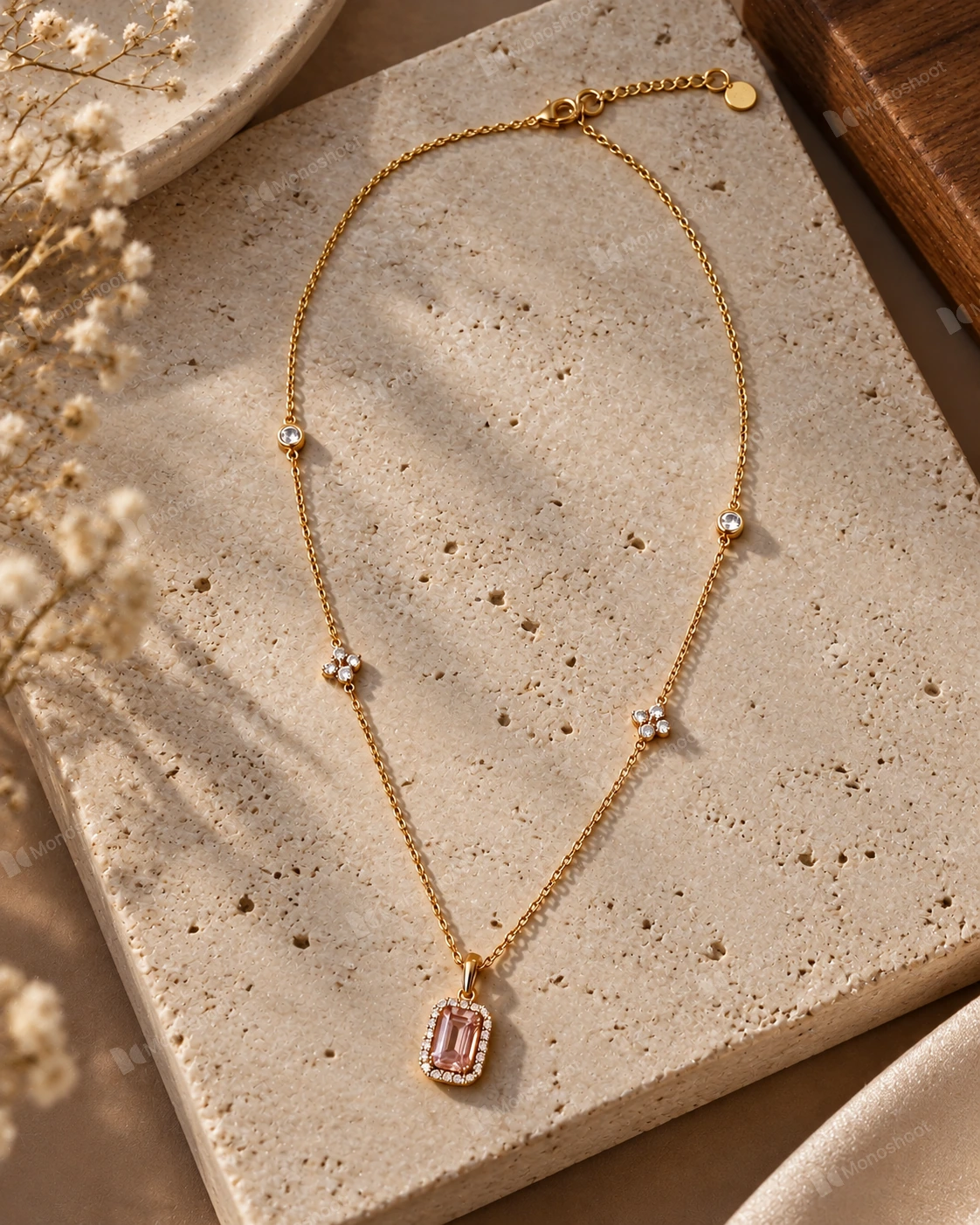
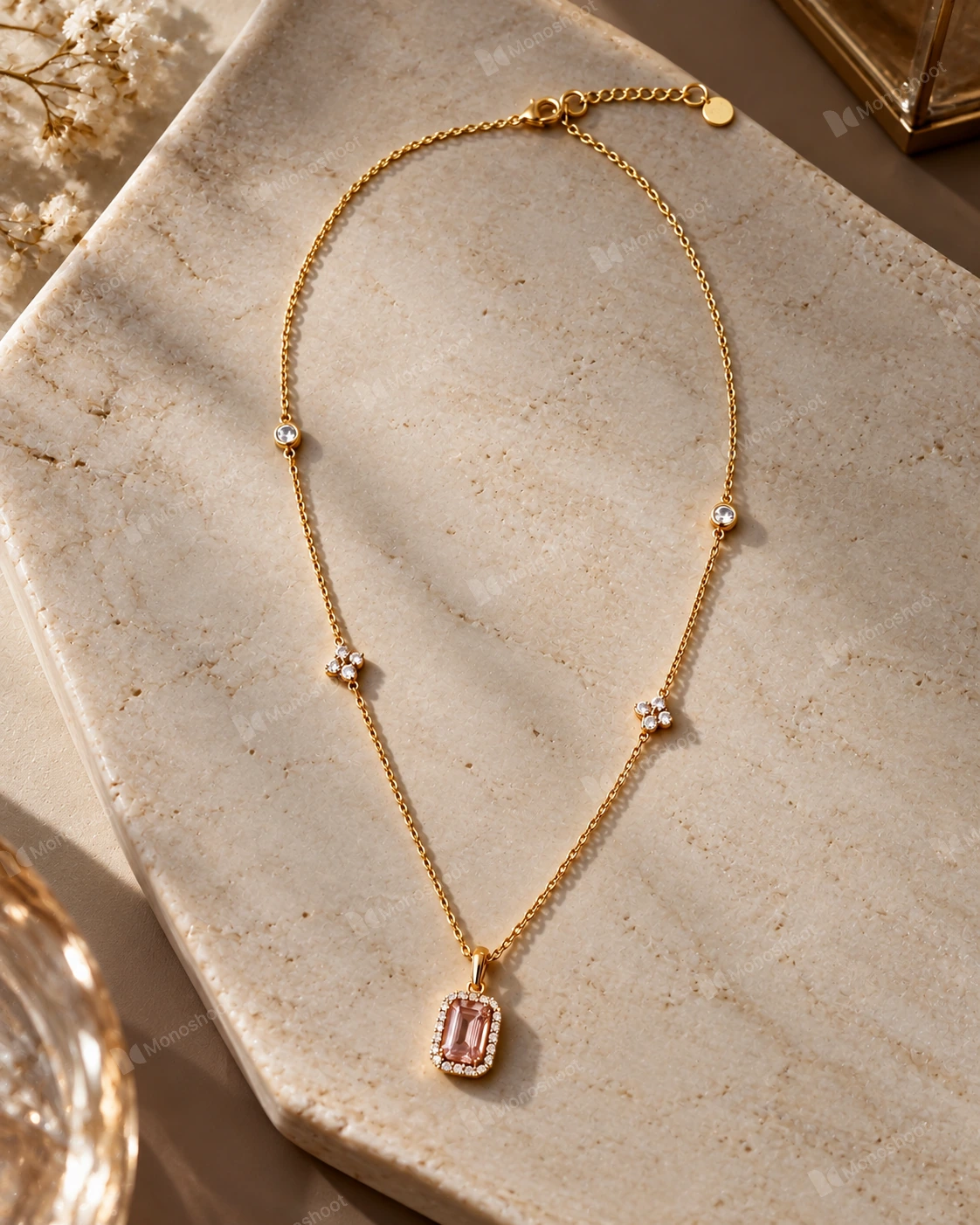
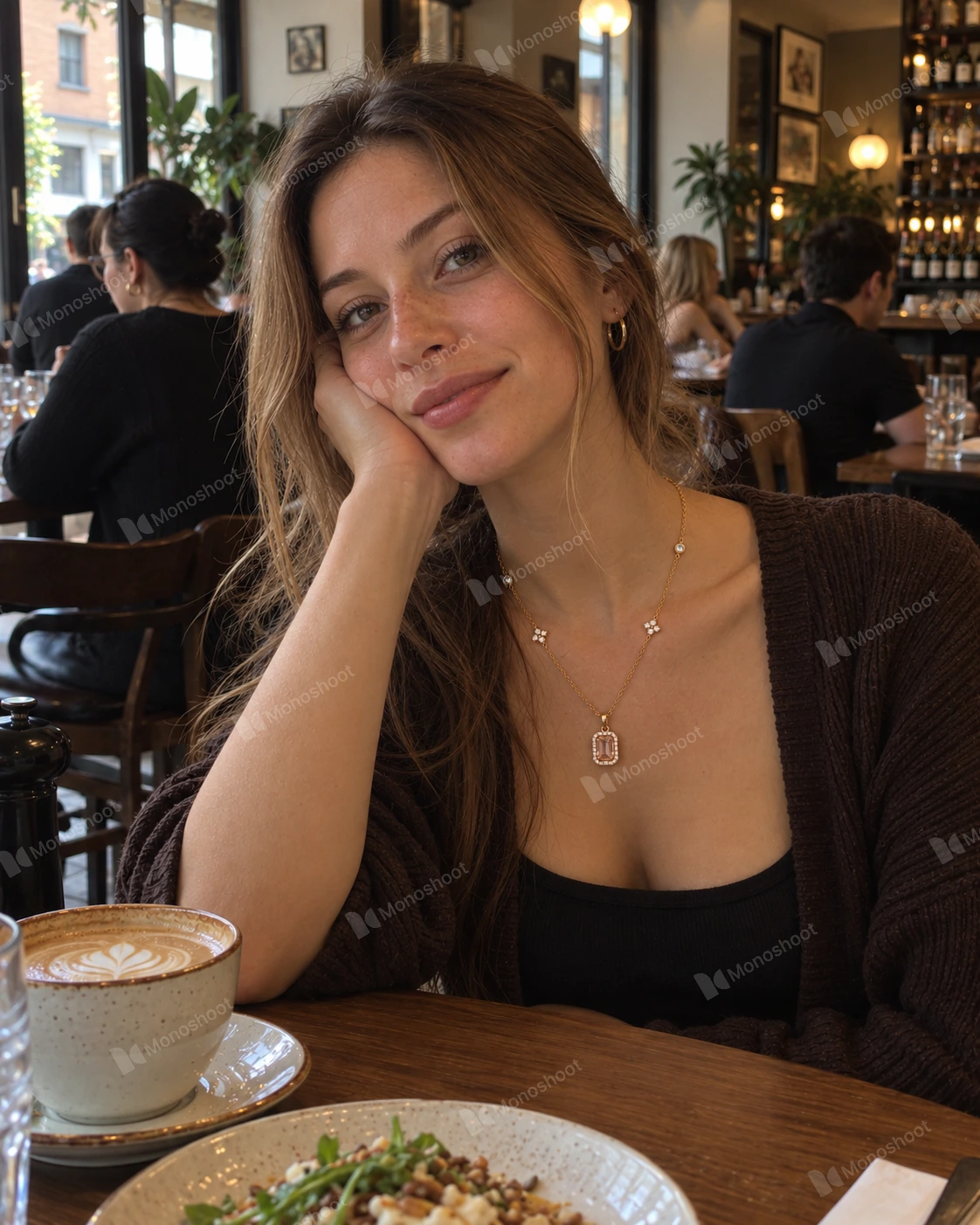
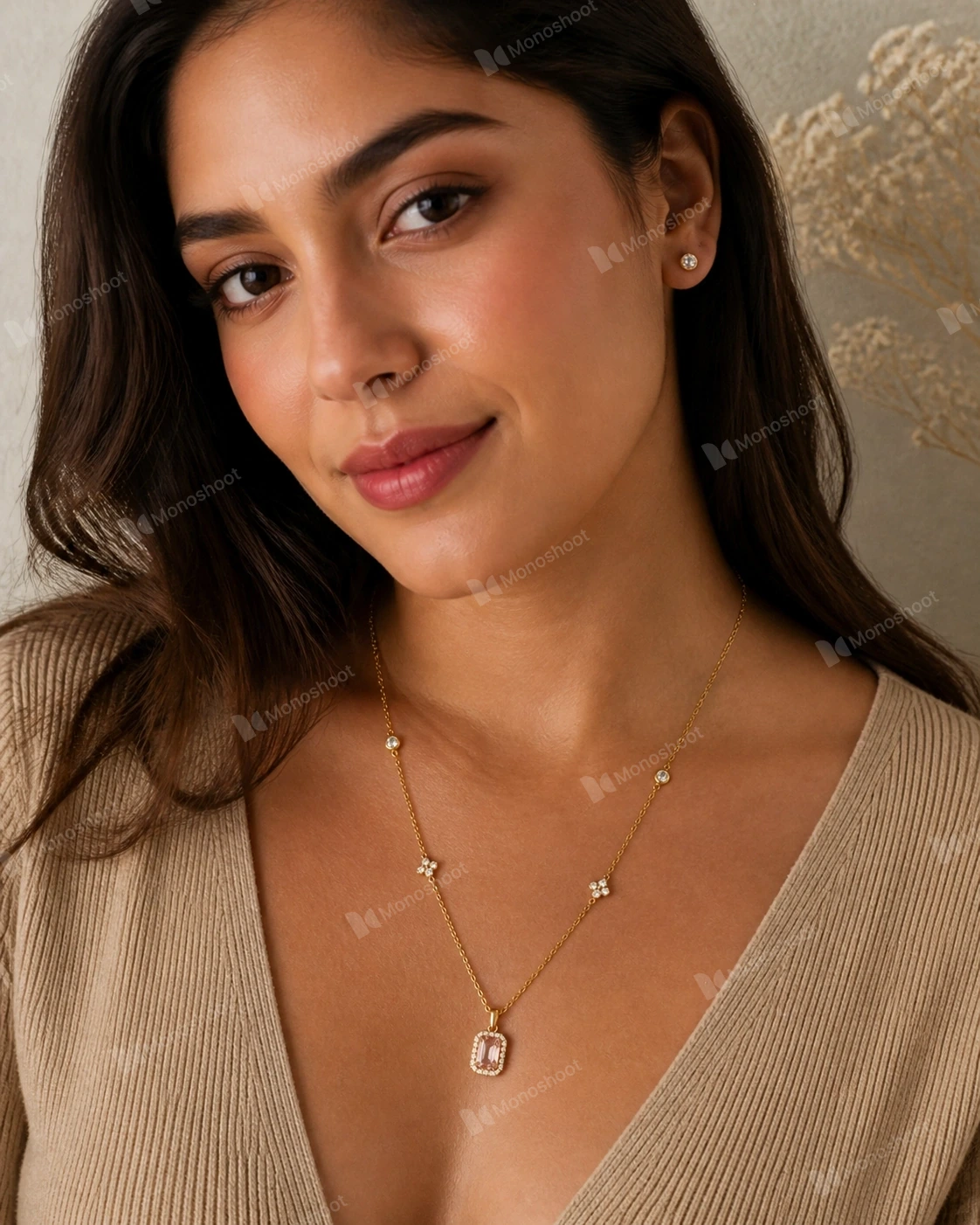
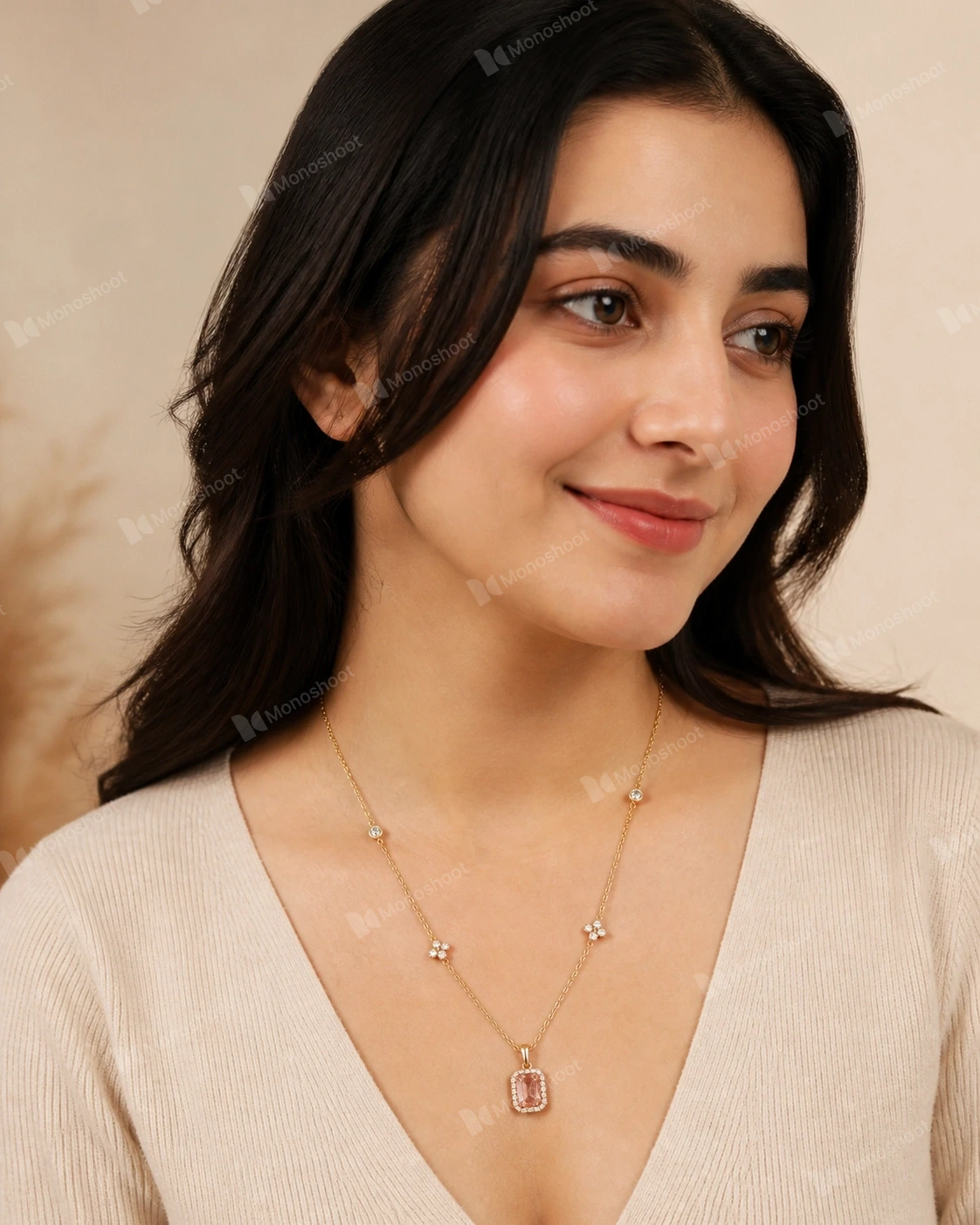
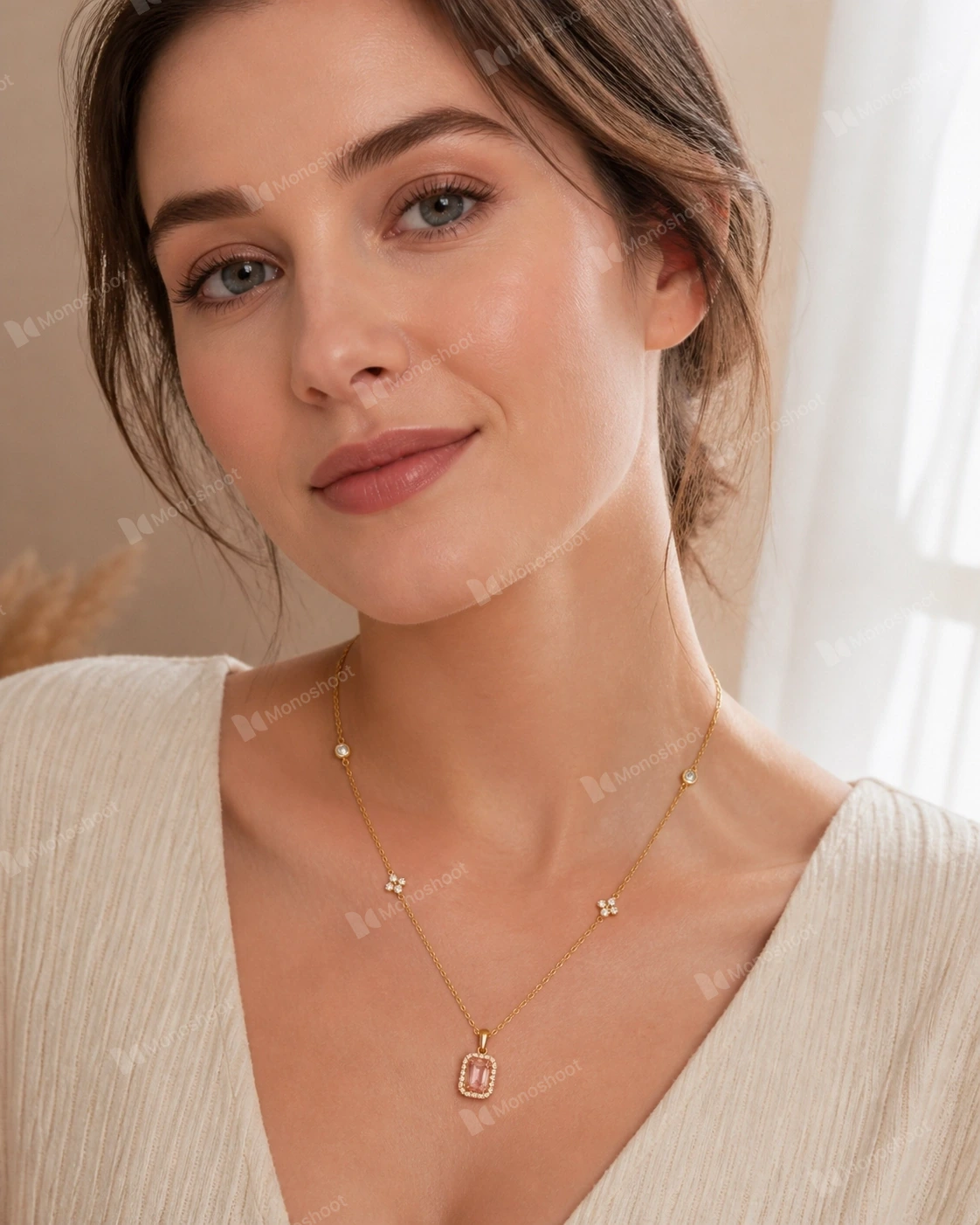
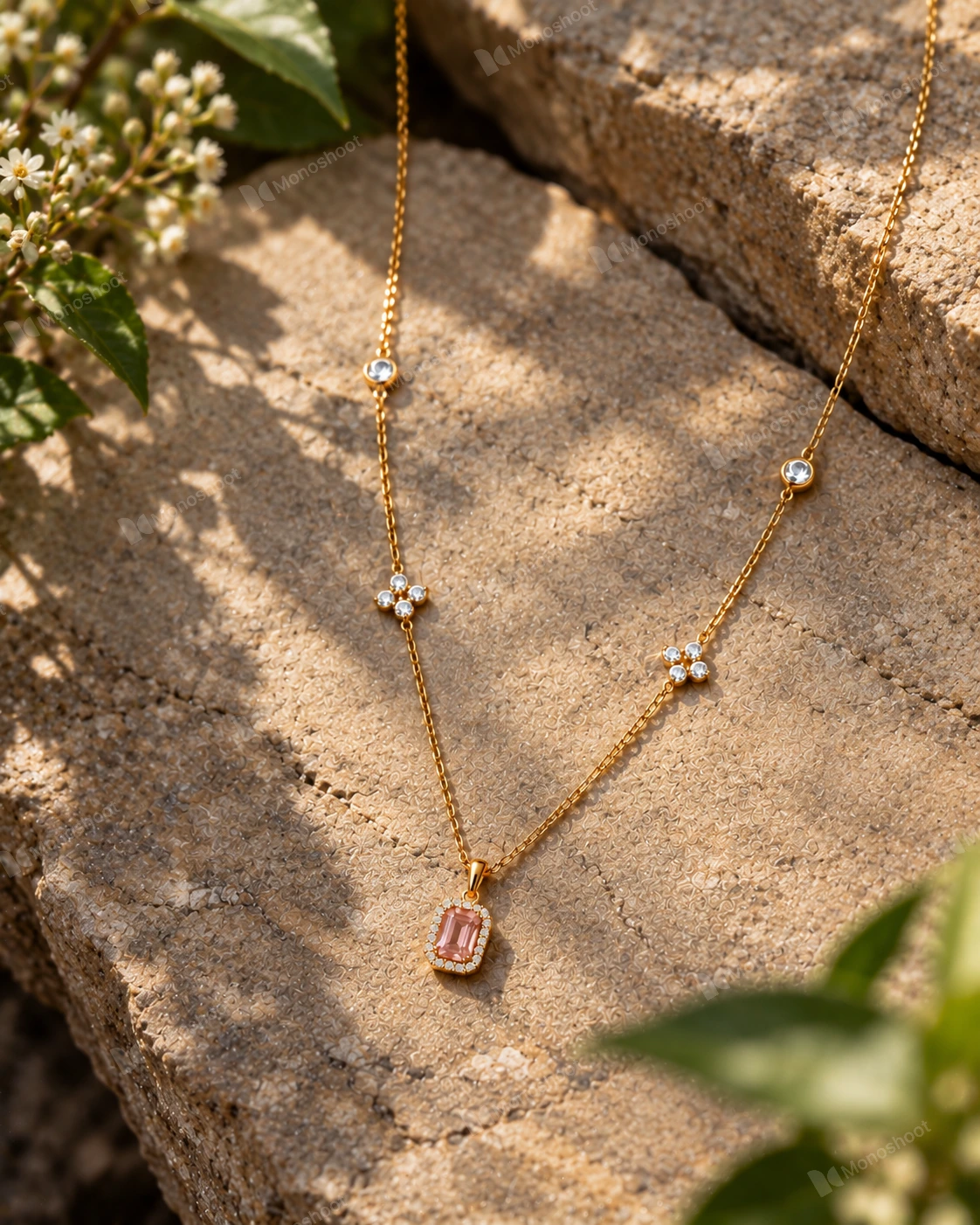
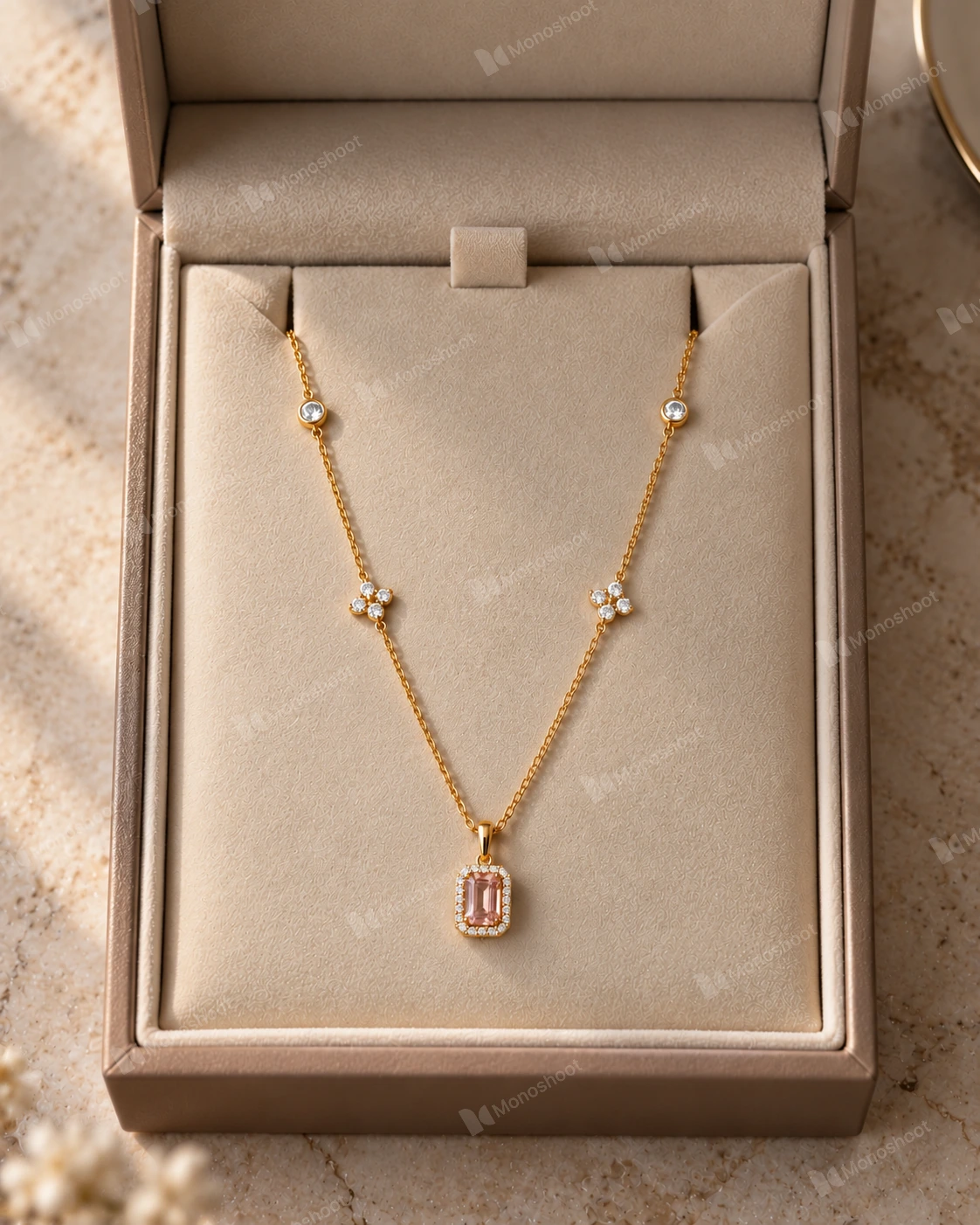
- Dedicated jewelry presets (on-model, flat lay, display stand, boxes)
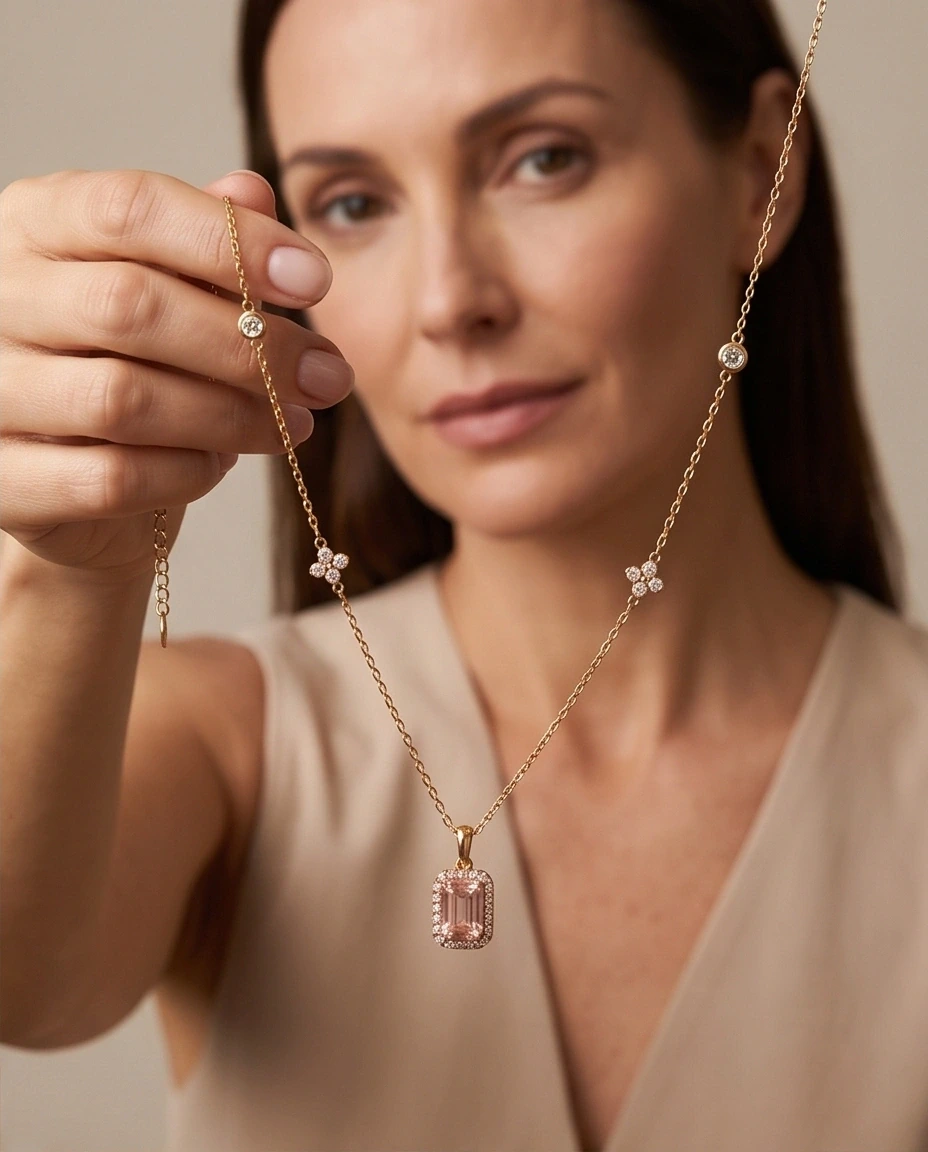
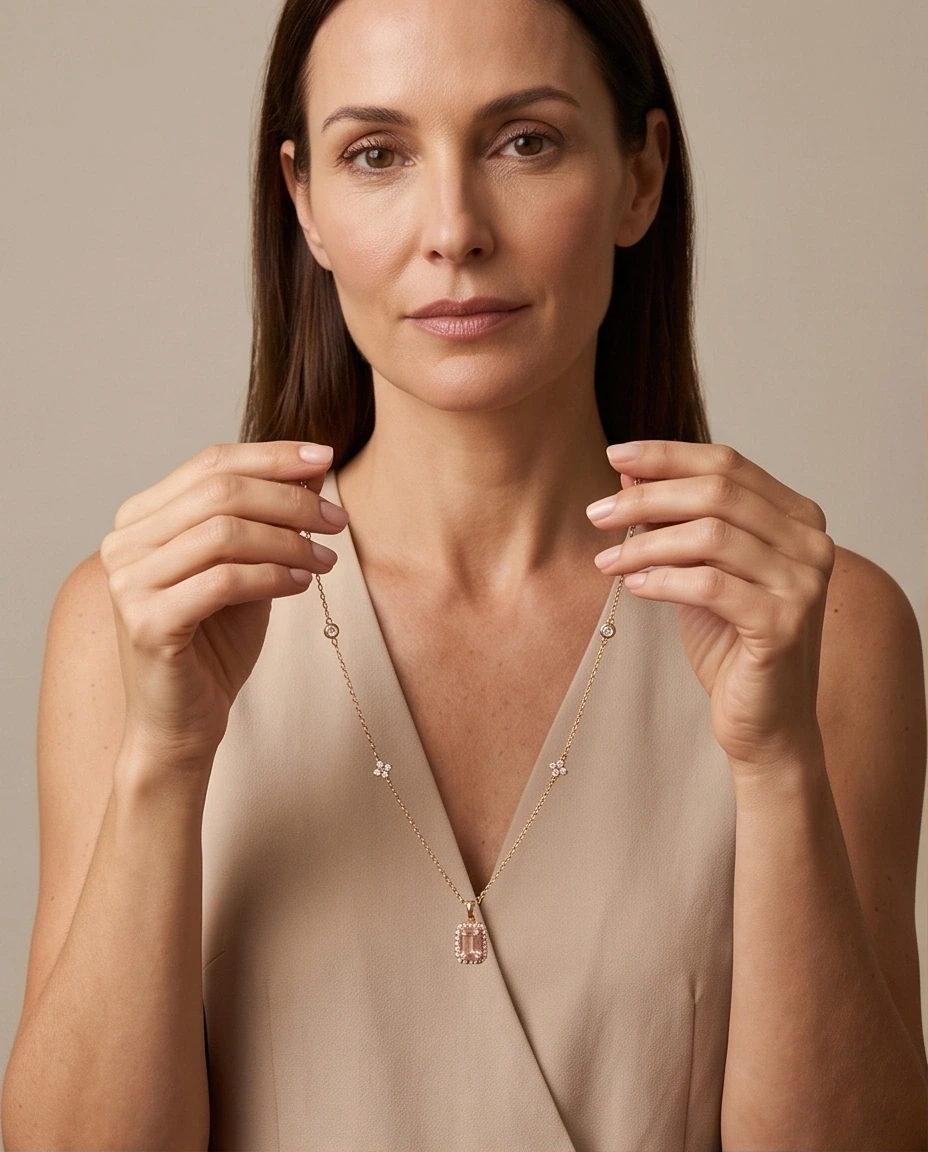
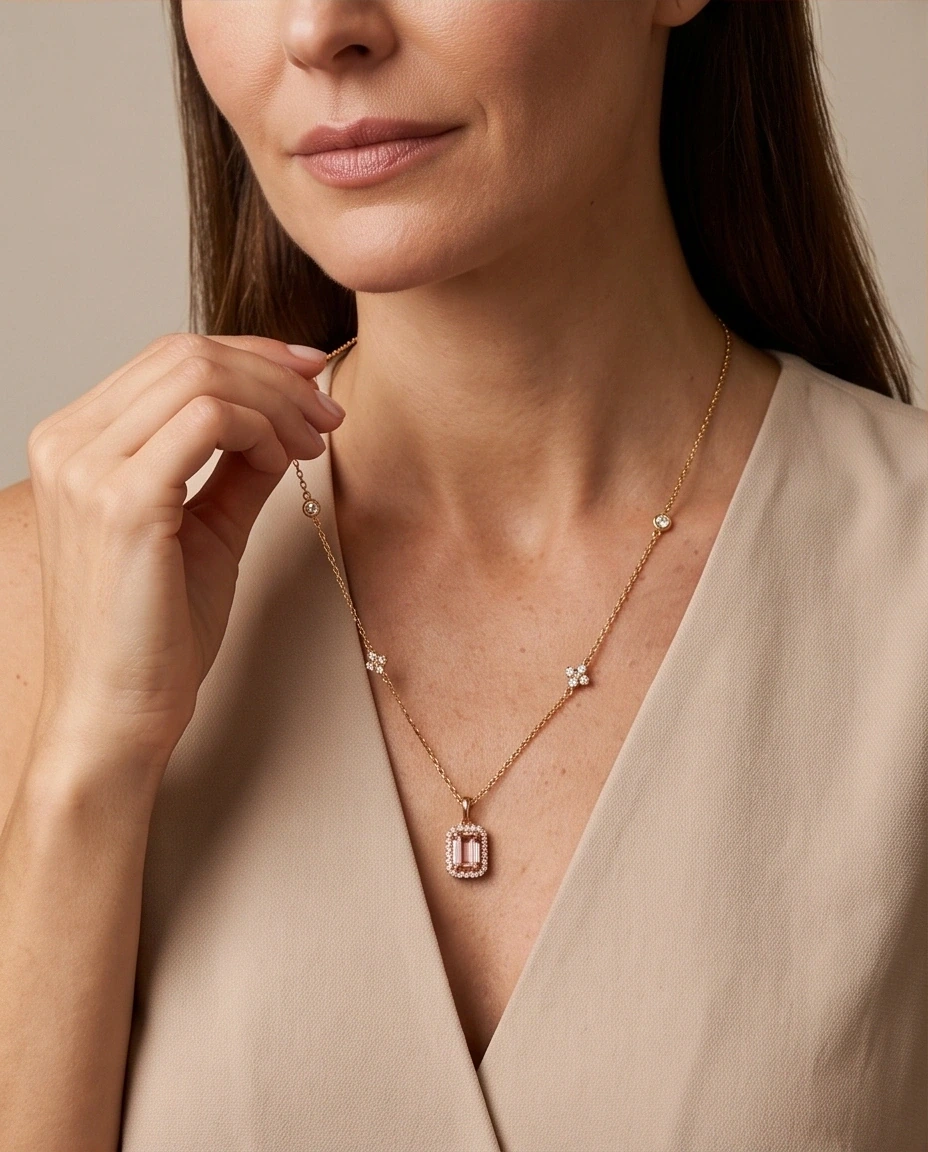
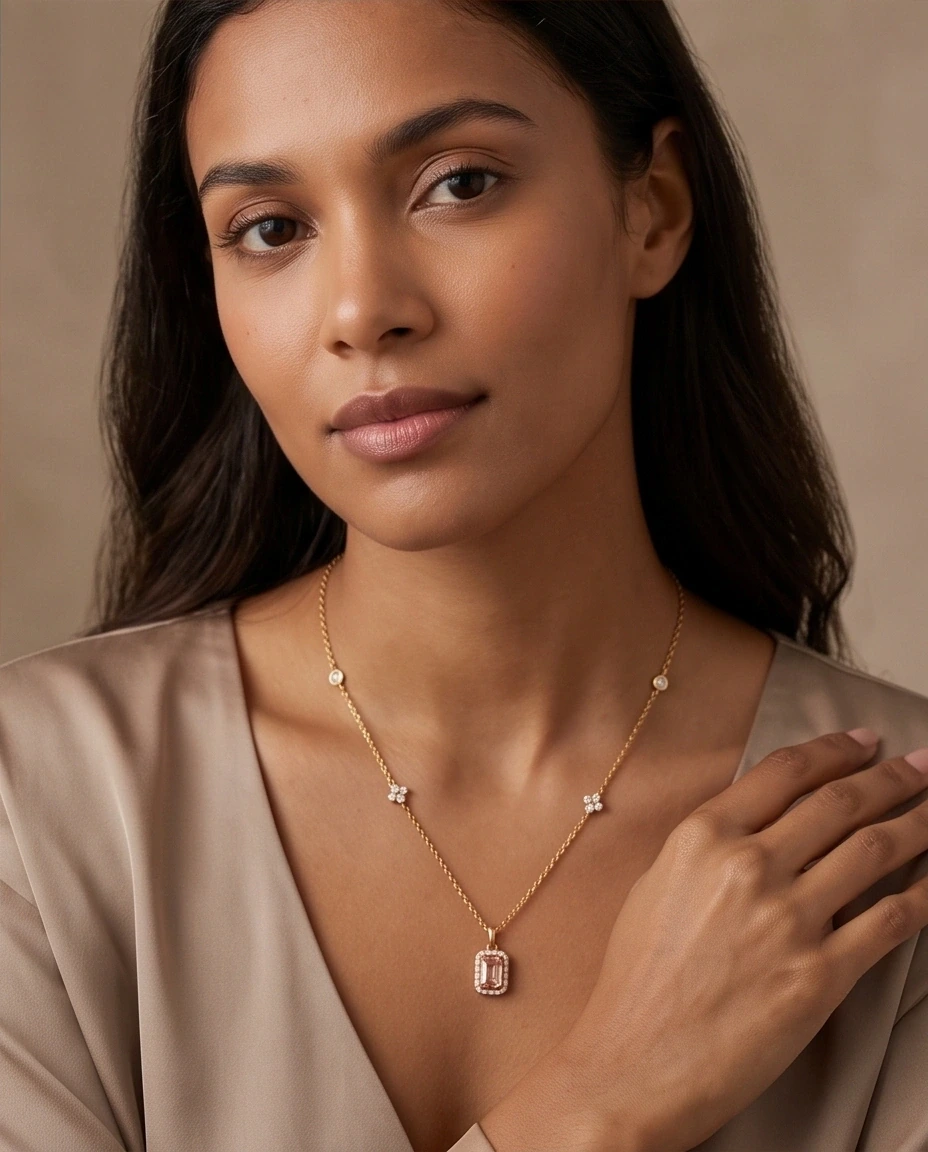
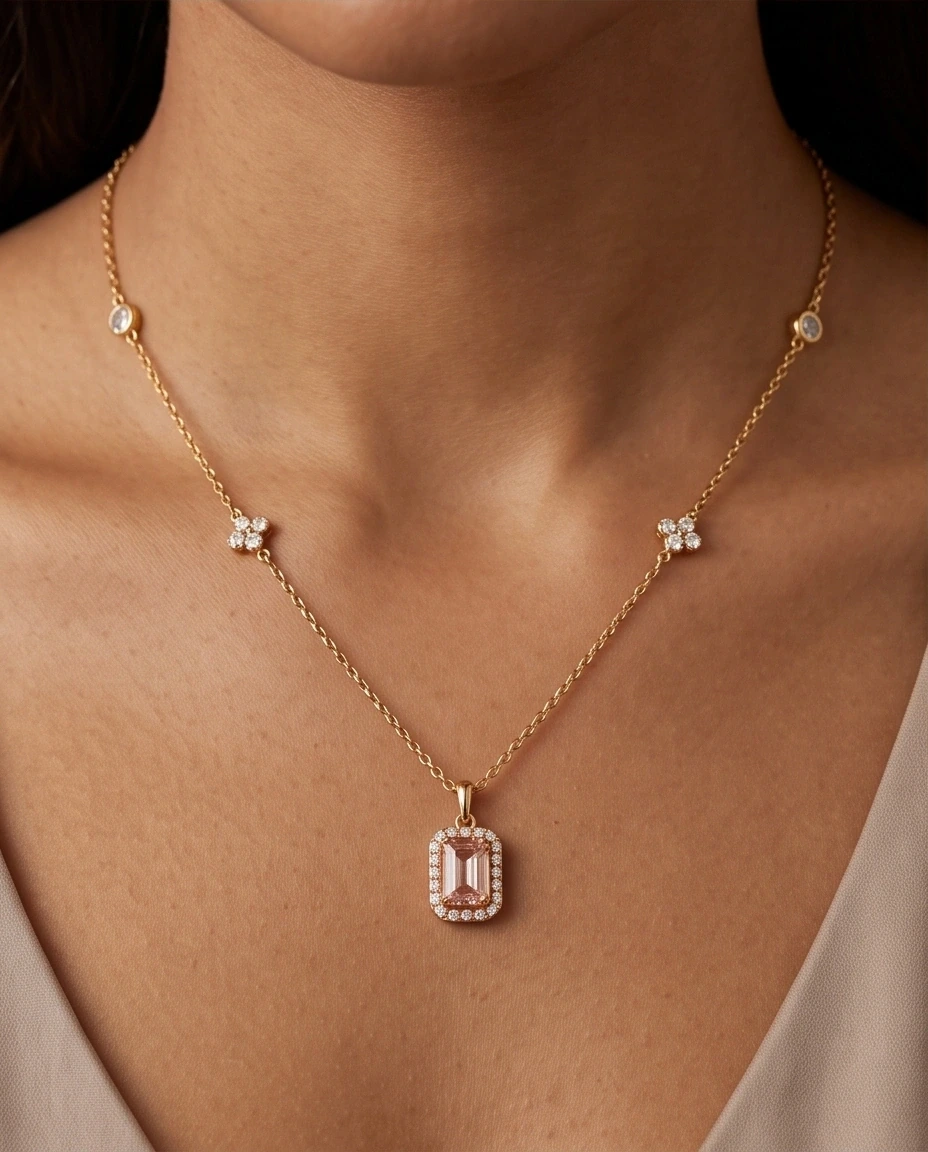
- Consistent necklace fidelity and stone geometry retention
- Full model control: gender, 8 ethnicities, 5 skin tones
- Fast generation (~25s per image)
✕ What to watch out for
- 1 of 8 runs had a stone nuance that required image editor tweak
- Higher quality tiers require paid plan (medium quality tested)
💡 Bottom Line for Jewelry Brands
The only tested tool with purpose-built jewelry presets—saving hours of prompt guesswork.
Workflow: Dedicated jewelry studio; scene and model presets.
Fidelity note: Reviewer preferred the fidelity; one stone change was reported.
Timing note: Per image, as reported in the notes.
Saved benchmark outputs (12)Direct WebP previews; click to open full Drive original
Open Google Drive folder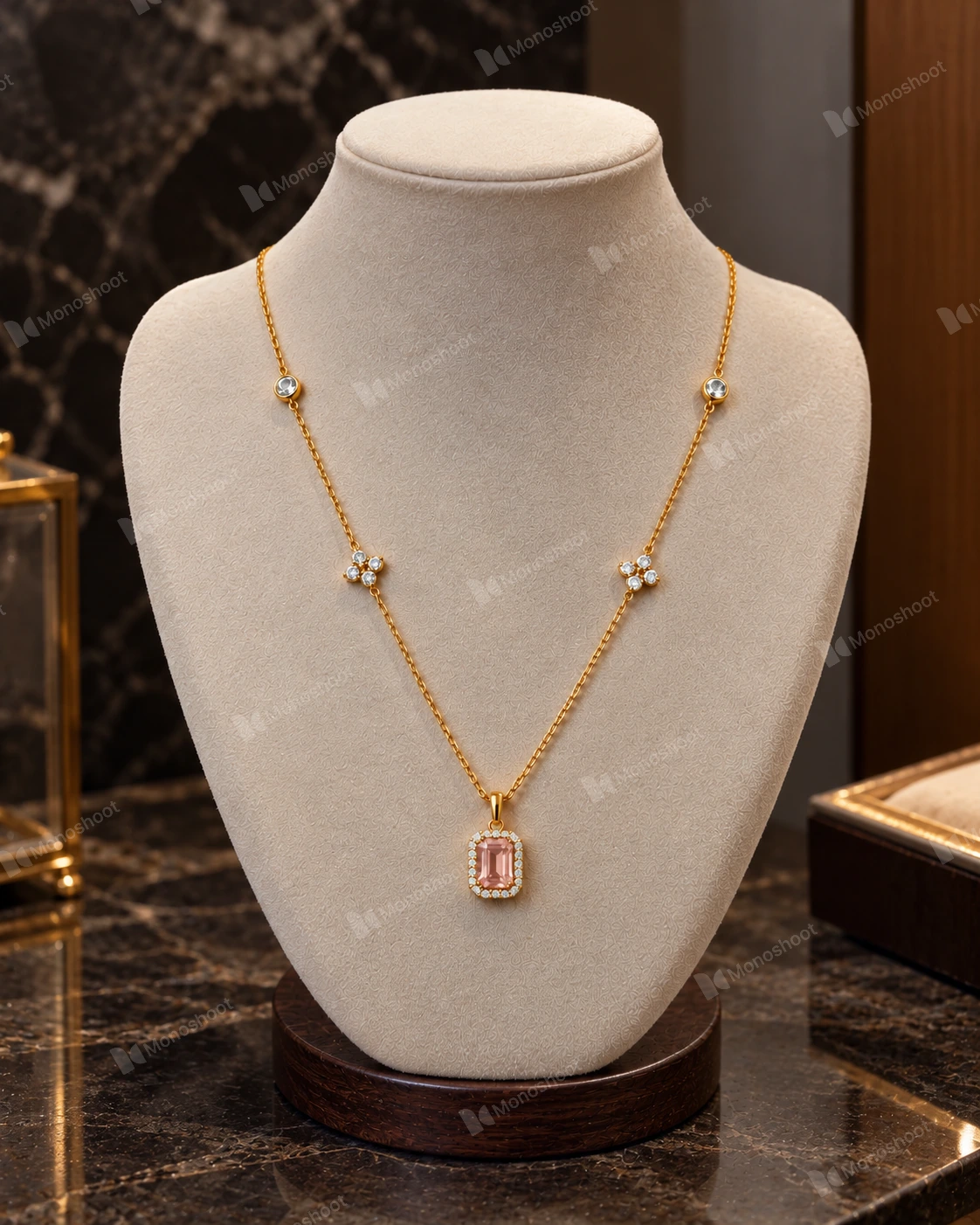 Inspect original ↗
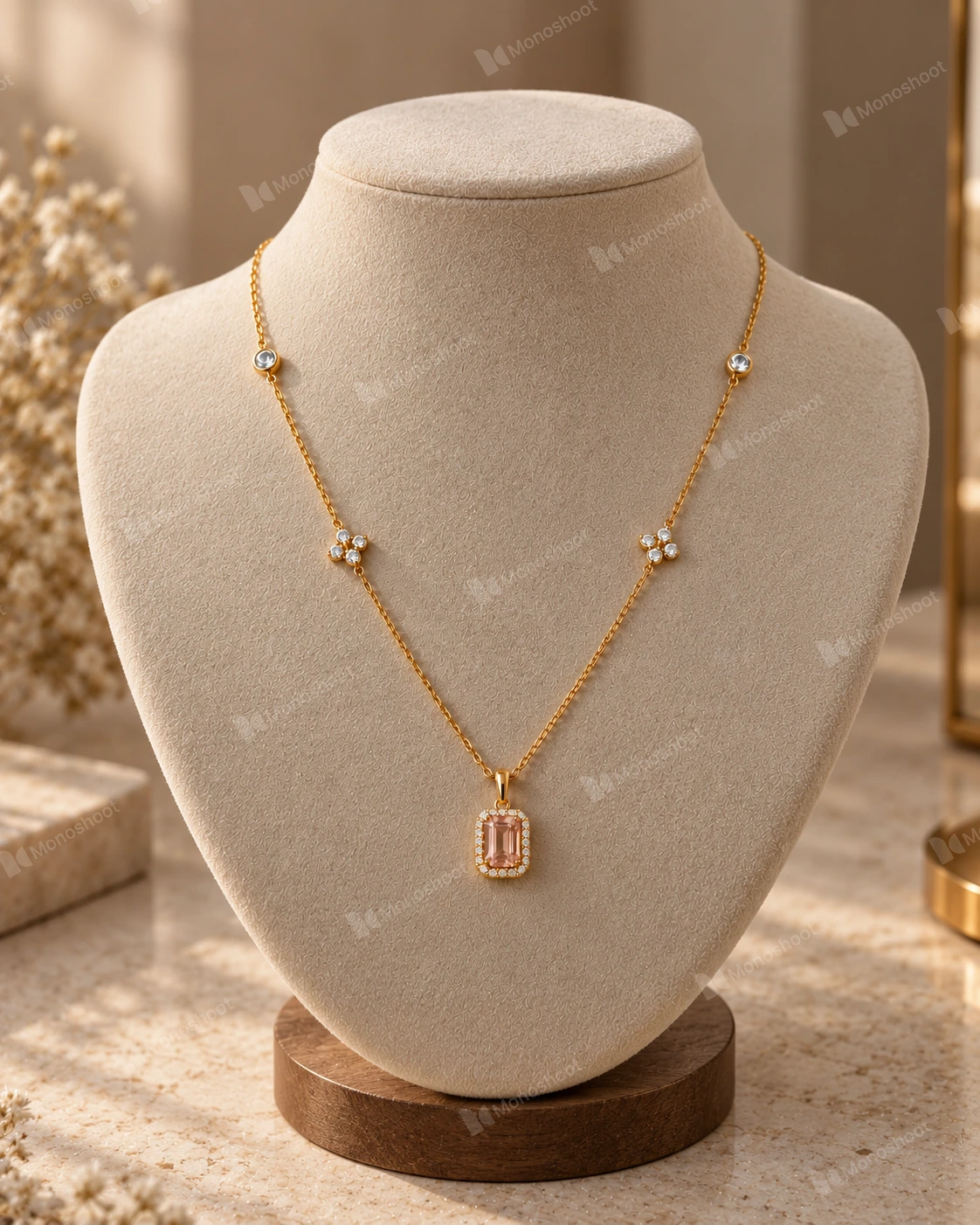 Inspect original ↗
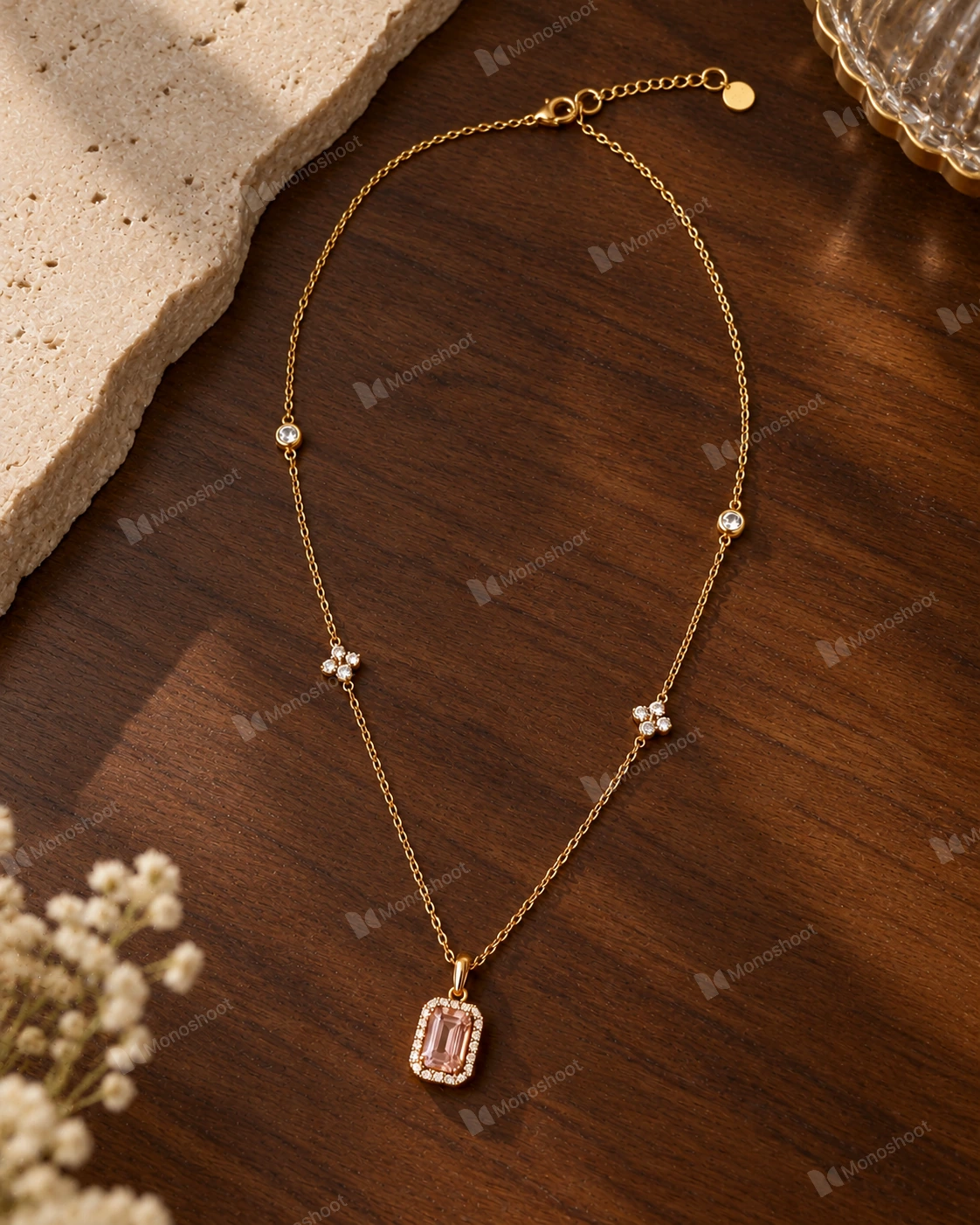 Inspect original ↗
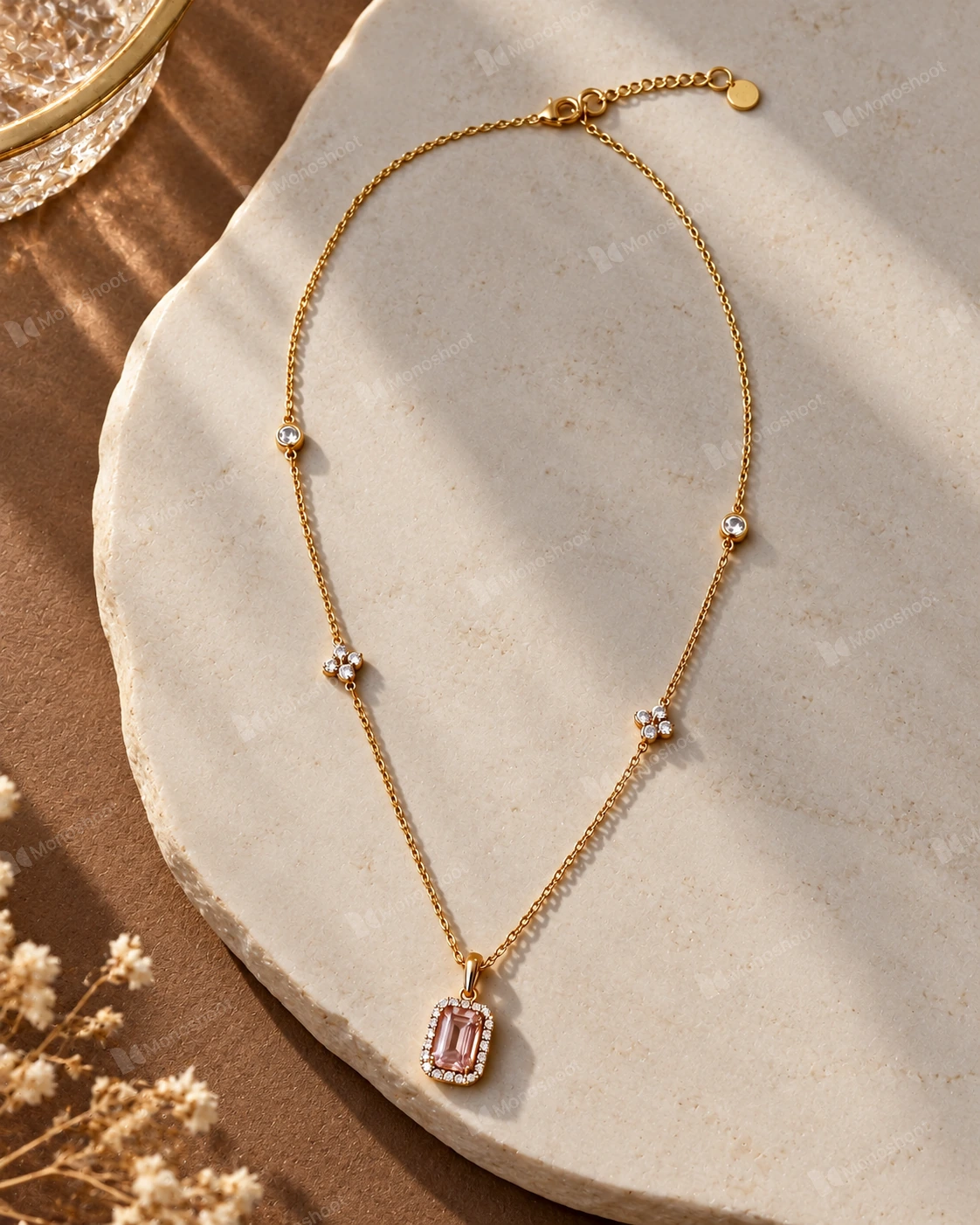 Inspect original ↗
 Inspect original ↗
 Inspect original ↗
 Inspect original ↗
 Inspect original ↗
 Inspect original ↗
 Inspect original ↗
 Inspect original ↗
 Inspect original ↗