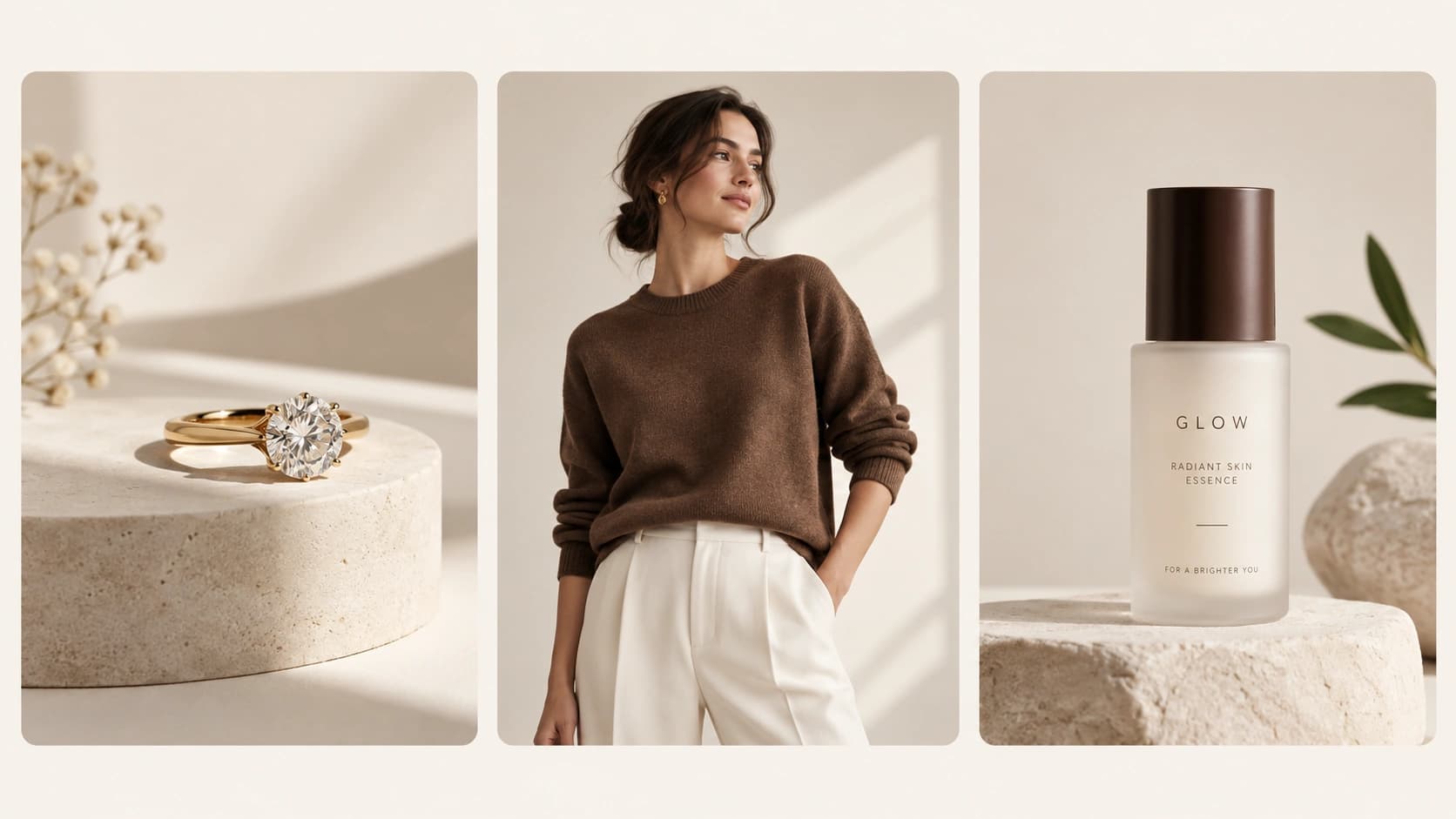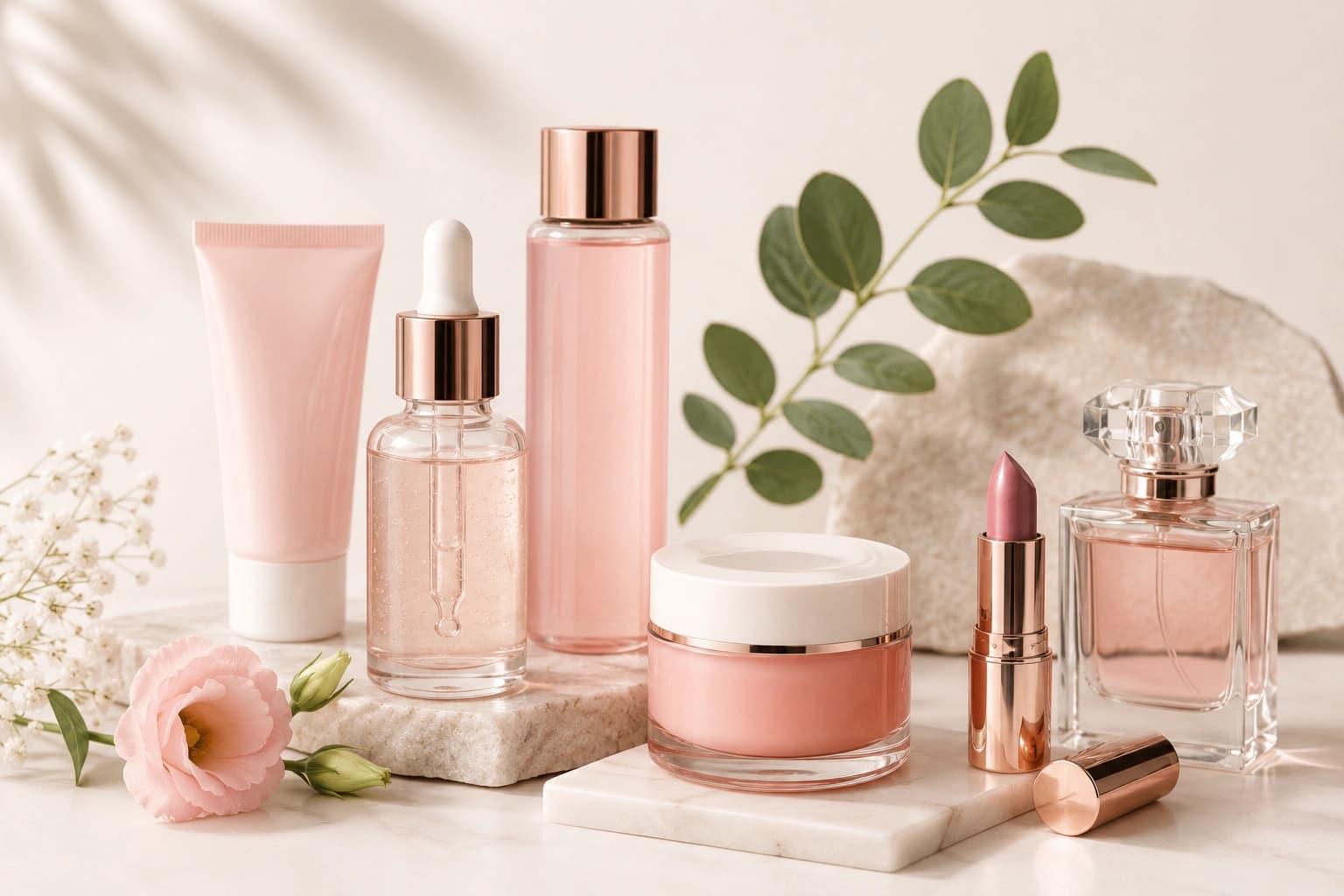
In the beauty industry, customers judge products visually before they ever read ingredients, reviews, or benefits.
Whether you are selling:
- Skin Care
- Makeup
- Haircare
- Fragrance & perfume
- Body & Personal Care
- Beauty tools & accessories
your visuals directly influence perceived product quality.
That is why beauty brands invest heavily in product photography.
But traditional cosmetics photography is expensive, slow, and difficult to scale.
A single campaign may involve:
- studio rentals
- photographers
- props
- stylists
- lighting teams
- retouching
- multiple revisions
And the biggest challenge?
Modern beauty brands need content constantly.
Not just for websites – but also for:
- Amazon Listings
- Shopify Stores
- Meta Ads
- TikTok
- Email Campaigns
- Product Launches
This is exactly why more brands are now using the best AI tools for cosmetics product photography to speed up visual production while maintaining premium-quality branding.
In this guide, we’ll break down:
- The best AI beauty photography tools
- How brands are using AI product photography
- Realistic workflows
- Common mistakes
- and how platforms like Monoshoot are simplifying ecommerce beauty photography.
Why Beauty Brands Are Moving Toward AI Photography
Beauty photography is one of the hardest product photography categories.
Cosmetic products often include:
- Reflective packaging
- Glass bottles
- Metallic caps
- Liquid textures
- Glossy finishes
- Transparent materials
Traditional shoots require careful lighting and heavy retouching.
And once brands need:
- Social media creatives
- Ad variations
- Ecommerce photos
- Seasonal visuals
- Lifestyle campaigns
Production costs increase quickly.
AI changes this workflow completely.
Instead of organizing new shoots for every campaign, brands can now generate multiple visual styles from a single product image.
Traditional Photography vs AI Cosmetics Photography
| Workflow Element | Traditional Photography | AI Product Photography |
|---|---|---|
| Studio Setup | Required | Not required |
| Lighting Equipment | Required | AI-assisted |
| Retouching | Manual | Faster workflow |
| Lifestyle Scenes | Expensive | Easier generation |
| Ad Variations | Time-consuming | Fast scaling |
| Social Media Content | Separate production | Easier creation |
| Turnaround Time | Days or weeks | Much faster |
| Cost Scalability | Expensive | More scalable |
This is why AI ecommerce photography services are becoming increasingly important for beauty and skincare brands.
Can AI Replace Traditional Cosmetics Photography?
Not completely.
But for most ecommerce brands, AI can handle a large percentage of everyday content needs.
Traditional photography is still useful for:
- Celebrity campaigns
- Large commercial productions
- Highly custom editorial shoots
But AI workflows are now extremely effective for:
- Ecommerce listing images
- Skincare product photography
- Beauty ad creatives
- Social media content
- Lifestyle visuals
- Marketplace-ready images
The real advantage is scalability.
Brands can create more content faster without rebuilding entire production setups repeatedly.
Best AI Tools for Cosmetics Product Photography
The market is full of AI image generators, but beauty products require more specialized workflows.
Here are the best AI tools for cosmetics product photography right now.
1. Monoshoot – Best Overall for Ecommerce Beauty Brands
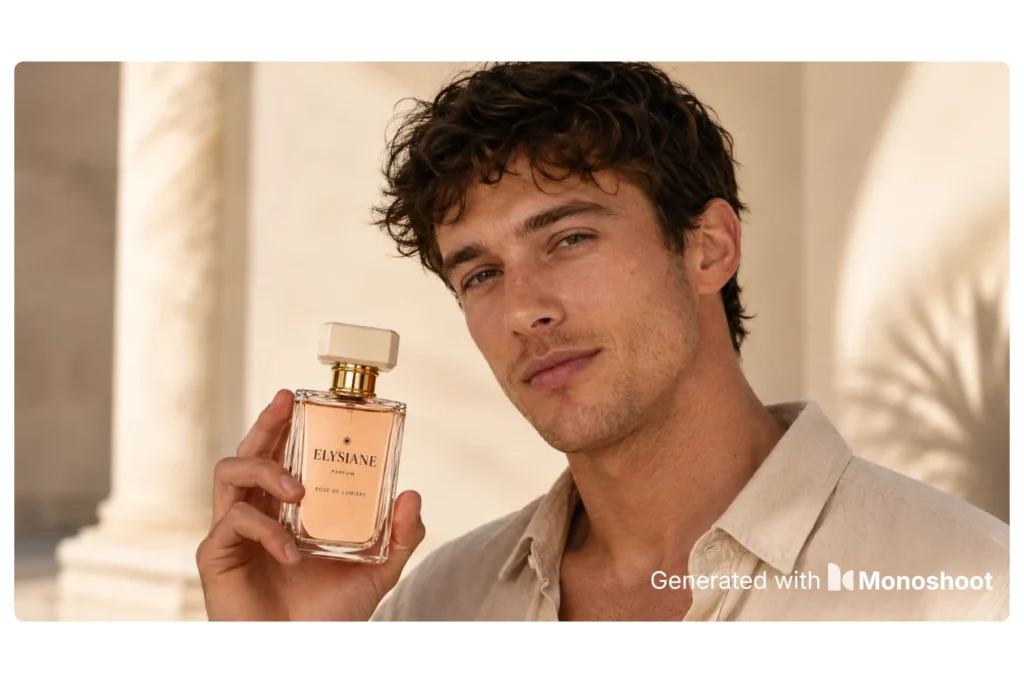
If your goal is to create professional cosmetic product visuals quickly and consistently, Monoshoot is one of the strongest options available.
Unlike generic AI image generators, Monoshoot is built specifically for ecommerce product photography workflows.
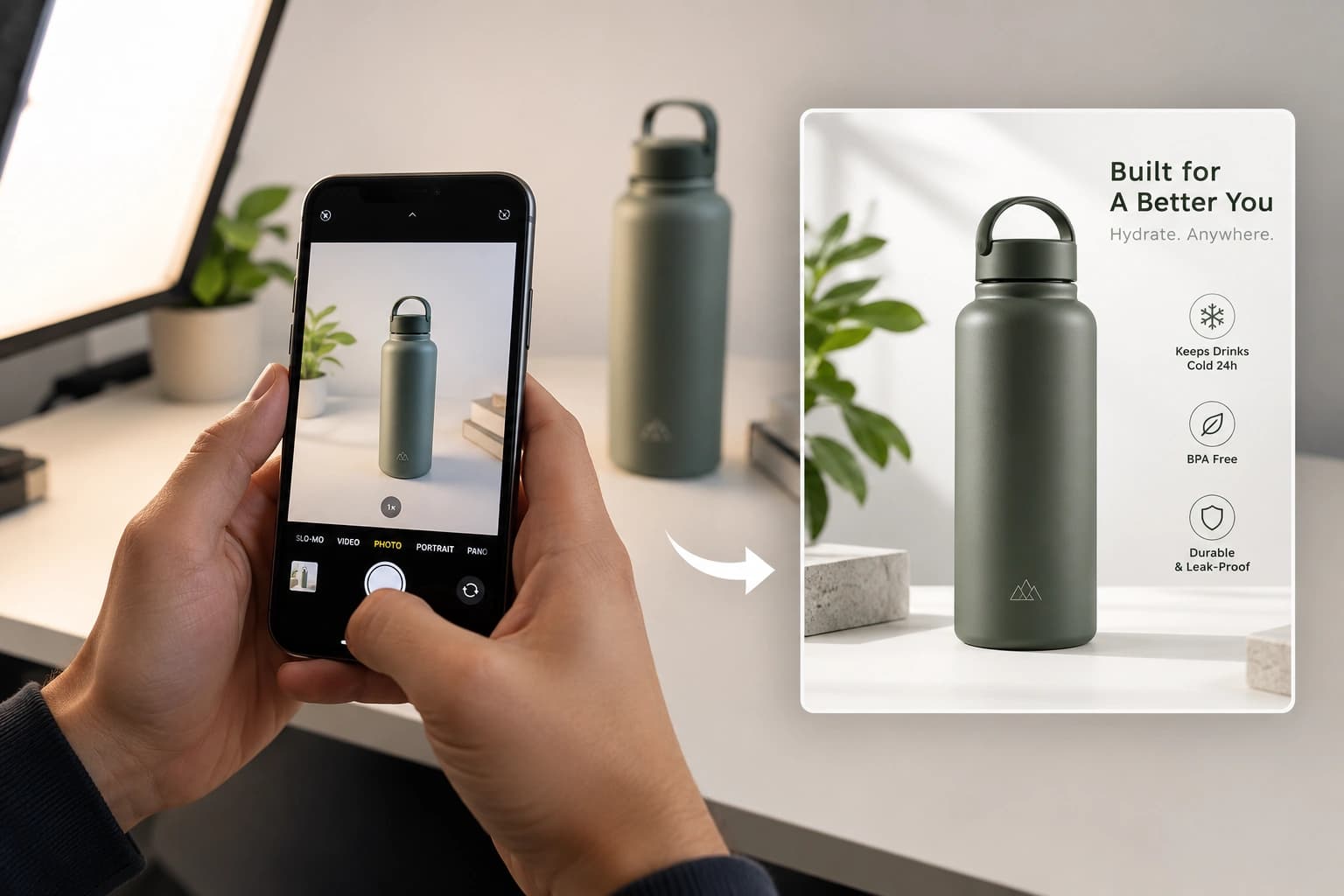
Beauty brands can use it to transform simple phone-clicked product photos into:
- Ecommerce-ready product images
- Lifestyle scenes
- Ad creatives
- Social media visuals
- On-model photography
- Marketplace-ready images
while maintaining:
- Brand consistency
- Custom brand colors
- Multiple aspect ratios
- Category-specific styling
One of Monoshoot’s biggest advantages is that it is designed specifically for:
- Wellness & Cosmetics
- Jewellery & Accessories
- Clothing & Fashion
That category-specific workflow matters because beauty photography requires a very different visual approach compared to fashion or jewelry.
Beauty brands also benefit from how easy the workflow feels compared to traditional production setups.
Instead of coordinating:
- Photographers
- Props
- Locations
- Retouching teams
Brands can generate polished visuals much faster while maintaining a premium aesthetic.
Best For
| Best Use Cases | Why It Works |
|---|---|
| Ecommerce Product Images | Marketplace-ready outputs |
| Beauty Ad Creatives | Faster content scaling |
| Social Media Content | Multiple aspect ratios |
| Lifestyle Photography | AI-generated scenes |
| Brand Consistency | Custom brand colors |
| Product Launches | Faster production workflow |
2. Flair.ai
Flair is popular because of its scene-building workflow.
Users can:
- Upload product cutouts
- Add digital props
- Generate AI product scenes
- Create lifestyle visuals
It is especially useful for brands wanting:
- Skincare flat lays
- Luxury beauty compositions
- Premium lifestyle setups
without building physical sets.
3. Adobe Firefly & Photoshop – Best for Advanced Editing(Complex)
Adobe’s AI tools are useful for brands needing more editing control.
Beauty brands commonly use Adobe AI features for:
- Reflection cleanup
- Background extensions
- Texture refinement
- Lighting fixes
- Retouching
The workflow is more advanced compared to beginner-friendly tools, but it offers deeper editing flexibility.
4. Pebblely – Best for Fast Ecommerce Images
Pebblely is focused heavily on fast ecommerce product photography.
It helps generate:
- white background photos
- lifestyle variations
- product compositions
- quick marketplace visuals
This makes it useful for brands needing faster catalog production.
5. Canva – Best for Simple Beauty Marketing Creatives
Canva is not purely a product photography platform, but many small beauty brands use it for:
- Social media graphics
- Beauty promotions
- Ad creatives
- Simple AI background generation
It works best as a supporting tool rather than a complete photography workflow.
How to Create Better AI Beauty Product Photos
Using AI successfully still requires a good workflow.
The best AI-generated cosmetic visuals usually follow these steps.
Step 1: Start With a Clean Product Photo
Your input image matters a lot.
Use:
- Soft lighting
- Clean white backgrounds
- High resolution
- Minimal reflections
The better the base image, the stronger the final AI output becomes.
Step 2: Use Better Prompt Direction
AI beauty photography works best with descriptive prompts.
Instead of:
“beauty product photo”
use:
“luxury skincare serum bottle on wet marble surface with soft natural lighting and premium beauty campaign styling”
Specific prompts create better textures, lighting, and compositions.
Step 3: Focus on Texture & Materials
Beauty products are tactile.
Customers want to see:
- Glossy textures
- Creamy formulas
- Matte finishes
- Liquid consistency
- Packaging quality
Good AI workflows preserve these visual details carefully.
Step 4: Keep Brand Consistency
One of the biggest mistakes beauty brands make with AI is inconsistency.
Every image should still feel like the same brand.
That means keeping:
- Similar lighting
- Similar tones
- Consistent colors
- Recognizable styling
This is where Monoshoot becomes especially useful because brands can save:
- Brand colors
- Aspect ratios
- Styling consistency
Across multiple product launches and campaigns.
Common Cosmetics Photography Challenges AI Helps Solve
Reflection Problems
Glass bottles and metallic caps create difficult reflections.
AI tools can help clean or reduce these issues much faster than manual retouching.
Lighting Issues
Many beauty products look flat under poor lighting.
AI-assisted lighting adjustments help products feel:
- More premium
- Cleaner
- More dimensional
Content Scalability
Beauty brands need huge amounts of content continuously.
AI helps create:
- Ad variations
- Social media creatives
- Ecommerce visuals
- Campaign images
without repeating expensive shoots.
Best AI Tool by Beauty Brand Type
| Brand Type | Best Tool |
|---|---|
| Ecommerce Beauty Brand | Monoshoot |
| Luxury Skincare Brand | Monoshoot |
| Large Creative Team | Adobe Firefly |
| Fast Marketplace Listings | Pebblely |
| Small Beauty Startup | Canva + Monoshoot |
FAQs
What are the best AI tools for cosmetics product photography?
Overall, Monoshoot is one of the best AI tools for cosmetics product photography because it is built specifically for ecommerce brands. It helps create ecommerce-ready images, lifestyle scenes, ad creatives, social media visuals, and on-model photography while supporting custom brand colors, multiple aspect ratios, and category-specific beauty workflows.
Can AI generate realistic beauty product photos?
Yes. Modern AI photography tools can generate highly realistic skincare and cosmetic product visuals, especially when brands start with clean high-resolution product photos.
Is AI product photography cheaper than traditional photography?
For most ecommerce brands, AI workflows are significantly more scalable and cost-effective than repeatedly organizing traditional shoots.
Can AI create beauty lifestyle photography?
Yes. AI tools can generate luxury beauty scenes, skincare flat lays, spa-inspired visuals, and social media content without requiring physical studio setups.
Do AI beauty product photos work for ecommerce?
Yes. Many brands now use AI-generated beauty product images for:
Amazon listings
Shopify stores
Meta ads
Instagram
TikTok
email campaigns
as long as the product representation remains accurate.
Final Thoughts
Beauty brands no longer need to depend entirely on expensive traditional production workflows to create premium visuals.
The best AI tools for cosmetics product photography now help brands:
- Scale faster
- Reduce production costs
- Create more content variations
- Launch campaigns quicker
- Maintain visual consistency
And for ecommerce brands managing continuous product launches and marketing campaigns, that speed becomes a major competitive advantage.
Platforms like Monoshoot are making this workflow even easier by combining:
- Ecommerce-ready image generation
- AI lifestyle scenes
- Ad creatives
- Social content
- On-model photography
- Brand consistency tools
Inside one workflow designed specifically for modern ecommerce brands.