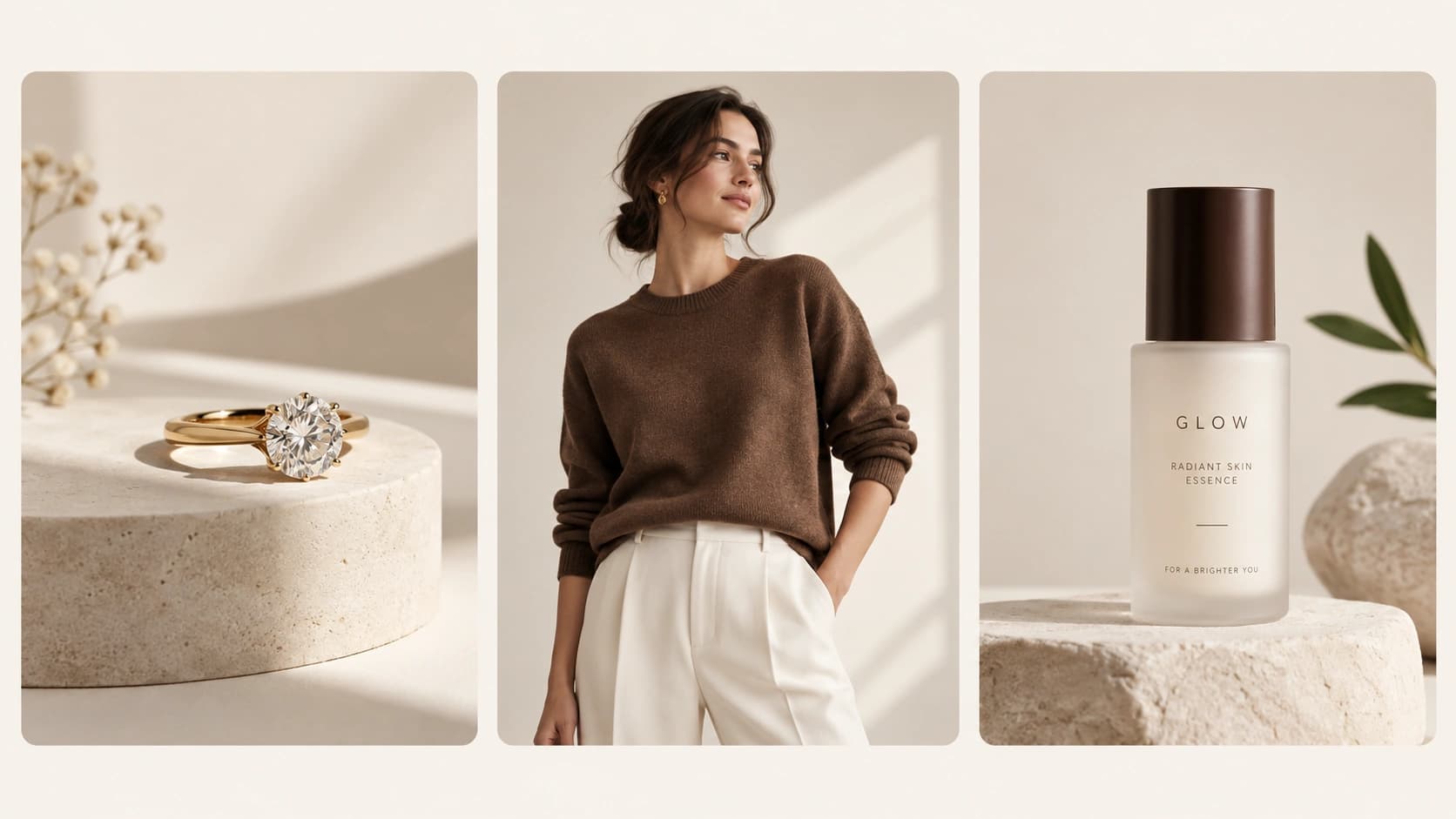
Best AI product photography tools are changing how ecommerce brands create realistic product images for websites, ads, social media, and marketplaces.
Product photos are no longer just about showing what an item looks like. Today, customers want to see how a product fits into real life. A skincare bottle on a clean bathroom shelf. A necklace styled on a model. A perfume bottle on a marble vanity. A candle placed beside soft fabric and warm light.
That is where lifestyle product photography becomes powerful.
The problem is that traditional lifestyle photoshoots are expensive, slow, and difficult to repeat. You need a photographer, studio, lighting, props, styling, editing, and sometimes models. For one campaign, that may be manageable. But for ecommerce brands that need new visuals for ads, product pages, social media, and launches, it becomes hard to scale.
This is why AI product photography tools are becoming popular.
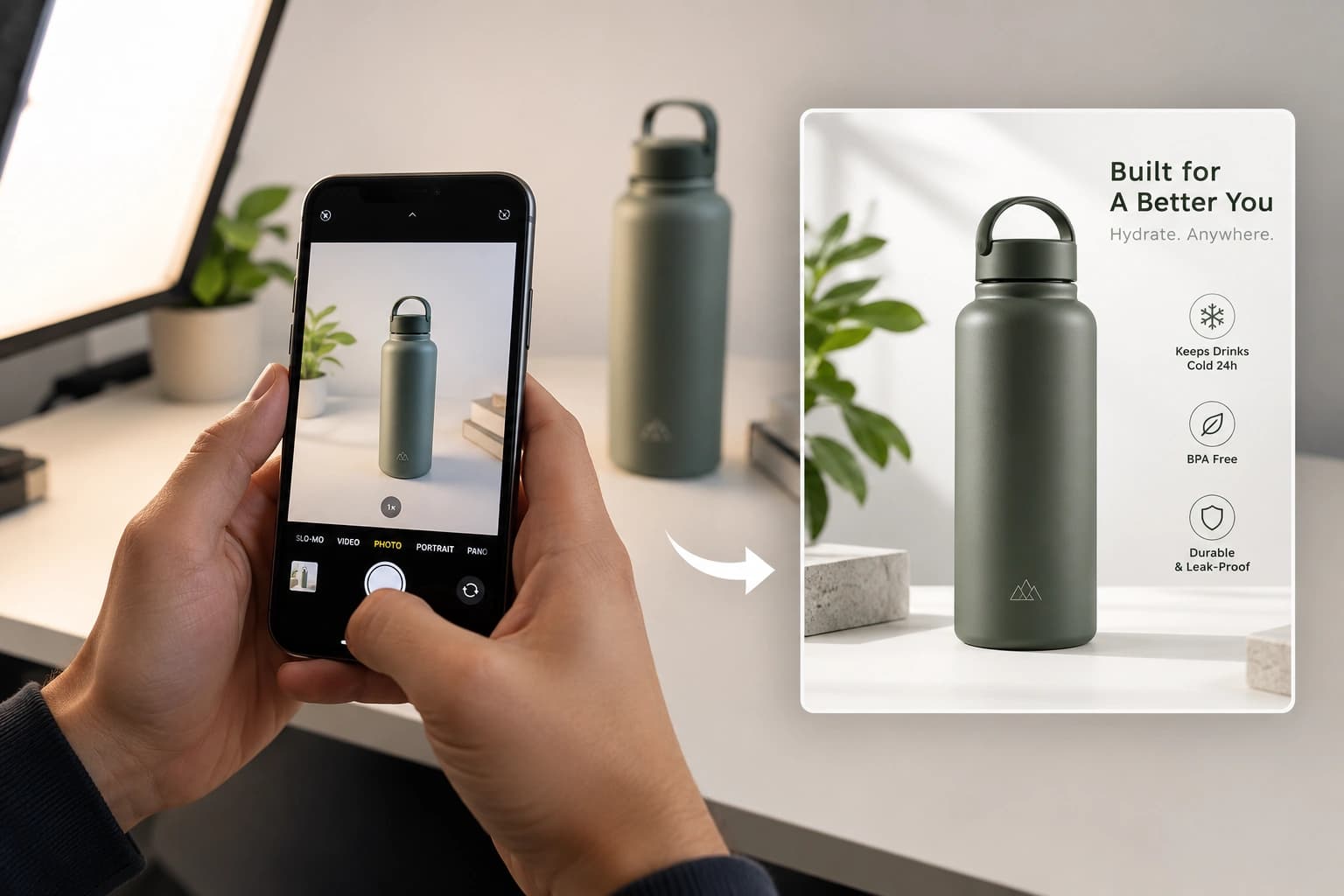
With the right AI tool, you can upload a simple product photo and create polished lifestyle images in minutes. But not every AI tool gives usable ecommerce results. Some tools create nice backgrounds but change the product. Some are fast but look generic. Some are better for fashion, while others work better for packaged products, cosmetics, jewelry, or ad creatives.
In this guide, we compare some of the best AI tools for realistic lifestyle product photos in 2026, including Monoshoot, Photoroom, Flair AI, Pebblely, Claid.ai, Caspa AI, SellerPic, and Mokker.
What Makes a Lifestyle Product Photo Look Real?
A realistic lifestyle product photo is not just a product placed on a nice background. It should feel like the product was actually photographed in that scene.
That depends on a few important details.
1. The Product Should Stay Accurate
This is the most important part for ecommerce.
If the product shape changes, the logo becomes wrong, the label text gets distorted, or the packaging color shifts too much, the image may look attractive but it becomes risky to use. Customers are buying the real product, so the image should represent the real product.
For ecommerce brands, the AI should preserve:
- Product shape
- Logo and label placement
- Packaging design
- Color and finish
- Material texture
- Jewelry stones, metal, and design
- Small product details customers notice before buying
A lifestyle photo is only useful if the product still looks like the actual product.
2. Lighting Should Match the Scene
If the background has warm evening light but the product has cold studio lighting, the image starts to look fake.
Good AI product photography tools adjust the product, shadows, highlights, and reflections so everything feels like one real photo.
3. The Product Should Feel Grounded
Products should not look like they are floating.
A bottle on marble needs a soft contact shadow. A jewelry piece on skin should follow the body naturally. A cosmetic jar on fabric should feel slightly settled into the surface.
These small details make a huge difference in realism.
4. Scale Should Feel Natural
A lipstick should not look as large as a shampoo bottle. A ring should not look like a bracelet. A perfume bottle should not look too tiny on a table.
Realistic AI product photos depend on believable scale and proportions.
5. The Image Should Fit the Marketing Channel
A product page image, Instagram post, Meta ad, marketplace listing, and website hero banner all need different framing.
The best AI product photography tools allow control over aspect ratio, background, lighting, model style, scene type, and composition.
Best AI Tools for Realistic Lifestyle Product Photography
1. Monoshoot – Best for Ecommerce Brands That Need Product Accuracy
Monoshoot is built for ecommerce brands that want professional product photos without losing the real product identity.
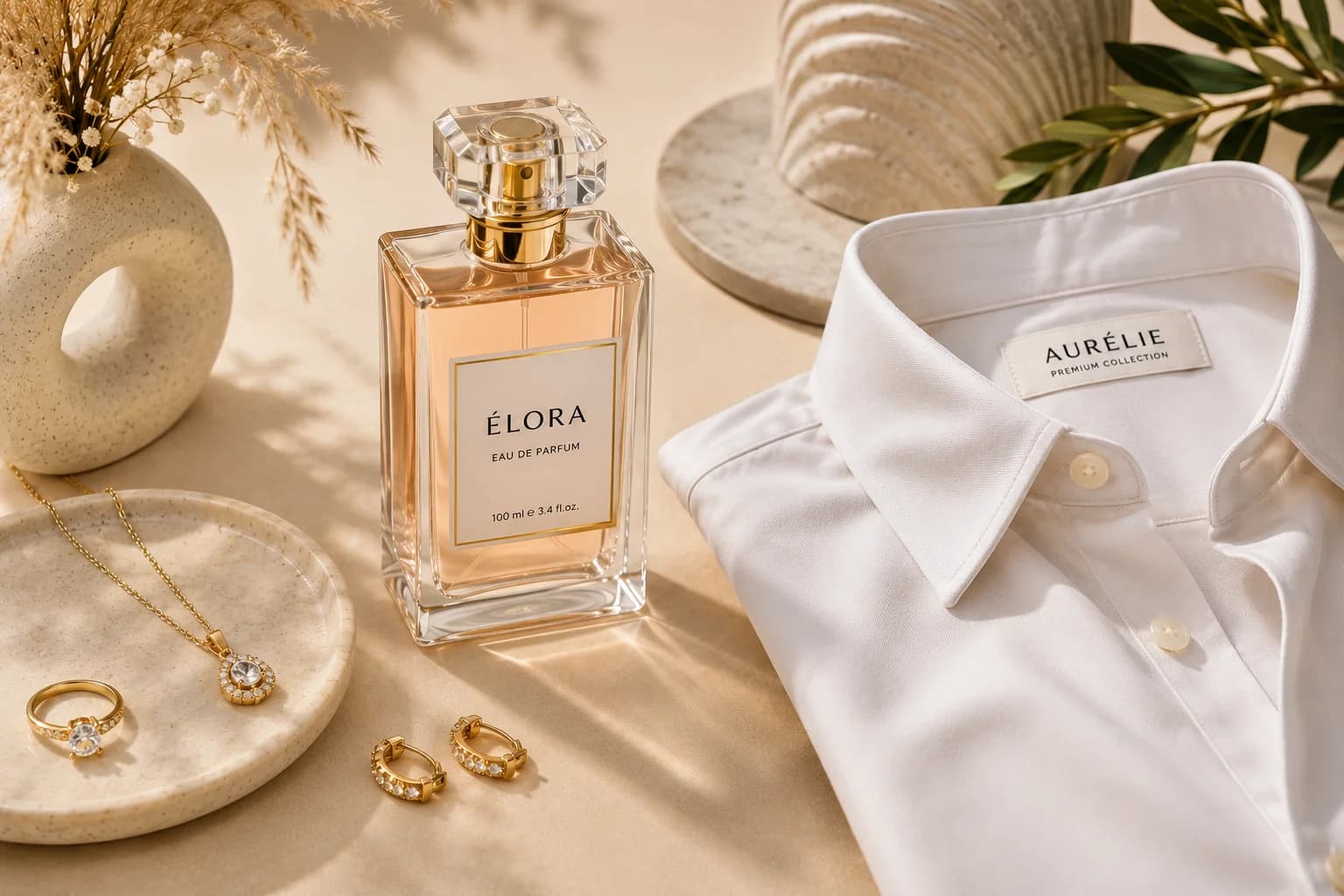
The focus is simple: upload a raw product photo and generate studio-quality lifestyle images while preserving the original product details. This makes it especially useful for brands where accuracy matters, such as jewelry, cosmetics, skincare, fragrance, fashion accessories, wellness, and packaged products.
Instead of treating every product the same, Monoshoot is designed around product categories and selling use cases. A necklace needs a different kind of photo than a skincare bottle. A perfume product needs a different setup than a handbag. A cosmetic item may need a clean close-up, model application shot, texture expression, or premium still-life image.
That category-focused approach makes Monoshoot useful for brands that want images for ads, websites, social media, product pages, and marketplace listings.
Best for:
Ecommerce brands, DTC brands, small businesses, product sellers, marketers, and founders who want polished product visuals without arranging a full photoshoot.
Strong points:
- Designed for AI product photography and lifestyle product images
- Useful for jewelry, fashion, cosmetics, wellness, fragrance, and accessories
- Focuses on preserving product shape, design, label, color, packaging, and finish
- Helps create images for ads, catalog pages, landing pages, and social media
- Simple upload-to-generate workflow
- Good for brands that need premium images quickly
Why choose Monoshoot?
Choose Monoshoot if your goal is not just to create a beautiful image, but to create a beautiful image where the product still looks like your real product.
2. Photoroom – Best for Fast Product Edits and Background Removal
Photoroom is one of the most popular tools for quick product photo editing. It is especially useful for removing backgrounds, cleaning up product shots, and creating simple ecommerce visuals.
For sellers who need speed. You can take a basic product image, remove the background, add a new setting, and prepare visuals for online listings or social media.
Where it may feel limited is deeper brand storytelling. If you want highly customized lifestyle scenes, consistent campaign direction, or very specific product-preservation requirements, you may need a more specialized workflow.
Best for:
Fast background removal, simple ecommerce edits, product cleanup, and quick social content.
Strong points:
- Easy to use
- Good for background removal
- Useful for high-volume editing
- Practical for marketplace and social media visuals
Limitation:
Some lifestyle outputs may feel more template-driven compared to tools focused specifically on realistic product storytelling.
3. Flair AI – Best for Creative Teams That Want Manual Control
Flair AI is a good option for users who want more control over the composition. It offers a more visual, canvas-style workflow where products and props can be arranged inside a scene.
This makes Flair AI useful for designers, creative teams, and brands that want to build more customized campaign visuals.
The trade-off is that it may take more time. If you are creating one important hero image, that extra control can be useful. If you are creating hundreds of product images, a simpler automated workflow may be faster.
Best for:
Designers, creative teams, ad creatives, hero visuals, and custom product scenes.
Strong points:
- More creative control
- Good for building custom scenes
- Useful for campaign visuals
- Flexible visual workflow
Limitation:
May require more manual work per image compared to simpler upload-and-generate tools.
4. Pebblely – Best for Quick Social Media Product Images
Pebblely is a simple AI product photography tool focused on creating product backgrounds and lifestyle scenes quickly.
It can be useful for small brands, solo founders, and ecommerce sellers who need regular content for Instagram, TikTok, Pinterest, ads, and online stores.
The biggest advantage is speed. You can upload a product and generate multiple scene options without needing advanced editing skills.
Best for:
Small businesses, solo sellers, social media content, and quick lifestyle background generation.
Strong points:
- Simple workflow
- Fast generation
- Useful for social media visuals
- Good for basic lifestyle backgrounds
Limitation:
Images can feel less unique if many brands use similar themes or scene styles.
5. Claid.ai – Best for Larger Ecommerce and Batch Workflows
Claid.ai is useful for businesses that want AI product photography, image enhancement, and automation in a more scalable workflow.
It may be a good fit for ecommerce teams that need image processing across many SKUs or want to connect product image creation with a larger content pipeline.
For smaller brands that simply want to upload one product and generate a few lifestyle shots, it may feel more technical than necessary. But for larger teams, automation can be valuable.
Best for:
Larger ecommerce teams, technical teams, batch processing, and API-style workflows.
Strong points:
- Useful for automation
- Can support larger product catalogs
- Good for image enhancement workflows
- Works well for teams with technical needs
Limitation:
May be more complex for non-technical users who only need simple lifestyle product photos.
6. Caspa AI – Best for Product Photos With Models and Human Context
Caspa AI focuses on ecommerce product visuals, including product photos with people, backgrounds, and marketing-style content.
This can be useful when your product benefits from human context. For example, a supplement bottle being held, a home product placed near a person, or a lifestyle product shown in use.
Images with people can help customers understand size, use case, and emotional appeal. But human-product interaction is also one of the hardest things for AI to get right. Hands, grip, scale, and product placement should always be checked carefully.
Best for:
Product images with models, human-context product photos, ecommerce lifestyle visuals, and marketing assets.
Strong points:
- Useful for model-based product scenes
- Helps show products in real-life situations
- Good for lifestyle storytelling
- Can support ecommerce and ad visuals
Limitation:
Human interaction with products may need extra review for realism.
7. SellerPic – Best for Fashion, Virtual Try-On, and Social Product Content
SellerPic is more focused on fashion, ecommerce visuals, AI models, virtual try-on, and product content for social platforms.
For clothing and fashion sellers, it can be useful because apparel often needs to be shown on a model rather than as a flat product photo. Model-based images can help customers understand fit, style, and overall look.
For non-fashion products such as skincare, fragrance, jewelry still-life shots, candles, or packaged goods, a broader AI product photography tool may be a better fit.
Best for:
Fashion sellers, apparel brands, model-based product images, and social media product content.
Strong points:
- Useful for fashion product visuals
- Supports model-based content
- Helpful for virtual try-on style imagery
- Can support image and video-style ecommerce content
Limitation:
Less suitable for general product lifestyle photography outside fashion and model-based use cases.
8. Mokker — Best for Simple Background Replacement
Mokker is focused on AI background replacement for product photos.
The workflow is straightforward: upload a product image, choose a scene or template, and generate product visuals. This can work well for sellers who need quick background variations without spending too much time on creative direction.
For premium brand storytelling or highly controlled product preservation, you may want a more specialized tool. But for simple product background generation, Mokker can be useful.
Best for:
Simple product background replacement, fast product scenes, and high-volume image variation.
Strong points:
- Simple workflow
- Quick background replacement
- Useful for basic ecommerce images
- Good for trying different product environments
Limitation:
May not offer enough control for premium lifestyle campaigns or very specific brand direction.
Quick Comparison
Monoshoot
Best for: Ecommerce lifestyle product photos
Main strength: Product accuracy and category-focused scenes
Overall, the best AI photography studio preserves the product’s details and accuracy. It also generates realistic, human-like models with the products when model options are used.
Photoroom
Best for: Fast edits and background removal
Main strength: Speed and simplicity
Main limitation: Less lifestyle depth
Flair AI
Best for: Custom creative scenes
Main strength: Manual composition control
Main limitation: More time per image
Pebblely
Best for: Social media product content
Main strength: Quick lifestyle backgrounds
Main limitation: Less unique styling
Claid.ai
Best for: Batch and automated workflows
Main strength: Scale and automation
Main limitation: More technical setup
Caspa AI
Best for: Product images with people
Main strength: Human-context lifestyle visuals
Main limitation: Hands and scale may need review
SellerPic
Best for: Fashion and virtual try-on
Main strength: Model-based fashion content
Main limitation: Less useful for non-fashion products
Mokker
Best for: Simple background replacement
Main strength: Fast product scene variations
Main limitation: Limited premium scene control
How to Choose the Best AI Product Photography Tools
The best AI product photography tool depends on what you are trying to create.
Choose Monoshoot if product accuracy matters most
If you are creating ecommerce visuals, your product must remain accurate. A beautiful image is not enough if the product shape, label, color, or design changes.
Monoshoot is a strong fit for brands that want realistic lifestyle product photos while keeping the product close to the original upload.
This is especially important for:
- Jewelry
- Cosmetics
- Skincare
- Fragrance
- Fashion accessories
- Wellness products
- Packaged goods
- DTC product brands
Choose Photoroom if you need fast editing
If your main need is background removal, simple cleanup, or quick product graphics, Photoroom (https://www.photoroom.com/) can be a practical choice.
Choose Flair AI if you want more design control
If you want to build scenes manually and control the creative layout, Flair AI gives you more flexibility.
Choose Pebblely or Mokker if you need quick volume
If you need multiple simple lifestyle backgrounds quickly, Pebblely or Mokker can help you generate variations without much setup.
Choose Caspa AI or SellerPic if models are important
If your product needs to be shown with people, Caspa AI or SellerPic may be useful. Just review the final images carefully for hands, scale, pose, and product placement.
Choose Claid.ai if you need automation
If your team has technical requirements or needs batch image processing, Claid.ai may be worth exploring.
Where AI Lifestyle Product Photos Work Best
AI lifestyle product photography can work well across many ecommerce categories.
Some of the best product types include:
- Cosmetic bottles and jars
- Skincare packaging
- Fragrance bottles
- Jewelry and accessories
- Candles
- Bags and small fashion products
- Electronics
- Home decor
- Packaged food products
- Wellness products
- Beauty products
These products usually have clear shapes and can be styled naturally in lifestyle scenes.
Where AI Product Photos Still Need Care
AI product photography can create impressive results, but some product types still need closer review.
Highly reflective jewelry
Jewelry can look beautiful in AI photos, but polished metal and gemstones are difficult. Make sure the stones, metal finish, and original design are preserved.
Food and organic textures
Packaged food products usually work better than actual food dishes. Real food has natural imperfections, and AI can sometimes make it look too smooth or artificial.
Why Product Preservation Matters More Than a Pretty Background
One common mistake with AI product photography is focusing only on the background.
A beautiful scene is not enough.
If the product changes, the image may mislead customers. That can hurt trust, increase returns, and create confusion. For ecommerce, the product is the hero. The background should support the product, not replace it.
This is why product-preserving AI workflows are becoming more important. Brands do not just want AI-generated images. They want usable commercial visuals that look premium and still represent the real product.
Best Use Cases for AI Lifestyle Product Photos
Ecommerce product pages
Use lifestyle images as secondary product photos to show the product in context.
Social media posts
Create fresh visuals for Instagram, Pinterest, TikTok, Facebook, and other platforms without arranging new shoots every week.
Paid ads
Generate different creative variations for testing backgrounds, moods, models, and compositions.
Website hero sections
Use premium product visuals on landing pages, banners, and category pages.
Marketplace listings
Create clean supporting visuals for platforms where lifestyle images are allowed.
Email campaigns
Use seasonal product scenes for product launches, offers, and promotional campaigns.
Catalog and lookbook images
Build a consistent visual style across multiple products without doing a full studio shoot each time.
Final Recommendation
If you only need quick background removal, Photoroom is useful.
If you want manual creative control, Flair AI is worth exploring.
If you sell fashion and need model-based visuals, SellerPic may help.
If you need product photos with human context, Caspa AI can be useful.
But if you are building an ecommerce brand and want realistic lifestyle product photos while keeping the product accurate, Monoshoot is built for that exact use case.
The best AI product photography tool is not the one with the most dramatic background. It is the one that makes your product look desirable, professional, and trustworthy without changing what the customer is actually buying.
Frequently Asked Questions
What is an AI lifestyle product photo?
An AI lifestyle product photo is an image where your product is placed into a realistic scene using AI. For example, a skincare bottle on a bathroom shelf, jewelry on a model, or a candle on a styled table.
Can AI create realistic product photos?
Yes, AI can create realistic product photos, especially when the product has a clear shape and the scene is designed carefully. The best results come from tools that preserve the original product and match lighting, shadows, scale, and background naturally.
What is the best AI tool for ecommerce product photography?
For ecommerce, the best tool is the one that keeps your product accurate while improving the overall image quality. Monoshoot is designed for ecommerce brands that need professional product photos without changing the product’s design, label, color, or shape.
Are AI product photos good for ads?
Yes. AI product photos can be useful for paid ads because they let brands create multiple creative variations quickly. You can test different backgrounds, moods, model styles, and aspect ratios without arranging a new photoshoot each time.
Can I use AI-generated product photos on my website?
Yes, AI-generated product photos can be used on websites, landing pages, banners, blogs, and product pages. Before publishing, make sure the final image accurately represents the real product.
Can AI product photography replace traditional photoshoots?
For many ecommerce use cases, AI can reduce the need for frequent photoshoots. It is especially useful for lifestyle images, social content, ad creatives, product page visuals, and catalog variations. However, some complex products may still benefit from traditional photography or manual retouching.
What products work best with AI product photography?
AI product photography works well for cosmetics, skincare, fragrances, jewelry, accessories, packaged products, candles, electronics, bags, and wellness products.
What should I check before using an AI product image?
Before publishing, check the product shape, logo, label, color, shadows, reflections, scale, and any small text. The image should look attractive, but it should also match the actual product.
Ready to create realistic lifestyle product photos? Try Monoshoot and turn simple product photos into professional ecommerce visuals.