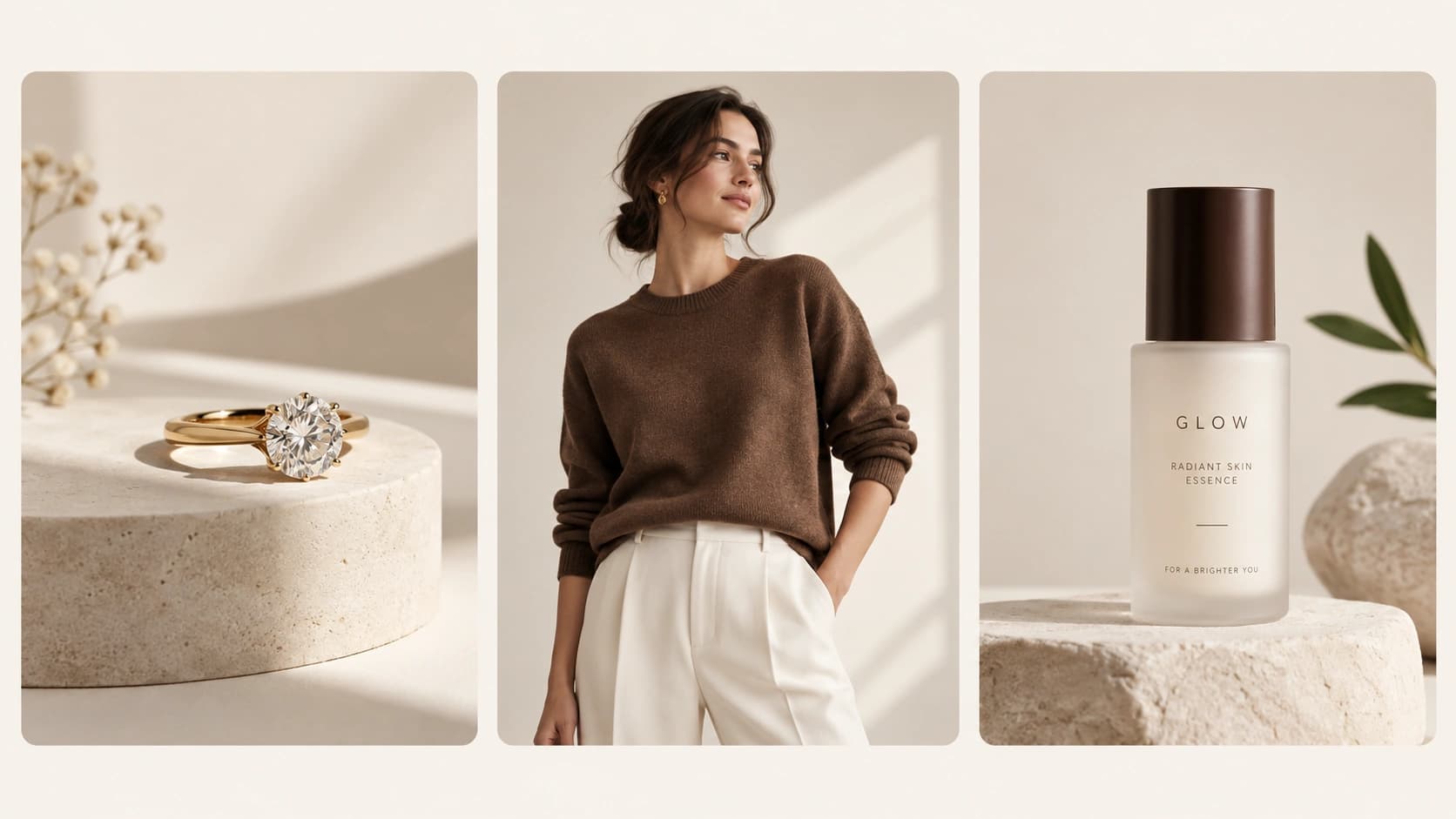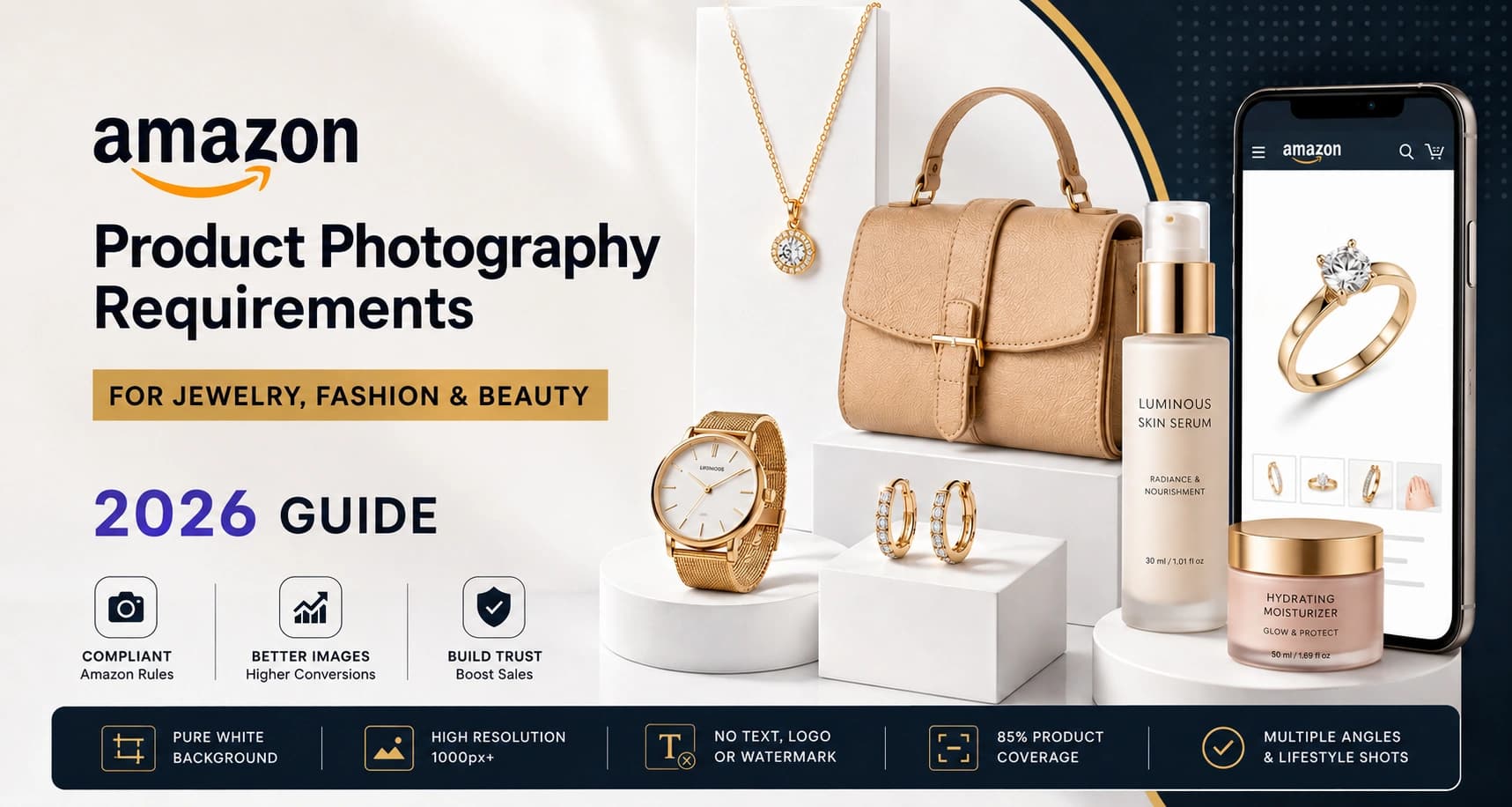
Amazon product photography requirements are stricter than most sellers realize — especially for jewelry, fashion, and beauty brands where image quality directly impacts clicks, trust, and conversions.
The first product photo does more than simply show a product. On Amazon, it decides whether a shopper stops scrolling, clicks your listing, and ultimately buys from your brand.
And in categories like jewelry, fashion, and beauty, visuals matter even more because customers cannot physically touch, wear, or test the product before purchasing.
That means your images need to do three things simultaneously:
- Meet Amazon image guidelines
- Build trust instantly
- Increase conversion rates
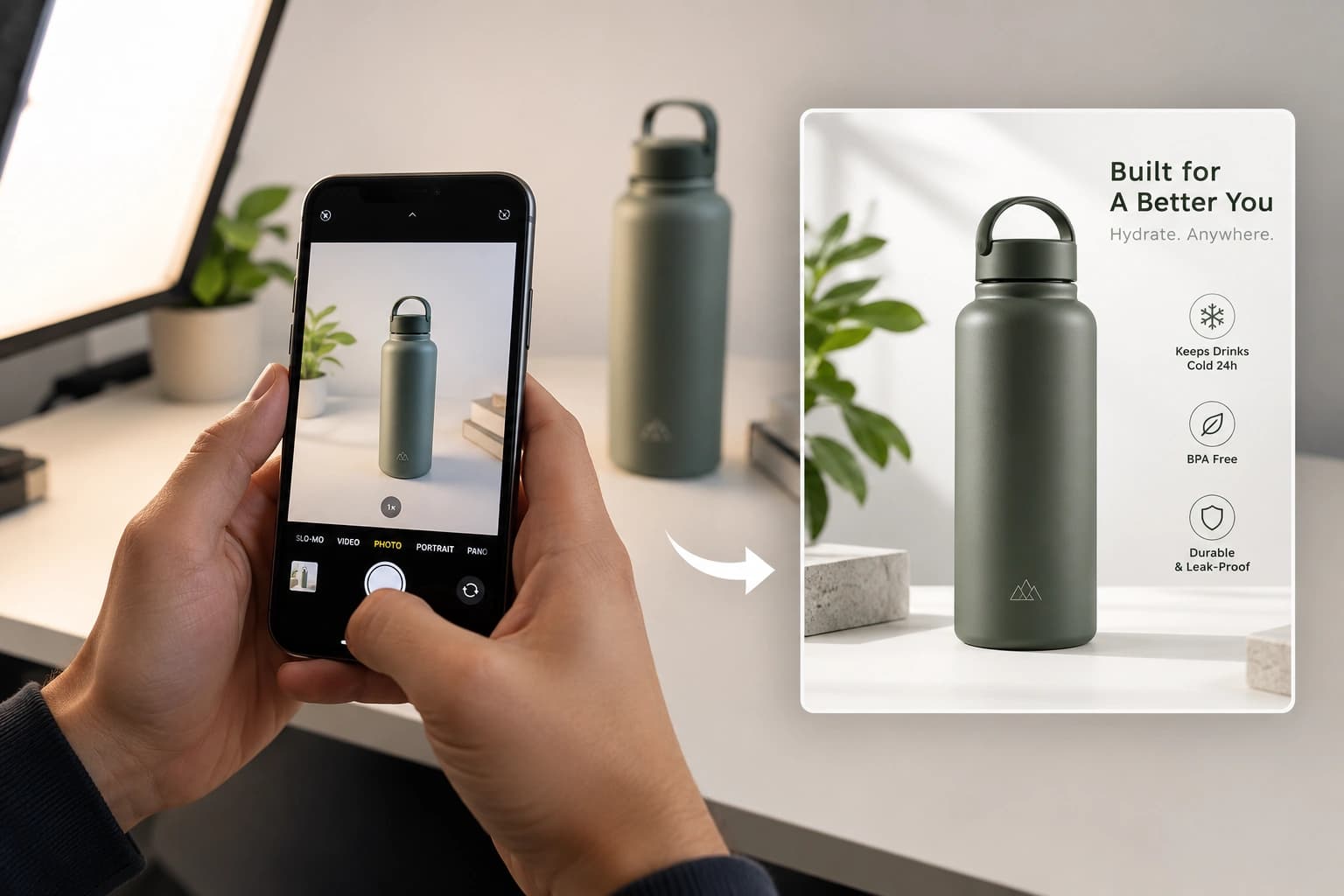
In this 2026 guide, you’ll learn the latest Amazon product photography requirements, category-specific best practices, common mistakes, and how brands can create Amazon-ready images faster using AI-powered workflows like Monoshoot.
Why Amazon Product Photography Matters More Than Ever
Amazon has become extremely competitive.
Thousands of sellers may offer similar products, often at similar prices. In many cases, the image quality becomes the deciding factor.
A weak image can:
- Reduce click-through rate
- Lower conversion rates
- Make products appear cheap
- Cause listing suppression
- Hurt customer trust
A strong image can:
- Increase clicks
- Improve conversions
- Build brand credibility
- Reduce returns
- Help products stand out
For categories like jewelry, beauty, and fashion, product photography is no longer optional branding. It is a core conversion strategy.
Amazon Product Photography Requirements (2026)
Here are the core Amazon product photography requirements every seller should follow.
| Requirement | Amazon Guideline |
|---|---|
| Main Image Background | Pure white (#FFFFFF) |
| Recommended Resolution | 1000px+ on longest side |
| Accepted Formats | JPEG, PNG, TIFF, GIF |
| Product Coverage | Product should fill ~85% frame |
| Watermarks or Logos | Not allowed on main image |
| Text Overlays | Not allowed on main image |
| Image Clarity | Sharp, well-lit, unpixelated |
| Number of Images | Amazon recommends 6+ |
| Aspect Ratio | Square images perform best |
| Zoom Feature | Enabled at 1000px+ |
These Amazon image requirements are especially important because non-compliant images can lead to suppressed listings or reduced visibility.
Amazon Product Photography Requirements for Jewelry
Jewelry photography is one of the hardest product photography categories because tiny details completely change perceived value.
A premium ring can instantly look inexpensive if:
- reflections are uncontrolled
- lighting is flat
- shadows are harsh
- metal tones look inaccurate
That is why Amazon jewelry photography requires precision.
Best Practices for Jewelry Product Images
| Jewelry Photography Element | Best Practice |
| Lighting | Soft diffused lighting |
| Background | Pure white for main image |
| Detail Visibility | High sharpness and zoom |
| Angles | Multiple close-up shots |
| Scale | Include wearable context |
| Reflections | Controlled and clean |
| Shadows | Minimal and soft |
Recommended Jewelry Image Types
Every jewelry listing should include:
- Main white background image
- Close-up detail shots
- Lifestyle or model photos
- Packaging shots
- Scale reference images
- Multiple viewing angles
For luxury jewelry brands, visual consistency is extremely important across Amazon, Instagram ads, and social media creatives.
This is where Monoshoot becomes useful because brands can generate:
- ecommerce-ready jewelry images
- luxury lifestyle visuals
- model-based product shots
- ad creatives
- social media content
while maintaining brand colors and consistency across all formats.
Monoshoot also supports category-specific workflows for:
- rings
- necklaces
- bracelets
- earrings
- watches
- accessories
Amazon Product Photography Requirements for Fashion
Fashion photography is less about the product itself and more about how the product feels when worn.
Customers want to understand:
- fit
- shape
- drape
- styling
- fabric texture
- proportions
That means Amazon fashion photography must combine clean ecommerce photography with lifestyle storytelling.
Fashion Photography Requirements Table
| Fashion Image Type | Purpose |
| Main Product Image | Amazon compliance |
| Front & Back Views | Product clarity |
| Close-Up Fabric Shots | Texture visibility |
| Model Images | Fit visualization |
| Lifestyle Photos | Emotional connection |
| Size Reference Images | Better buying decisions |
Common Fashion Photography Mistakes
Many sellers make these mistakes:
- over-editing clothing colors
- poor lighting
- inconsistent model poses
- cropped garments
- wrinkled clothing
- low-resolution uploads
Amazon shoppers compare products quickly. If your clothing images look unclear or inconsistent, shoppers leave immediately.
Modern fashion brands also need content beyond Amazon:
- social media ads
- Instagram creatives
- lookbook visuals
- retargeting campaigns
- marketplace images
Monoshoot helps fashion brands generate multiple creative styles from a single product image while preserving:
- brand identity
- aspect ratios
- product consistency
- brand colors
Amazon Product Photography Requirements for Beauty Brands
Beauty product photography is built around trust.
Customers want products to feel:
- clean
- premium
- safe
- effective
- authentic
For beauty brands, packaging visibility is extremely important because customers often make decisions based on presentation alone.
Beauty Product Photography Checklist
| Beauty Photography Requirement | Why It Matters |
| Clean White Background | Amazon compliance |
| High Resolution | Better zoom experience |
| Packaging Visibility | Customer trust |
| Texture Shots | Product understanding |
| Ingredient Highlights | Better education |
| Lifestyle Images | Emotional appeal |
| Accurate Colors | Reduced returns |
Best Beauty Product Images Include
- Hero product image
- Front and back packaging
- Texture or swatch shots
- Ingredient visuals
- Usage context photos
- Lifestyle imagery
- Model photography
Beauty brands especially benefit from consistent creative systems because the same product usually needs:
- Amazon images
- paid ads
- influencer creatives
- social media visuals
- website banners
Monoshoot helps beauty and wellness brands generate all these image formats while keeping visuals aligned with the brand’s chosen color palette and style system.
Common Amazon Product Photography Mistakes
Even experienced sellers make avoidable mistakes.
The Biggest Mistakes Include
| Mistake | Impact |
| Low-resolution uploads | Poor zoom experience |
| Busy backgrounds | Lower CTR |
| Incorrect white balance | Untrustworthy visuals |
| Inconsistent image styles | Weak branding |
| Over-editing | Customer dissatisfaction |
| Missing lifestyle images | Lower conversions |
| Poor mobile optimization | Reduced engagement |
Understanding Amazon product photography requirements is essential if you want higher conversion rates and fewer listing rejections.
Amazon Product Image Checklist Before Uploading
Before uploading images to Amazon, check these points:
Main Image Checklist
- Pure white background
- No text or logos
- Product fills frame properly
- High resolution
- Sharp focus
- Correct colors
Secondary Image Checklist
- Lifestyle images included
- Close-up details visible
- Multiple angles added
- Packaging shown clearly
- Mobile-friendly cropping
Following these Amazon product photography requirements improves both compliance and conversion performance.
How Monoshoot Helps Brands Create Amazon-Ready Images Faster
Most brands today do not just need one product image.
They need:
- Amazon listing images
- social media creatives
- paid ad visuals
- lifestyle photography
- model photography
- marketplace-ready content
And creating all this manually becomes expensive and slow.
Monoshoot helps brands generate:
- ecommerce-ready product images
- Amazon-compliant photos
- AI-generated lifestyle scenes
- ad creatives
- social media visuals
- model-based photography
The platform is built specifically for:
- Jewellery & Accessories
- Wellness & Cosmetics
- Clothing & Fashion
Unlike generic AI tools, Monoshoot uses category-specific workflows and also allows brands to maintain visual consistency using custom brand colors and multiple aspect ratios.
This makes it easier to scale content creation across:
- Amazon
- Shopify
- Meta ads
- marketplaces
- websites
The brands that win on Amazon usually treat Amazon product photography requirements as part of their conversion strategy — not just compliance.
Helpful Amazon Product Photography Resources
External Resources
- Amazon Product Image Requirements
https://sellercentral.amazon.com/gp/help/external/G1881 - Amazon Product Photography Tips
https://sell.amazon.com/blog/product-photos - Amazon A+ Content Guide
https://sell.amazon.com/blog/a-plus-content-design-guide
FAQs
What are Amazon product photography requirements?
Amazon product photography requirements include using a pure white background for main images, high-resolution uploads, clear lighting, accurate colors, and compliant image formatting without logos or watermarks.
What is the ideal Amazon image size?
Amazon recommends images above 1000 pixels on the longest side to enable zoom functionality.
Can I use lifestyle images on Amazon?
Yes. Lifestyle images are recommended as secondary images because they help customers visualize the product in real-world usage.
How many images should an Amazon listing have?
Amazon recommends using at least six images for better conversion performance.
Can AI-generated images be used on Amazon?
Yes, as long as the images accurately represent the product and follow Amazon’s image guidelines.
How does Monoshoot help ecommerce brands?
Monoshoot helps brands generate Amazon-ready product images, ad creatives, social media visuals, and lifestyle content using AI-powered category-specific workflows.
Final Thoughts
Amazon product photography is no longer just about compliance.
For jewelry brands, images communicate luxury.
For fashion brands, they communicate fit and confidence.
For beauty brands, they communicate trust and quality.
The strongest ecommerce brands understand that product images directly influence conversion rates.
And with tools like Monoshoot, brands can now create marketplace-ready images, social creatives, and ad visuals faster – while maintaining consistency across every platform.