Chapter 01Customwear with a worldwide community
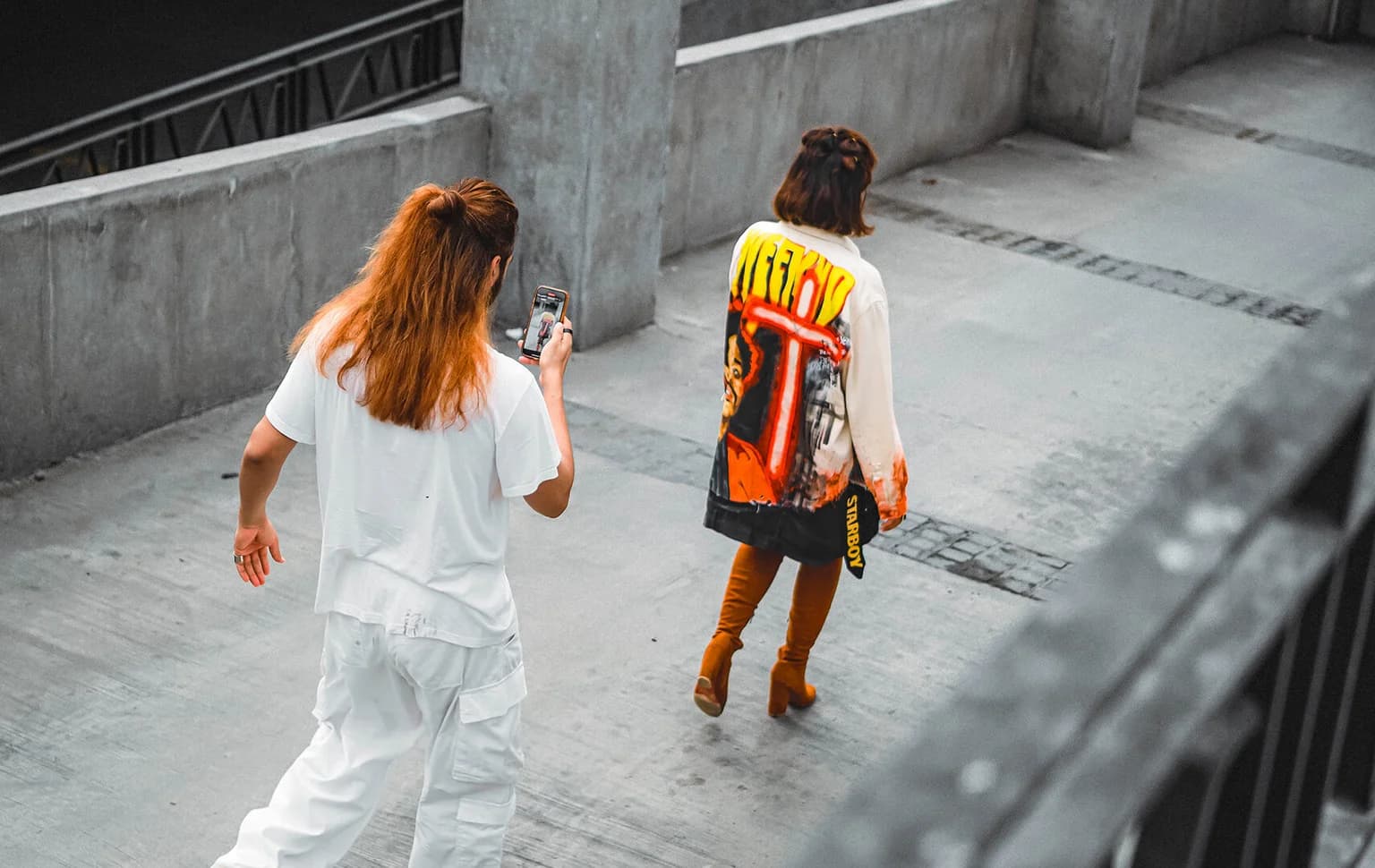
OCD stands for Obsessive Creative Designer. The brand’s official website describes a custom clothing and wearable art business, featuring hand-painted designs, artist-crafted pieces, and personalized sneakers.
For a brand selling custom designs, photography needs to communicate the details of the individual piece. Artwork, garment shape, texture, and color all help a shopper understand what they are buying.
OCD World has built a community of 56.8K Instagram followers, observed on 17 October 2026. Its worldwide shipping policy makes its customwear available to an international audience.
Chapter 02Creating Content for Individual Pieces
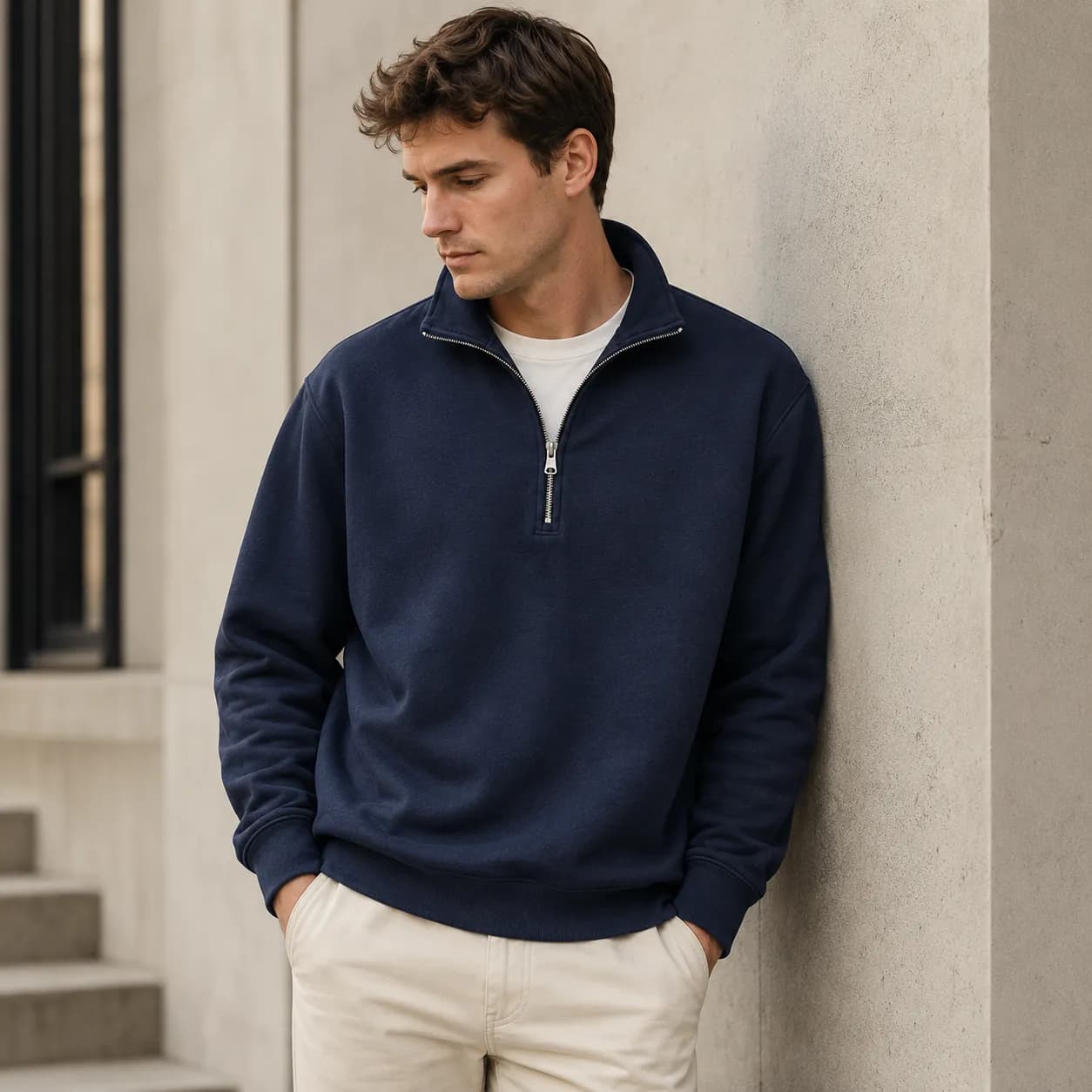
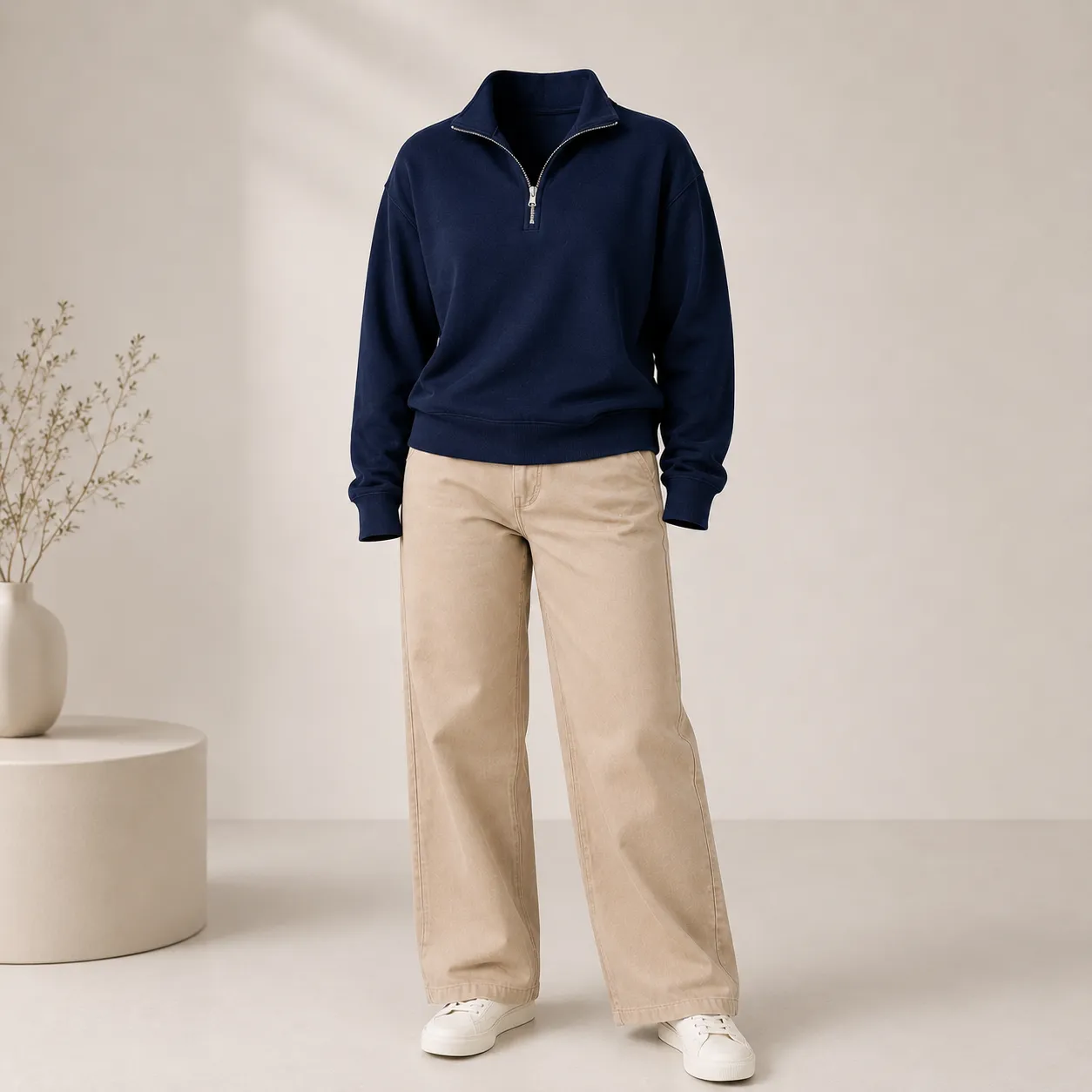
Custom clothing gives a brand many distinct products to photograph. Preparing new catalog images or campaign scenes can involve coordinating a location, lighting, styling, and image editing.
OCD World’s feedback focuses on the practical value of using Monoshoot: saving both cost and time. The team also describes the tool as very easy to use. Those observations are the basis of this customer story.
The workflow guidance below explains how a clothing brand can explore AI photography with its own product photos. These steps are Monoshoot’s general guidance for preparing, generating, and reviewing clothing images.
Chapter 03Why Product Fidelity Matters for Wearable Art
The team praises Monoshoot’s generation quality and product fidelity in its direct testimonial. For custom clothing, useful fidelity means keeping the details that distinguish the garment recognizable in the final image.
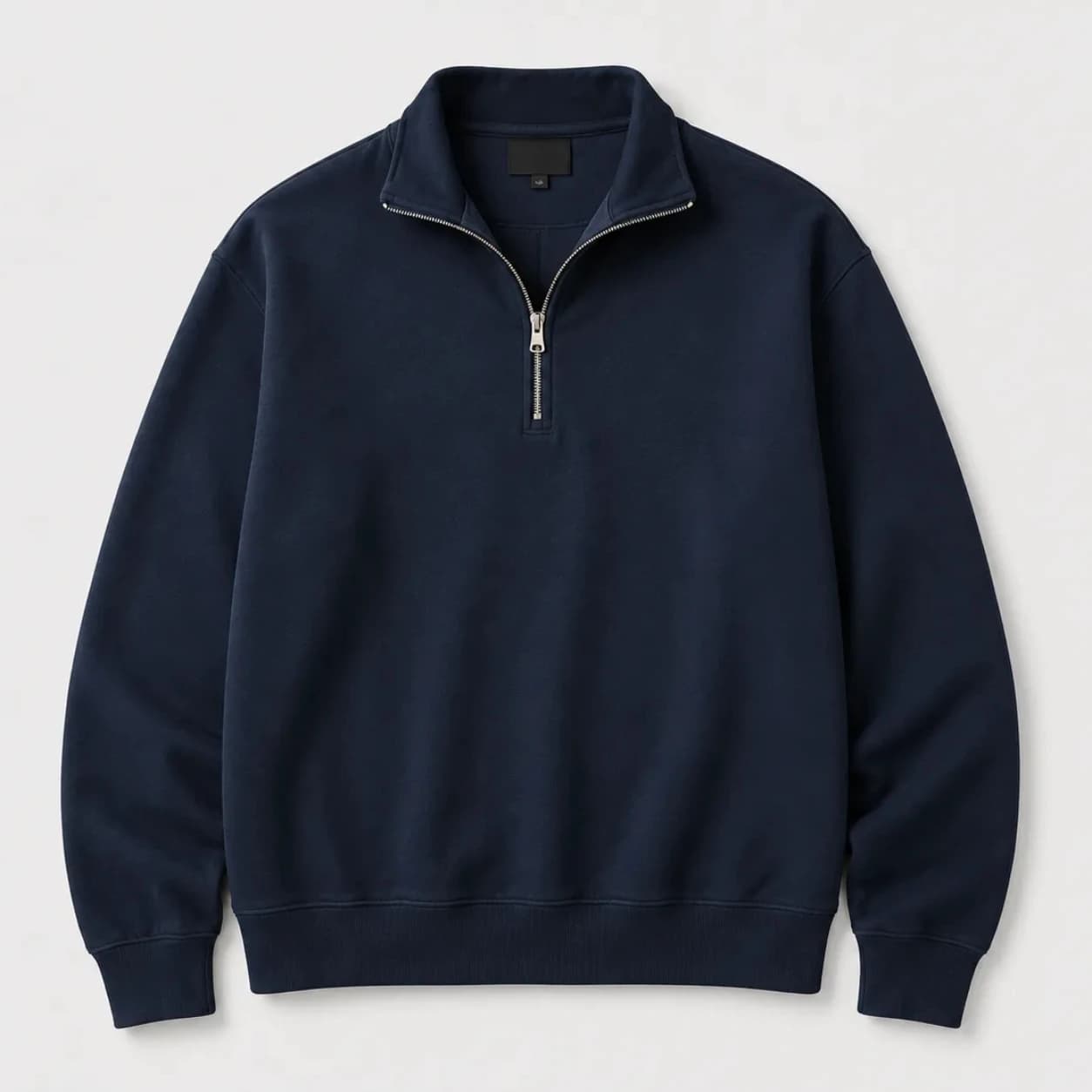
Review the details that make the product yours.Compare artwork, logos, stitching, garment shape, fabric texture, and color with your source photo. A sharp, well-lit input helps you evaluate the generated result before publishing it.
This testimonial reflects the customer’s experience. Each product and source image presents different challenges, so reviewing the output remains part of the photography workflow.
Chapter 04A Starting Workflow for AI Fashion Photography
To explore a similar use case for your own clothing brand, start with these steps:
1Capture the Finished PieceUse a sharp photo in even lighting. Keep the full garment and its important design details visible. Our product photography guide covers source photo preparation.
2Explore a Fashion SceneUpload your photo to Monoshoot’s Clothing & Fashion studio and choose a presentation that suits the product, such as on-model styling or a catalog scene.
3Review and Choose Your ImagesCompare the result with the physical garment and source photo. Check the design details before selecting images for a storefront, lookbook, or social campaign.
What OCD World Reports
In feedback shared directly with Monoshoot, the OCD World team reports:
- Time and cost savings in its product imagery workflow.
- Good generation quality and positive feedback about product fidelity.
- Ease of use, describing the tool as very easy to use.
- A 5/5 customer rating, provided directly to the Monoshoot team.
The savings are qualitative customer feedback. For your own brand, compare the current Monoshoot plans with your image needs, production process, and time spent reviewing results.