
Upload a clear product photo
Upload any phone photo, packshot, or catalog image to test your first scene for free. Keep key product details visible and in focus.
AI product photography studio
Turn a simple product photo into a studio, lifestyle, or campaign-ready scene in seconds. Give Monoshoot your product photo and creative direction—our commercial AI builds the setting, light, and contact shadows around it.
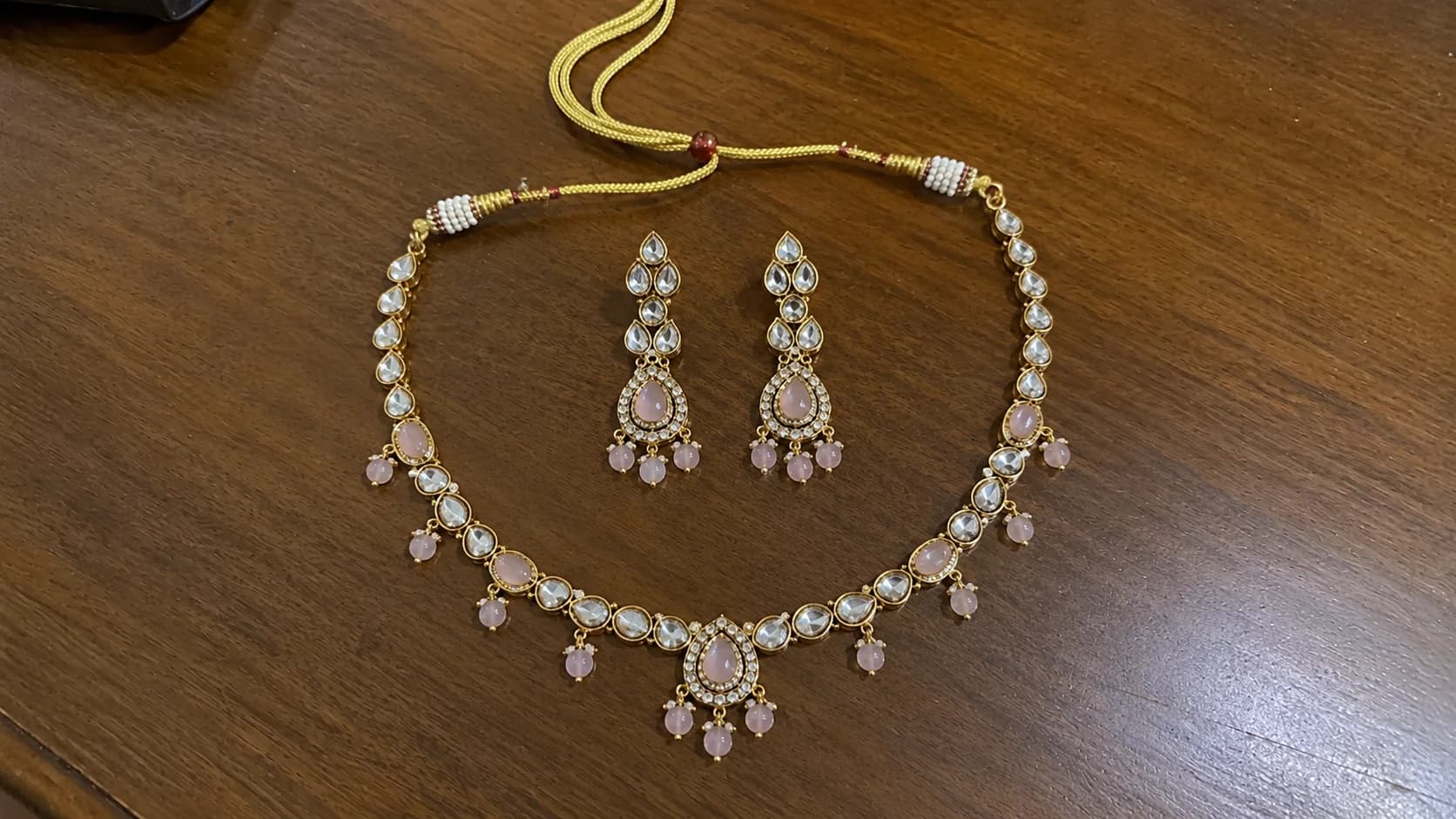

An AI background generator is for the moment when transparent pixels are not the deliverable. You need a believable tabletop, a clean studio sweep, or a lifestyle setting that makes a real product feel ready for a customer to see.
Monoshoot is built for commercial product imagery across clothing, jewelry, and cosmetics. The goal is a coherent photograph where lighting, surface textures, and reflections naturally wrap around your product—not a generic backdrop pasted behind it.
How it works
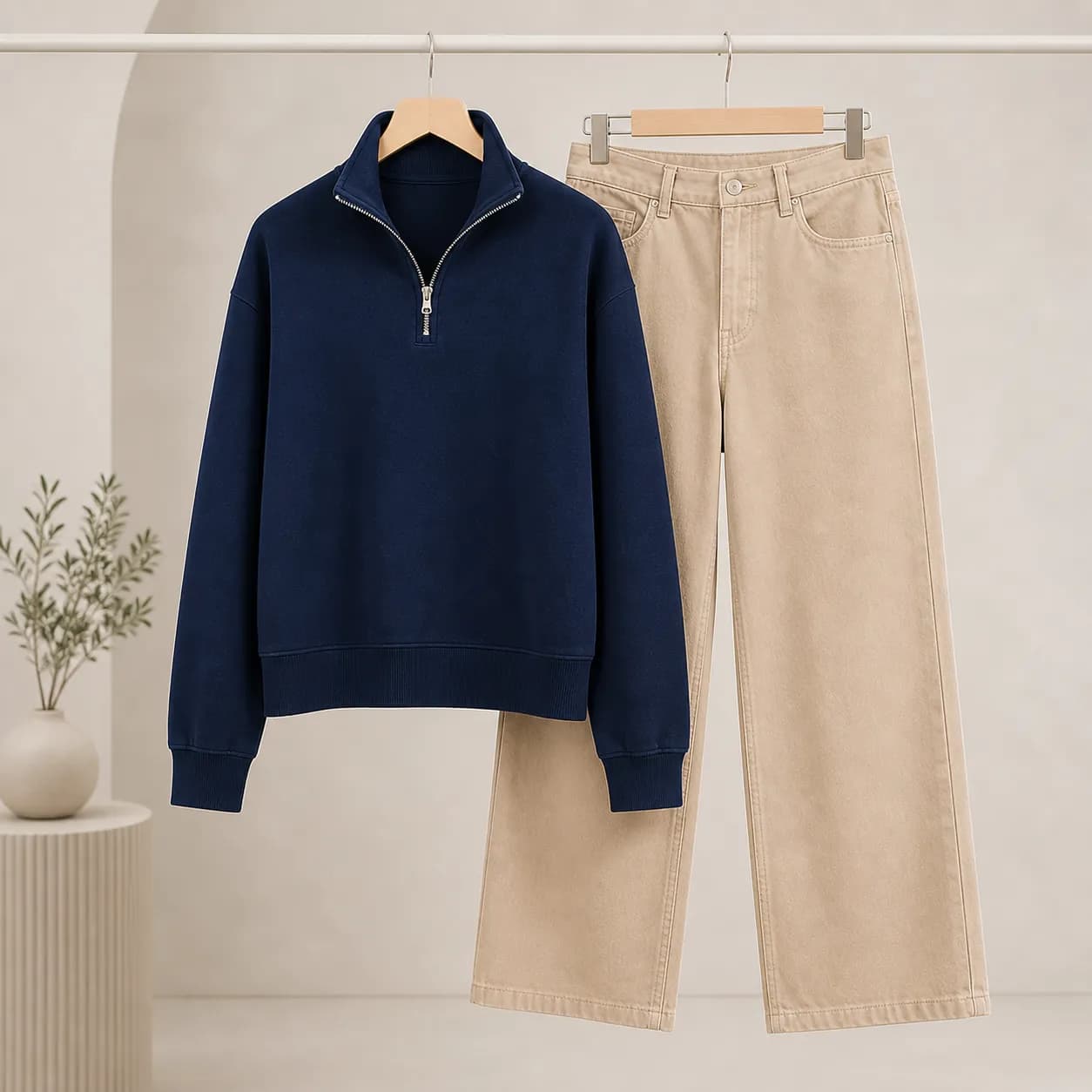
You provide the visual truth. Then choose the commercial context that belongs around it.
Upload any phone photo, packshot, or catalog image to test your first scene for free. Keep key product details visible and in focus.
Select tailored ecommerce surfaces (marble, travertine, studio sweep), lighting setups, and aspect ratios (1:1, 3:4, 4:5, 9:16).
Create your commercial scene with true contact shadows, inspect product details, and download high-resolution images for your storefront.
Curated commercial environments
Generate backgrounds tailored for the exact job your product image needs to perform.
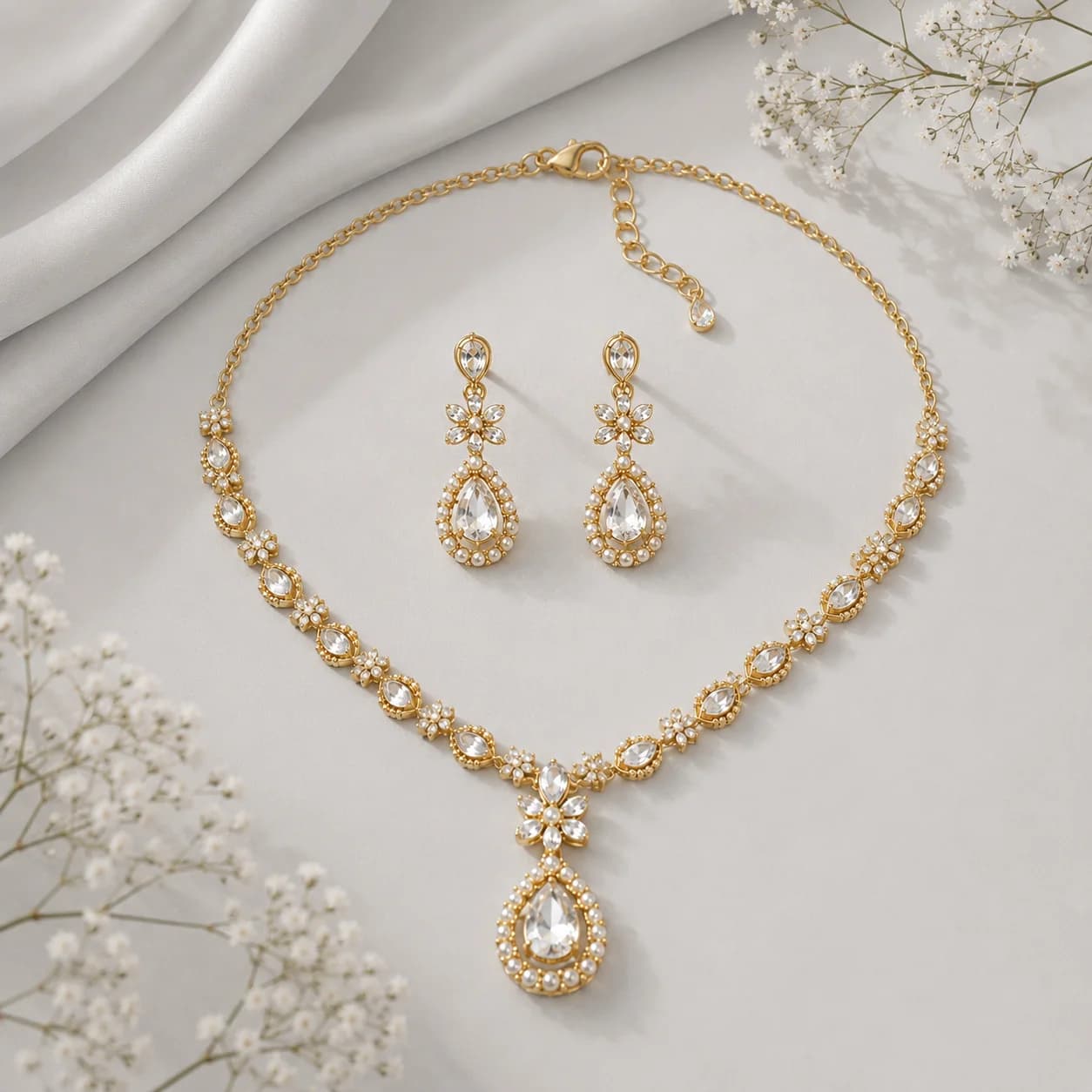
A clean, product-first setting for catalog tiles and listings.
Try this look free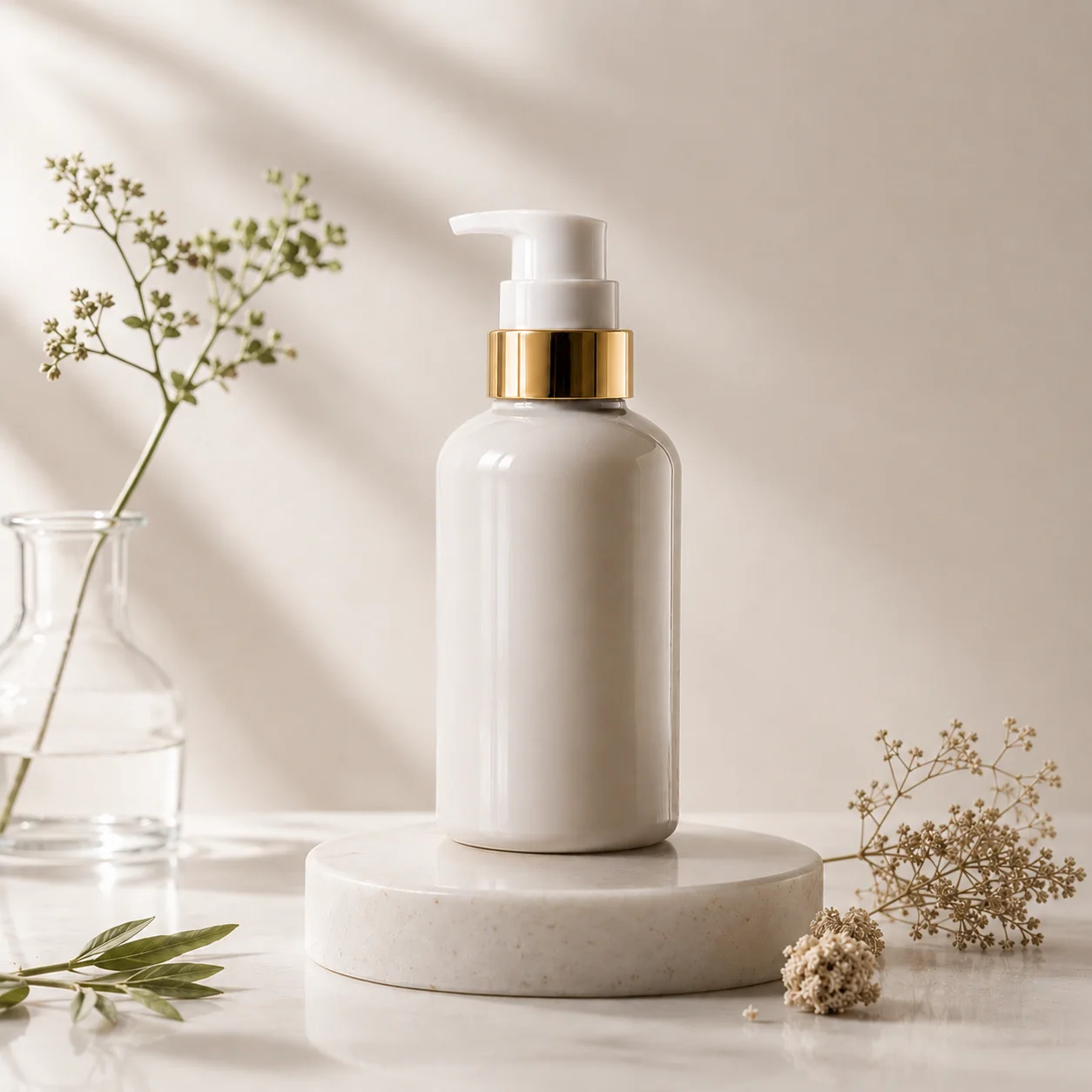
Editorial depth, intentional lighting, and space for brand storytelling.
Try this look free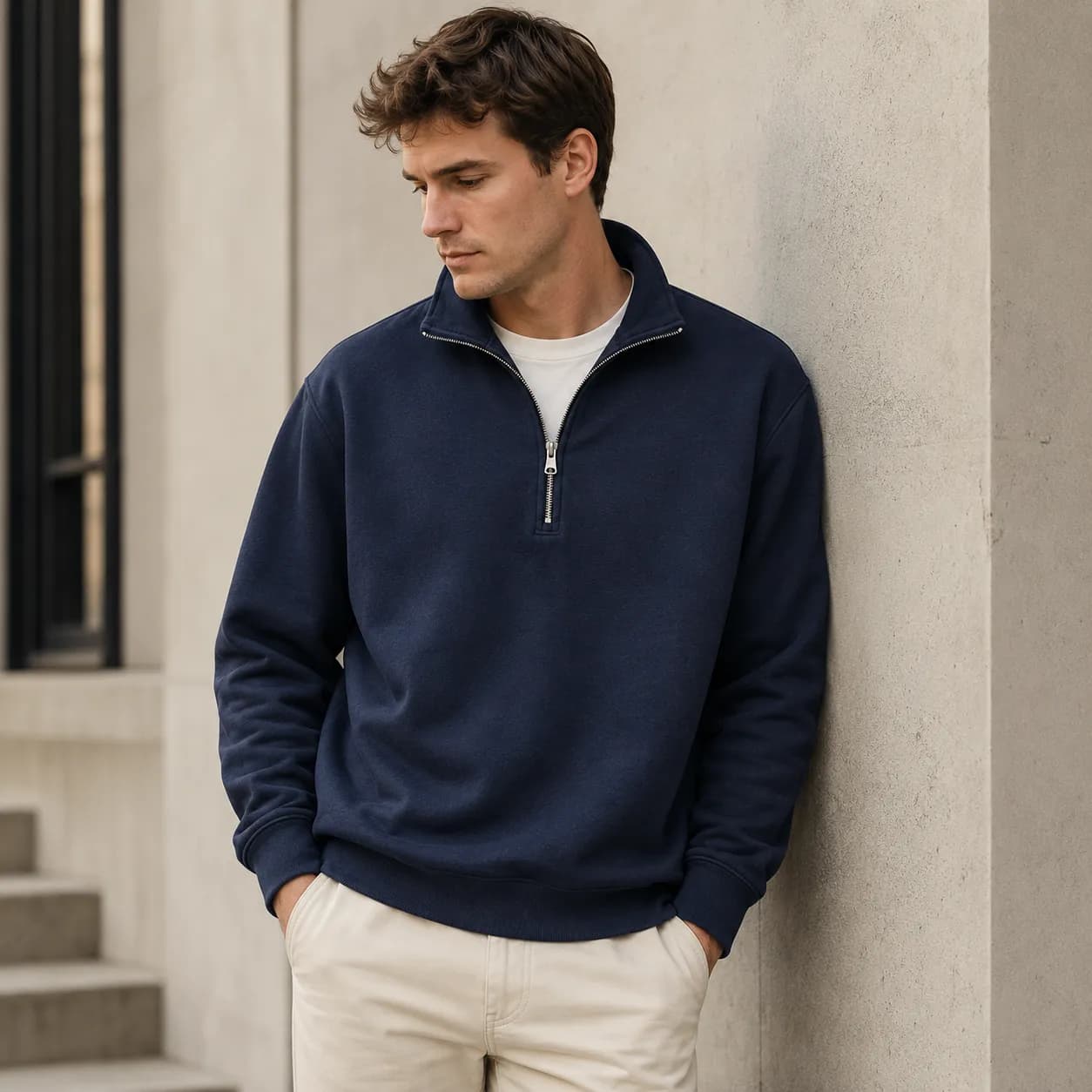
A believable environment that shows how the product fits into a real moment.
Try this look freeNo prompt engineering needed
Normally with other AI tools, you have to write long, frustrating prompt paragraphs—guessing technical camera keywords, lighting angles, and surface terms just to get a usable commercial photo.
With Monoshoot, prompt guesswork is gone. Simply choose from real category scenes, calibrated lighting setups, brand styling, and channel aspect ratios with one click.
Ecommerce-focused visual engines
Generic AI tools hallucinate details and deform edges. Monoshoot uses category-specific visual physics to preserve product accuracy.
Create clean catalog contexts, on-model images, ghost mannequin presentations, and editorial environments that let fabric, fit, and styling remain visible.
Build scenes that keep metal luster, stone detail, and fine silhouettes in focus—from white studio sweeps to intimate lifestyle marble pedestals.
Explore AI jewelry photographyPair bottles, jars, and packaging with elevated surfaces, natural reflections, and campaign-ready visual atmosphere that builds trust.
Explore AI beauty photographyChoose the right tool
Background generation and background removal solve different problems. Keeping them separate makes your workflow—and your final image—more predictable.
Use the free background removerFrequently asked questions
Everything you need to know about scene generation, source photos, platform compliance, and commercial licensing.
An AI background generator creates a new, photorealistic scene around an existing subject or product photo. Instead of returning a plain transparent cutout, it generates an engineered commercial environment with an authentic surface (like marble, wood, or stone), calibrated studio lighting, natural depth of field, and true contact shadows.
Upload a clear product photo to Monoshoot, choose your product category (Clothing, Jewelry, or Cosmetics) and scene style, then select your lighting and aspect ratio. Monoshoot builds the new scene around your product reference. Inspect the result and export in high resolution.
A background remover isolates the subject and leaves an empty transparent cutout (PNG). An AI background generator uses the subject as a reference and produces a complete commercial photograph with realistic surfaces, lighting, and contact shadows. Use a remover for transparent assets; use a generator for storefront and marketing imagery.
Yes. A clean, sharply focused phone photo taken in natural light is a great starting point. Keep key product details clearly visible, avoid heavy obstructions, and Monoshoot will build a professional studio-grade setting around it.
Yes. Monoshoot is specifically engineered for commercial product photography. It preserves your product’s recognizable shape, color, materials, and logos while generating realistic lighting, reflections, and contact shadows that naturally wrap around it.
Yes. Monoshoot images are high-resolution and commercially licensed for online storefronts, social campaigns, and marketplaces. For Amazon main listings, use our Studio White preset to meet pure-white background requirements. For secondary images and ads, use lifestyle and tabletop scenes.
Yes. Monoshoot provides free starter credits so you can test the AI background generator with your own product photos before choosing a paid plan.
Start free with any product photo you have—from raw smartphone shots to existing catalog cutouts. Generate studio-grade lighting, shadows, and commercial depth in seconds.