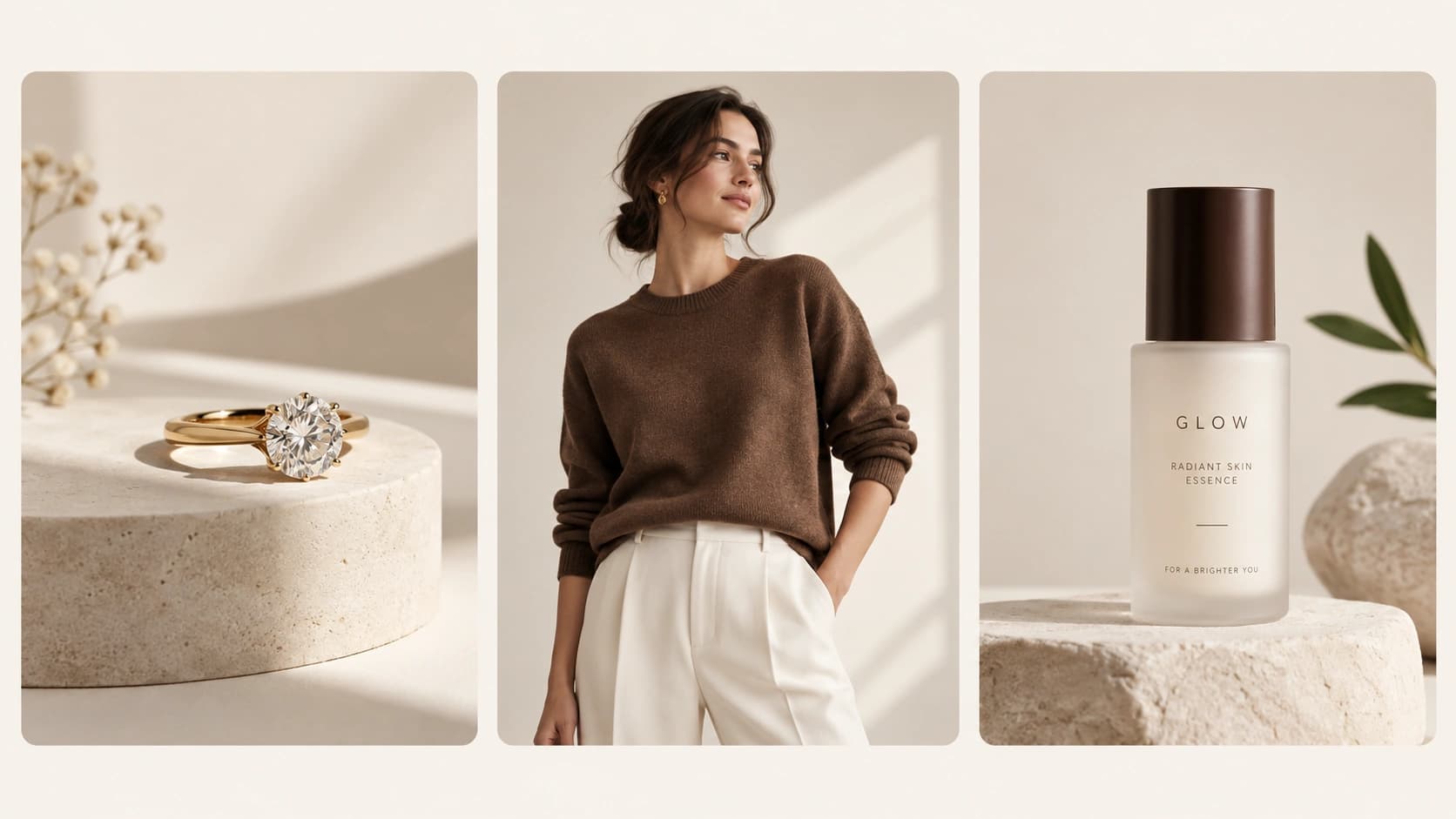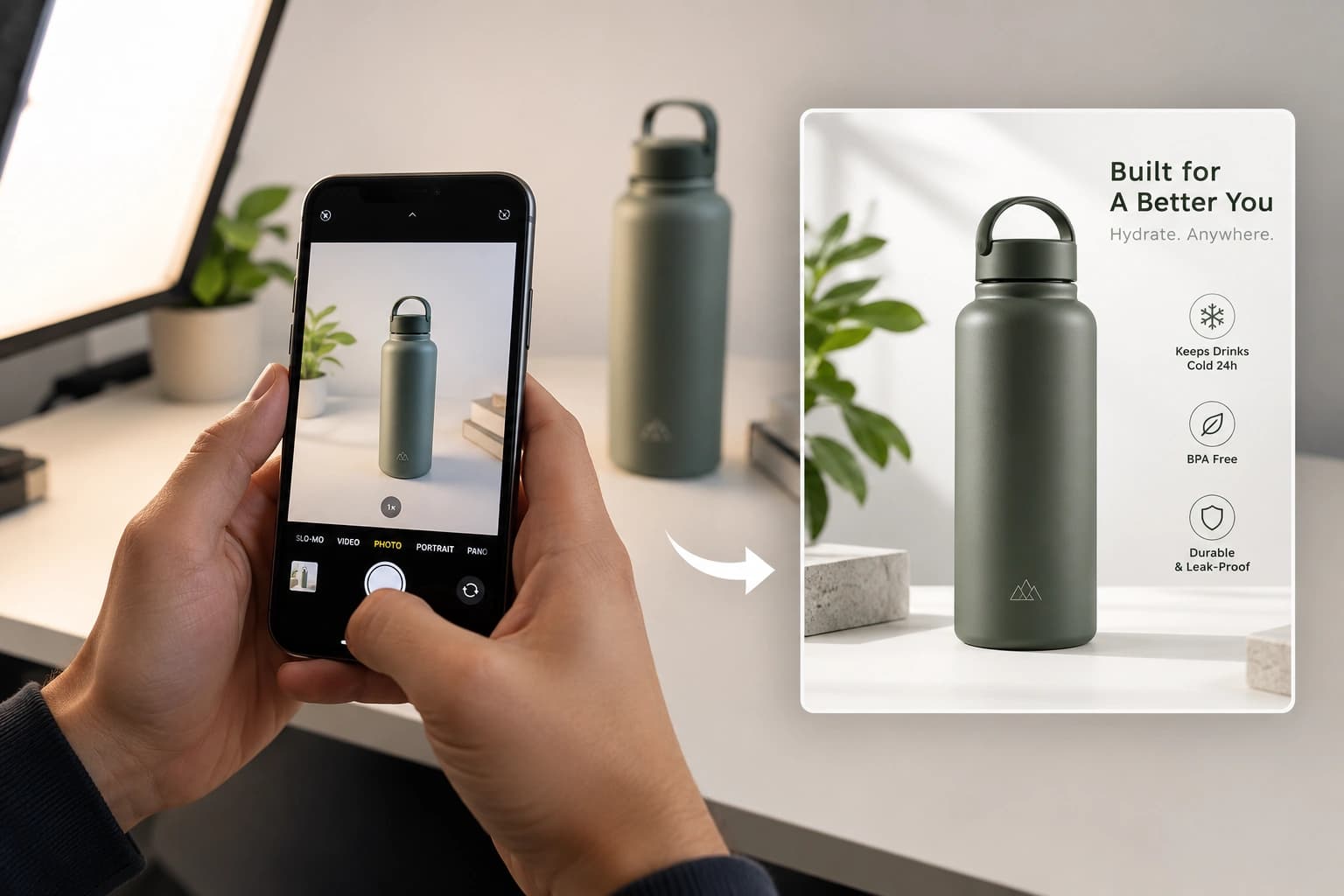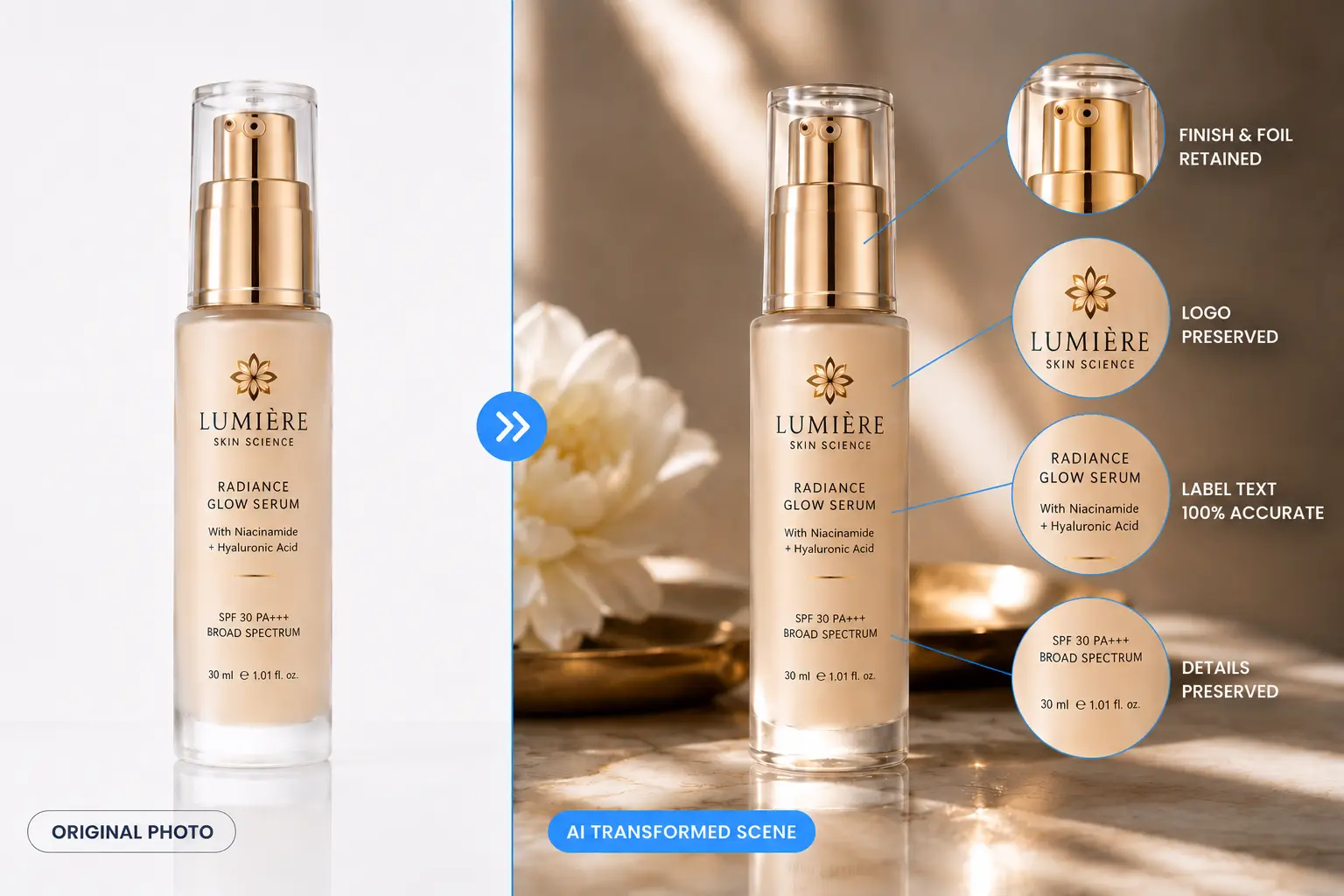
AI photography for cosmetics packaging promises a fast, affordable way to get studio-quality product images – but for beauty brands, there’s one non-negotiable: the label, logo, and finish on your packaging need to come through exactly as they are. Get that wrong, and the photo stops representing your product.
Below are 7 practical, tested ways to keep your packaging accurate when using AI photography, plus what to check before you commit your full catalog to any tool.
Why Packaging Accuracy Matters for Cosmetics Brands
Beauty buyers read the label before they buy. Shade names, ingredient lists, SPF numbers, and net volume directly influence the purchase decision – and the logo is often the entire basis for brand recognition in a crowded feed.
When AI-generated images blur ingredient text, shift a logo, or shift a shade slightly warmer or cooler, it’s not just a visual issue. It’s a mismatch between what the customer ordered and what arrives, which leads straight to returns and one-star reviews.
Tip 1: Start With a Sharp, Well-Lit Source Photo
Every AI photography workflow is only as good as its input. Soft focus or harsh shadows on your original product photo make it harder for any system to preserve fine label text and logo detail.
Shoot in even, diffused light, avoid motion blur, and make sure the label is fully in frame and in focus before uploading.
Tip 2: AI Photography for Cosmetics Packaging – Why Transformation Beats Generation
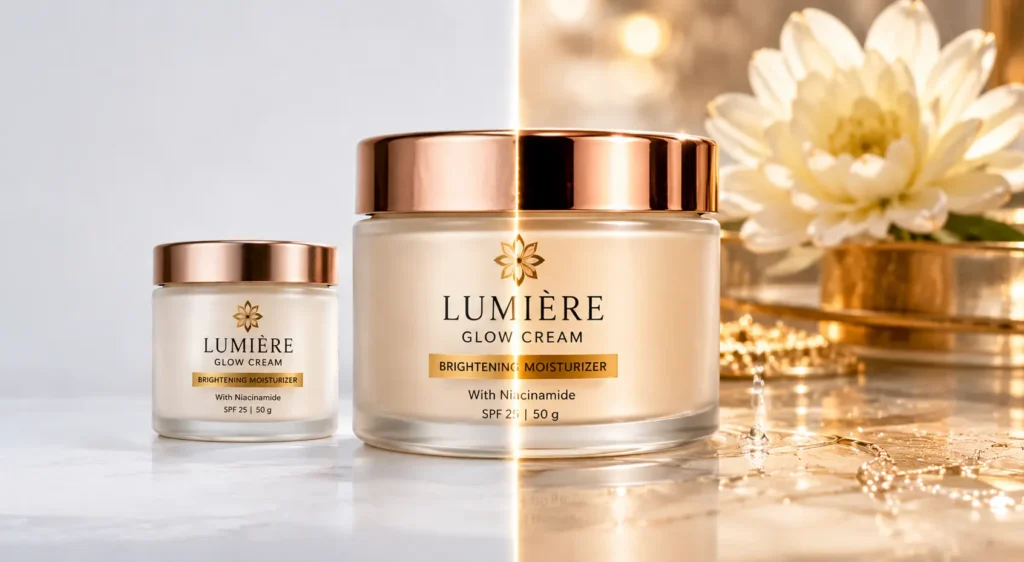
Most AI photo tools work by generating a new image inspired by your product – which is exactly why labels and logos drift. The model isn’t reproducing your packaging, it’s reimagining it.
Tools built around transformation instead treat your uploaded photo as the source of truth. The packaging – text, logo, shape – stays locked, while only the scene, lighting, and background change around it. This single distinction is the biggest factor in whether your packaging stays accurate.
Tip 3: Use Category-Specific Texture & Finish Controls
A lot of premium cosmetics packaging relies on finish – matte caps, glossy bottles, frosted glass, foil-stamped logos. Generic AI tools tend to flatten these into plain plastic or glass with no distinguishing finish.
Look for texture and finish controls specific to cosmetics packaging, so a frosted jar stays frosted and a foil logo stays visible rather than being smoothed away.
Tip 4: Lock In Your Brand Colors Before Generating
Lighting changes can shift how a shade reads – a lipstick photographed under warm light versus cool light can look like a completely different color. For shade-driven products, that’s a serious problem.
If your tool supports a brand color reference, set it before generating. This anchors packaging and shade color across every image, not just one.
Tip 5: Photograph Labels Face-On for Maximum Legibility
Extreme angles in your source photo make small ingredient text and shade names harder to preserve during transformation. Wherever possible, photograph the label face-on, then let the AI tool adjust the angle for the final composition.
This gives the system the clearest possible reference for the text and logo it needs to preserve.
Tip 6: Test Logo and Label Accuracy Before Scaling Your Catalog
Before applying any AI photography tool to your full catalog, run one of your busiest, most text-heavy products through it first. Generate a few variations and check:
Is the label text identical to your real packaging, not just legible? Is the logo the same size, position, and color across different scenes? Does the shade match under different lighting setups? Are finish details – matte, gloss, foil – still visible?
If a tool fails more than one of these on a single product, it’ll fail across your whole catalog. For a broader comparison of tools and what to look for, see our guide to the best AI tools for cosmetics product photography.
Tip 7: Check Compliance With Labeling Requirements
Marketplace and regulatory guidelines often require that ingredient lists and usage information remain legible in product images, not just on the physical packaging. The FDA’s cosmetics labeling regulations outline what information must appear on cosmetic labels in the US – useful context even if your AI-generated images are for marketing rather than the legal label itself.
Before publishing AI-generated images at scale, double-check that any visible label text remains accurate and legible enough to meet your marketplace’s image guidelines.
How Monoshoot Helps
Monoshoot’s approach to AI photography for cosmetics packaging starts with treating your uploaded image as the source of truth, not a creative reference. The Cosmetics & Wellness studio includes:
Texture & Finish controls for matte, glossy, metallic, and frosted surfaces, so packaging finish stays accurate. Brand color support to keep shade and packaging color consistent across every generated image. Auto-detect, which identifies your product type and key packaging attributes on upload and applies the right fidelity settings automatically.
The result: the scene around your product changes, but the label, logo, and finish your customers see is the one that actually arrives in their order.
FAQ
Why do AI-generated cosmetics photos often show the wrong label text?
Most AI image models generate text probabilistically rather than reproducing exact characters from a source image, which often results in label text that looks plausible but doesn’t match the original packaging.
Can AI photography preserve embossed logos and foil details?
Yes, if the tool uses an image-transformation approach combined with finish-specific controls for matte, glossy, foil, and frosted surfaces – rather than full image generation.
Does shade accuracy matter for AI-generated beauty product photos?
Yes. For shade-driven categories like foundation, lipstick, and nail polish, even small color shifts in AI-generated images can misrepresent the product and lead to returns.
What should cosmetics brands check before using an AI photography tool at scale?
Test on a text-heavy, logo-visible product first, checking label accuracy, logo placement, shade consistency, and finish detail across multiple outputs before applying it to a full catalog.
Is AI product photography suitable for cosmetics marketplace listings?
Yes, as long as label text remains legible and the image accurately represents the product’s color, finish, and packaging, in line with marketplace guidelines for beauty categories.
Try It Yourself
Ready to test AI photography for cosmetics packaging on your own catalog? Upload a product to Monoshoot and compare the label and logo accuracy against your current workflow – free to try, no credit card needed.
Learn more about how Monoshoot Cosmetics Studio is engineered to prioritize packaging silhouettes, labels, and bottle finishes in commercial AI shoots.