You don’t need a $500 camera rig or a rented studio to take product photos that sell. You need the right setup, the right light, and the right process. That’s it.
This guide covers exactly how to take product photos at home – from your gear and background to lighting, composition, and editing – across jewelry, clothing, and cosmetics. Whether you’re shooting on a phone or a DSLR, these fundamentals work.
And at the end, we’ll show you the faster option most sellers are quietly switching to.
What Makes a Product Photo “Studio-Quality”?
Before you shoot a single frame, it helps to understand what you’re actually aiming for.
A studio-quality product photo has four things:
- Clean, distraction-free background – the product is the only thing the viewer sees
- Controlled, even lighting – no harsh shadows, no blown-out highlights
- Sharp focus – especially on key details (stitching, gems, texture, label)
- Accurate color – the product looks exactly the same in person as on screen
Miss any one of these and the photo underperforms, regardless of how good the product is.
What You Actually Need (Equipment)
The good news: knowing how to take product photos at home doesn’t require expensive equipment. Here’s the honest list:
Camera: Your phone is enough. iPhone 13 and above, most flagship Android devices, even mid-range phones from 2022 onwards produce resolution that exceeds what ecommerce platforms need. A DSLR or mirrorless camera gives you more control – but it’s not a prerequisite.
Lighting: Natural light from a large window is your best free tool. If you’re shooting at night or in a poorly lit space, a basic ring light or a two-panel LED softbox kit (under $30 on Amazon) does the job well.
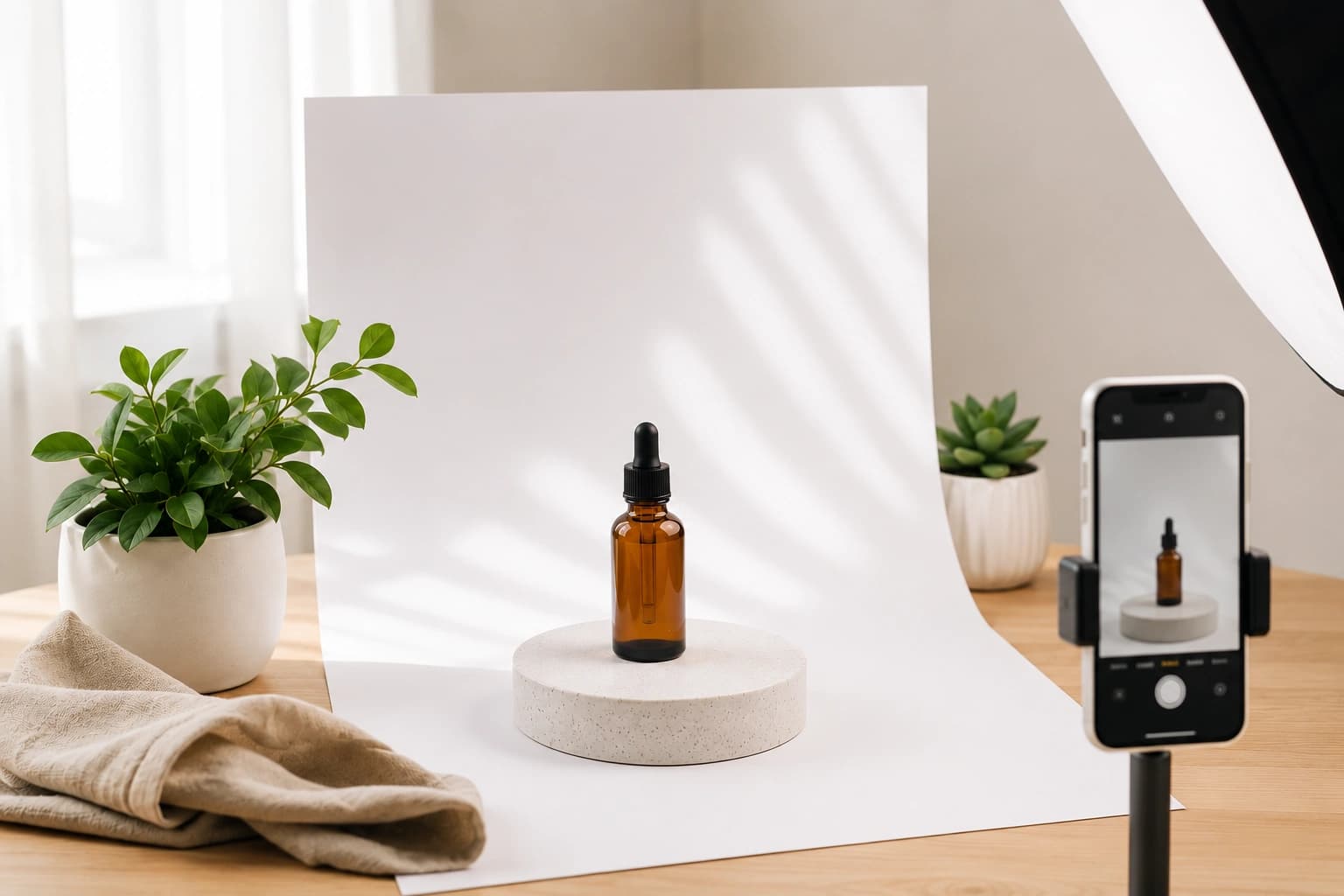
Background: A white poster board, a white foam board from a craft store, or a matte white sweep paper costs almost nothing and eliminates visual noise instantly. For lifestyle shots, textured surfaces like wood, marble vinyl, or concrete paper work well.
Tripod or Phone Stand: Eliminates camera shake and keeps framing consistent across a batch. A basic phone tripod costs under $15.
Reflector: A piece of white foam board on the opposite side of your light source fills in shadows. Free to improvise with what you already have.
How to Take Product Photos at Home: Step by Step
Here’s a repeatable process you can run for every product shoot.
Step 1: Choose Your Background
Start with white or off-white for your primary shots. Marketplaces like Amazon and Etsy mandate it. Keep lifestyle/contextual backgrounds for secondary images.
For jewelry: velvet trays, neutral stone surfaces, or minimalist flat lays work well. For clothing: a plain white wall or a seamless white sweep is the default. Add a mannequin or model for fit context. For cosmetics: clean white or pastel surfaces with one or two contextual props (a sprig of lavender, a clean towel) add brand feel without distracting.
Step 2: Set Up Your Lighting
Position your product near a large window. Diffused natural light (not direct sunlight, which creates harsh shadows) is ideal.
- Place the product so the window light comes from one side (45° angle)
- Put a white foam board on the opposite side to bounce light back and soften shadows
- Avoid overhead indoor lighting mixing with your window light – it creates mixed color temperatures that look unnatural and are hard to fix in post
If you’re using artificial lights: use two softboxes at 45° angles on each side, or one softbox + one reflector. Keep color temperature consistent (daylight, 5500K).
Step 3: Stabilize Your Camera
Mount your phone or camera on a tripod. Set it to the same height as – or very slightly above – the product. Eye-level shots work for most products. Top-down (flat lay) works well for jewelry, accessories, and cosmetics.
For phones: use a 2-second timer or a Bluetooth shutter remote to avoid any vibration from tapping the screen.
Step 4: Frame and Compose
Fill roughly 85–90% of the frame with the product, leaving a small border. Don’t crop too tight or too loose.
- Hero shot: front-facing, centered, clean
- Detail shot: close-up of a key feature (clasp, embroidery, cap lettering)
- Angle shot: 45° view to show depth and form
- Lifestyle/context shot: product in a natural setting
For most listings, a minimum of 4–6 images covers all buyer needs.
Step 5: Shoot in the Highest Quality Available
On phones: set camera to the highest resolution, turn off digital zoom, and enable grid lines for alignment. Shoot in Portrait mode only when you need intentional background blur – not for standard product shots where full sharpness is needed.
On DSLRs: shoot RAW so you have full control in editing.
Step 6: Edit Your Photos
This is where most raw shots become sellable.
Basic edits you must make:
- Adjust exposure so the product is well-lit without blowing highlights
- Boost clarity or sharpness slightly to emphasize texture and detail
- Correct white balance so the product color is accurate
- Remove any dust, smudges, or background distractions
Free editing tools: Snapseed (mobile), Lightroom Mobile (free tier), Canva. Desktop: Adobe Lightroom, Photoshop, or even GIMP for more control.
Product Photography Tips by Category
Jewelry & Accessories
Jewelry is the hardest category to photograph well. Tiny details, reflective surfaces, and intricate metalwork are all punishing with bad light.
- Use a macro lens attachment for phones to get close without losing sharpness
- Avoid direct flash – it blows out metal surfaces
- Use a polarizing filter if you have access to one; it cuts reflections dramatically
- Style rings on a ring cone or a hand model for scale context
- Shoot pendants flat on a matte surface, then again on a neck stand for context
Clothing & Fashion
- Use a clothing mannequin (ghost mannequin for post-edited invisible-mannequin effect) or a live model for fit
- Steam or iron garments before every shot – wrinkles read as low quality regardless of the fabric
- Shoot flat lays for accessories, folded items, and texture showcase
- Include a close-up of any logo, stitching, or fabric texture in your image set
Cosmetics & Wellness
- Keep labels facing the camera and perfectly straight
- Group shots of product lines work well but keep the hero product front and center
- Use natural props sparingly – they should add context, not compete
- Shoot with consistent backgrounds across your entire range for brand cohesion
5 Common Mistakes That Ruin Product Photos
Even when you know how to take product photos at home, these errors quietly kill conversion rates:
- Mixed light sources – window light + yellow ceiling light = color cast that’s hard to fix
- Shooting in JPEG at low quality – you lose editing headroom; always shoot at max quality
- Cluttered backgrounds – anything that isn’t the product is a distraction
- Wrong focal point – auto-focus locking onto the background instead of the product
- Inconsistent angles across your catalog – makes your store look unorganized even if every individual image is good
The Faster Option: AI Product Photography
Here’s the reality: a full studio-quality product photo shoot – done properly – takes hours per session. Setup, lighting, multiple angle passes, editing, culling. Then repeat when you add new SKUs.
That’s why a growing number of ecommerce sellers are using AI product photography instead of building out physical setups.
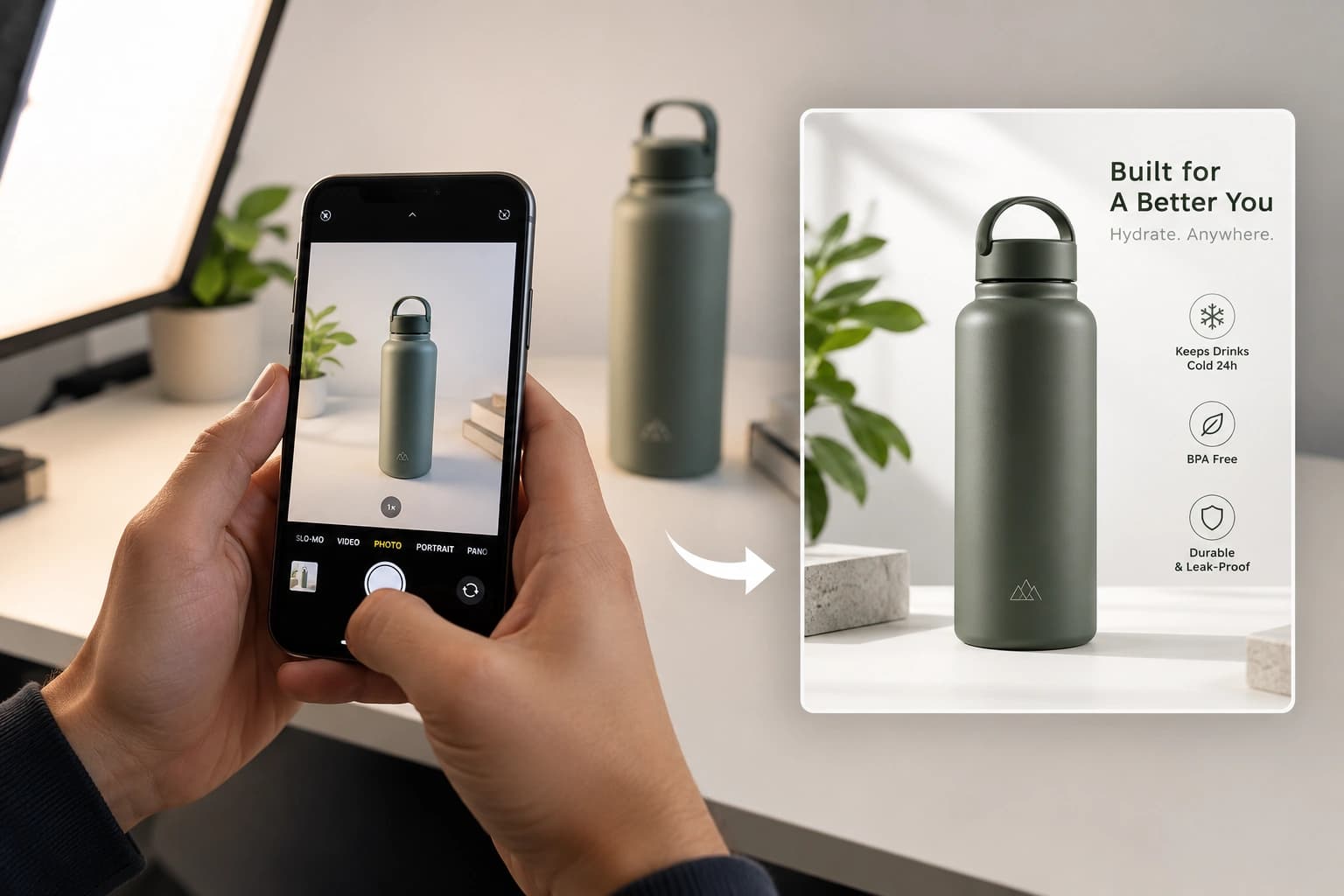
Tools like Monoshoot let you photograph your product on your phone – no backdrop, no lighting rig, no setup – and transform it into a professional studio image in minutes. The product details, texture, colors, and form are preserved exactly as shot. No hallucinations, no wrong materials, no guessed designs.
The result looks like a studio shoot. The effort is a phone photo.
Where AI product photography works best:
- High-SKU catalogs where shooting everything individually isn’t practical
- New product launches where you need images before budget is confirmed
- Small brands and independent sellers who don’t have a photography team
- Jewelry and cosmetics brands where a single bad lighting decision ruins an image
Where traditional photography still wins:
- Products that need model or lifestyle context that requires real humans
- Campaigns where originality and artistic direction are central to the brand
For most ecommerce product shots – the hero images, the white-background marketplace shots, the catalog grids – AI photography is faster, more consistent, and increasingly indistinguishable from studio work.